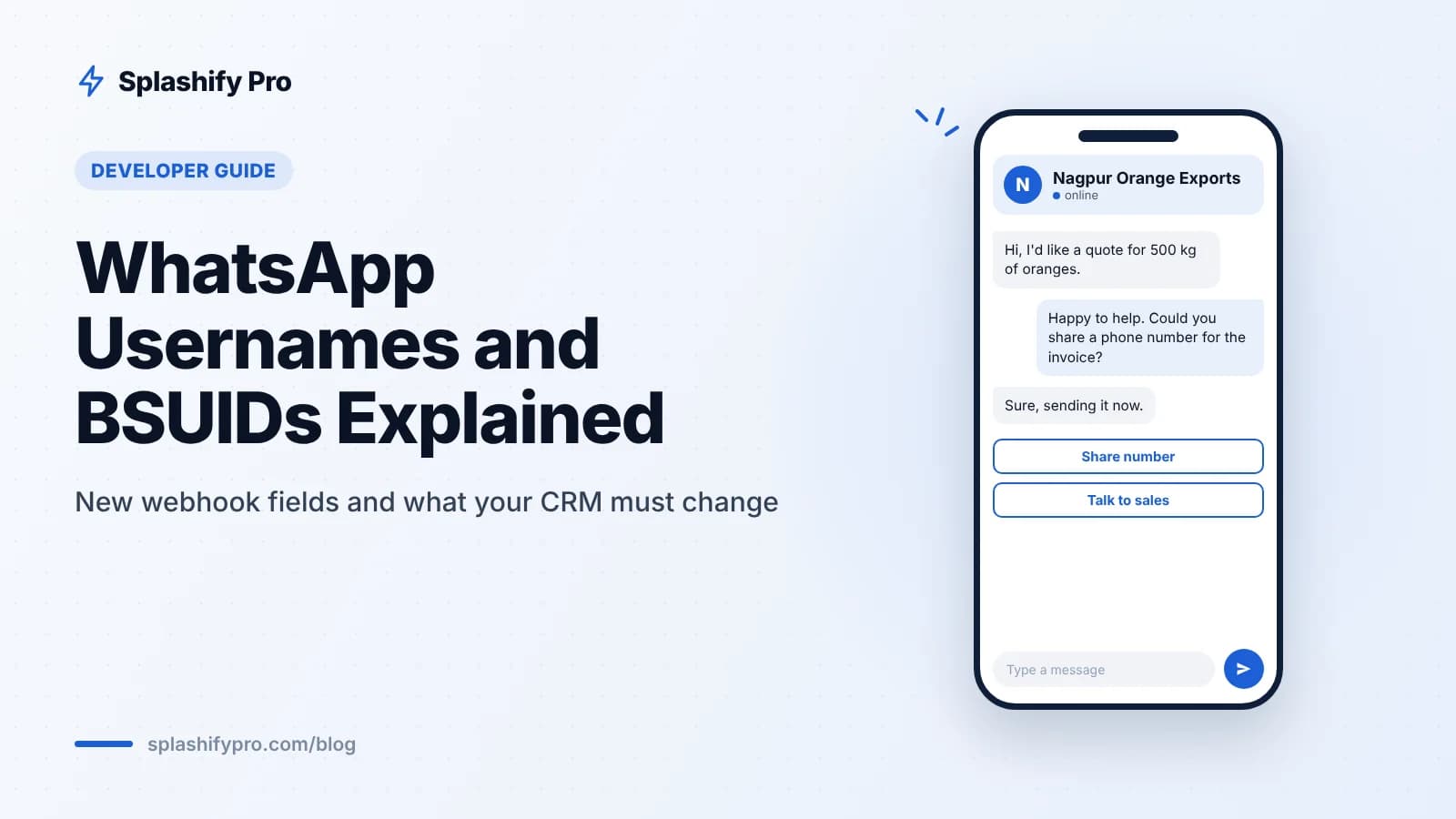
For years, a WhatsApp customer was simply a phone number. That assumption is now breaking. With usernames and business-scoped user IDs (BSUIDs), some messages will reach your webhook without a phone number at all, and any CRM, chatbot or integration that keys everything on the number needs to change.
What are WhatsApp usernames and BSUIDs?
Usernames let people use WhatsApp with a handle instead of sharing their phone number. Username reservations opened on 29 June 2026, and usernames started rolling out in waves from 7 July 2026. The first wave covered Algeria, Azerbaijan, Ghana, Libya and Nepal.
A business-scoped user ID (BSUID) is an identifier for a WhatsApp user that is specific to your business. It has been appearing in webhooks since April 2026. When a user who has a username messages your business for the first time, their phone number may be hidden, and the BSUID is how you recognise them.
The India situation
On 1 July 2026, India's Ministry of Electronics and IT (MeitY) asked Meta to hold usernames in India until consultations finish. So Indian users cannot yet hide their number behind a username.
That does not mean you can ignore this. The BSUID change is global. Your webhooks already carry the new fields, and if you serve customers outside India (NRIs, export buyers, international students) you may see messages from users with usernames today.
New webhook fields to know
These are the fields that now appear in WhatsApp Business API webhooks. If you need a refresher on webhook structure, read our WhatsApp webhooks guide.
Field | Where it appears | What it holds |
|---|---|---|
user_id | contacts object | The BSUID of the customer who messaged you |
username | contacts object | The user's WhatsApp username, if they have one |
from_user_id | messages object | BSUID of the sender of an incoming message |
to_user_id | messages object | BSUID of the recipient, where relevant |
recipient_user_id | statuses object | BSUID of the person a sent message was delivered or read by |
user_id_update / user_changed_user_id | webhook events | Signals that a user's ID has changed and records need reconciling |
The key point: phone number fields may be empty for some contacts. Code that assumes "wa_id is always a phone number" or "from is always present" will break or create duplicate contacts.
What breaks if you do nothing
Duplicate contacts. A CRM that creates a new record for every unrecognised phone number may create blank or broken records when the phone is missing.
Lost conversation history. If your inbox groups chats by number, a user who appears first by BSUID and later by phone can split into two threads.
Failed lookups. Order status bots that look up orders by phone number cannot find the customer.
Broken database constraints. A NOT NULL phone column will reject the insert and the message may be dropped.
Reporting gaps. Delivery and read statuses keyed only by phone number will not match up.
Developer checklist
Work through this list now, while usernames are on hold in India. It is far easier to change a schema before the traffic arrives.
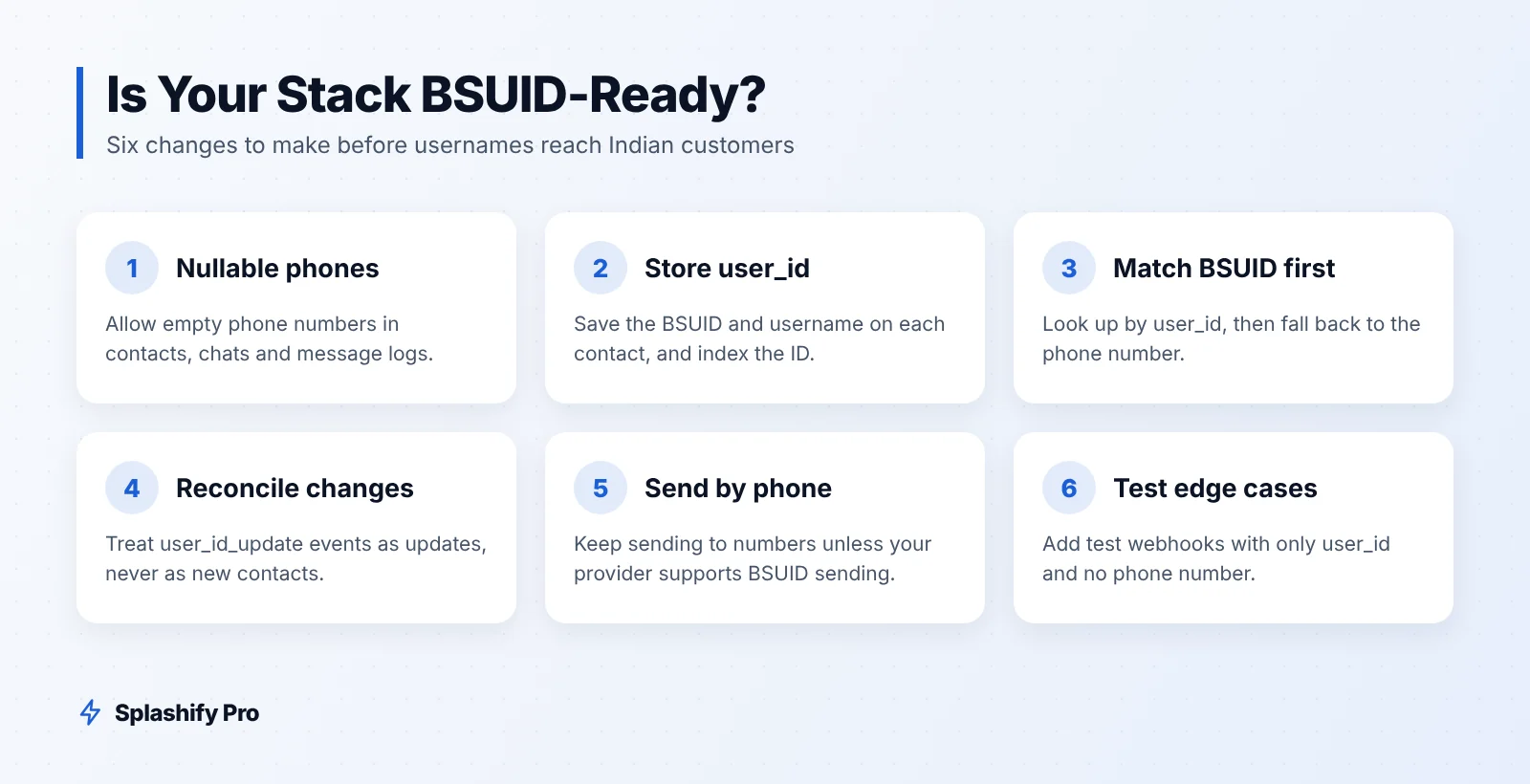
Make phone fields nullable. In your contacts table, conversation table and any message logs, allow the phone number to be empty.
Add a BSUID column. Store user_id on the contact, and index it. Store username as a separate, optional field.
Match by BSUID first, then phone. When a webhook arrives, look up the contact by user_id. If there is no match, fall back to the phone number. If both are missing, log the event for review rather than dropping it.
Backfill as you go. When a known phone contact arrives with a user_id for the first time, attach the BSUID to that existing record.
Treat ID change events as reconciliation. When you receive user_id_update or user_changed_user_id, update the stored ID on the matching contact and keep the conversation history linked. Do not create a new contact.
Keep sending by phone number. Continue sending messages to phone numbers unless your provider confirms BSUID sending is supported on your setup.
Update statuses handling. Read recipient_user_id from statuses so delivery reports match messages sent to BSUID-only contacts.
Check third-party tools. Google Sheets exports, Shopify sync, Zapier-style automations and analytics pipelines may also assume a phone number. Test each one.
Write tests with missing phones. Add fixture webhooks where the phone is absent and only user_id is present.
A simple matching rule
If user_id matches a contact, use it. Else if phone matches, use it and save the user_id. Else create a new contact with whatever identifiers are present.
What non-developers should change
Business owners and support teams have a part to play too:
Ask for the number when you need it. If a customer without a visible number needs a delivery or invoice, ask for the phone number in the chat, with a clear reason. A WhatsApp Flow form works well for this.
Review your opt-in records. Consent is tied to a person, and you should be able to show where it came from. Our opt-in guide covers what to keep.
Brief your agents. Support staff should know that a chat with no number is not spam or an error.
How Splashify Pro handles it
Splashify Pro's shared inbox and built-in WhatsApp CRM store contacts with tags, custom fields and notes, and receive webhook data from Meta. If you build on our public API, webhooks or SDKs (Node, Python, PHP), apply the checklist above to your own code and database. If you are unsure how your integration handles the new fields, write to [email protected] and our team will review it with you.
Frequently asked questions
Can Indian WhatsApp users use usernames today?
Not yet. MeitY asked Meta on 1 July 2026 to hold usernames in India until consultations finish. BSUIDs still appear in webhooks globally.
Will I lose a customer's phone number?
Only in some cases. When a user with a username messages your business for the first time, their phone number may be hidden. Existing contacts you already know by number are not affected in the same way.
Can I send messages to a BSUID?
Keep sending by phone number unless your provider confirms BSUID sending is supported. Store the BSUID so you are ready when it is.
Is a BSUID the same across businesses?
No. It is business-scoped, which means the same person has a different ID with each business. Do not try to share or match BSUIDs across separate businesses.
The bottom line
Usernames are paused in India, but BSUIDs are already in your webhooks. Make phone fields nullable, match by BSUID then phone, treat ID changes as reconciliation, and keep sending by phone for now. Do it this quarter and the eventual India launch will be a non-event. For other 2026 changes, see our November 2026 updates roundup. Want a platform with a team inbox, CRM and public API built in? Start your 7-day free trial of Splashify Pro, no credit card required.
- #business-scoped user id
- #whatsapp api developers
- #whatsapp bsuid
- #whatsapp usernames
- #whatsapp webhooks