For many Indian businesses, WhatsApp has quietly become the sales pipeline. Leads arrive from ads and the website, quotes are shared in chat, payments are confirmed with a screenshot — and all of it lives on a few employees' phones. When someone leaves, takes leave or simply forgets to follow up, deals disappear.
A WhatsApp CRM solves this by putting every conversation, contact and deal in one shared system. Here's what it is, what features matter and how to pick the right one.
What is a WhatsApp CRM?
A WhatsApp CRM is customer relationship management software built around WhatsApp conversations. It connects to the official WhatsApp Business API so that every message is automatically logged against a contact record. Your team works from a shared inbox on one business number, and you can tag leads, add notes, assign owners, automate follow-ups and send campaigns — all without anyone using a personal phone.
WhatsApp CRM vs traditional CRM
| Traditional CRM | WhatsApp CRM | |
|---|---|---|
| Main channel | Email, calls, forms | WhatsApp chat (plus other channels) |
| Data entry | Often manual logging | Conversations logged automatically |
| Speed to lead | Hours (email/call back) | Seconds (instant bot or agent reply) |
| Customer experience | Formal, slower | Conversational, on the app customers use daily |
| Automation | Email sequences | Chatbots, WhatsApp flows, template follow-ups |
Many businesses use both: a WhatsApp CRM for conversations and a traditional CRM like Zoho or HubSpot for long-cycle pipeline management, synced through integrations.
Who needs a WhatsApp CRM?
- Real estate — dozens of enquiries a day from portals and ads, each needing fast follow-up. See our real estate playbook.
- Education — admissions counsellors managing leads through a long decision cycle.
- D2C and retail — pre-sales questions, order support and repeat purchases.
- Clinics and services — bookings, reminders and patient follow-ups.
- B2B sales teams — quotes, documents and approvals shared over chat.
Features that actually matter
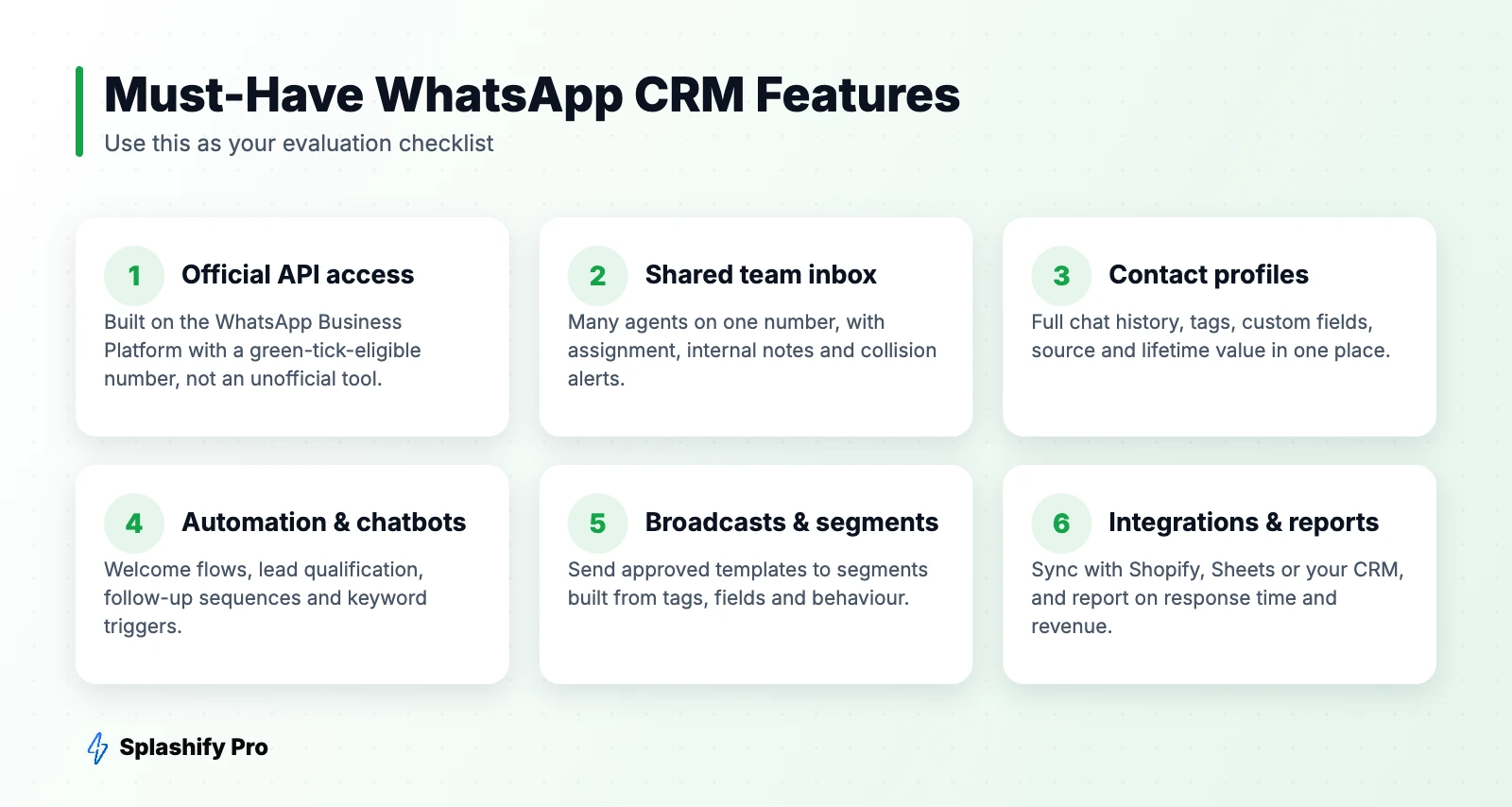
1. A shared inbox on one number
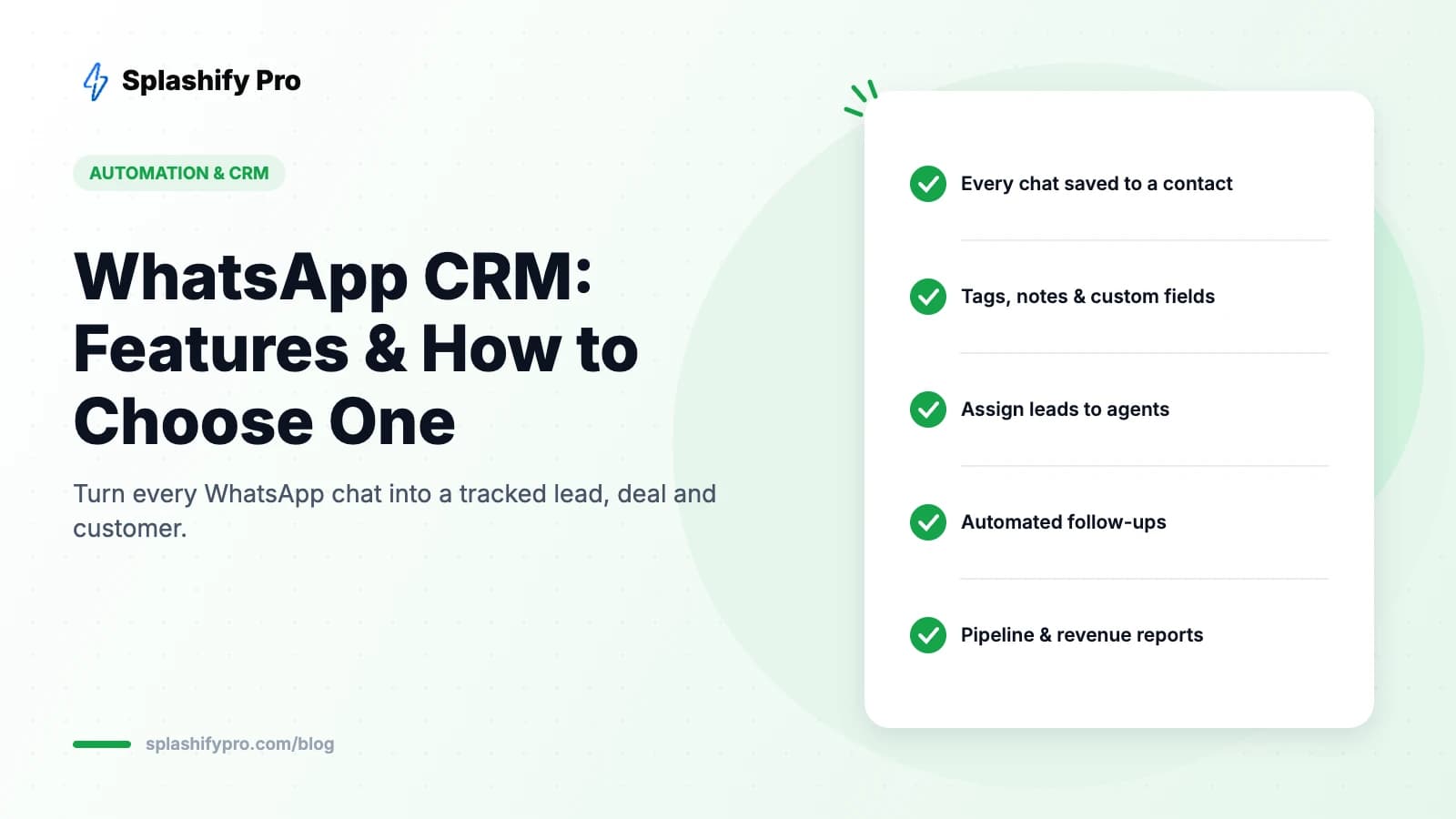
Multiple agents answer from the same WhatsApp number, with chats assigned automatically or manually, internal notes customers can't see, and visibility for managers. Read more in our team inbox guide.
2. Rich contact profiles
Every contact should show full chat history, lead source, tags (hot, warm, paid), custom fields (city, budget, course) and past orders.
3. Automation
Instant welcome replies, chatbots that qualify leads, follow-up sequences when someone goes quiet, and reminders before appointments. This is where most of the time savings come from.
4. Broadcasts to segments
Send approved templates to filtered groups — for example, all leads tagged “site visit done” who haven't booked.
5. Pipeline and reporting
Track stages from new lead to won, see first-response time per agent, and attribute revenue to campaigns.
How to choose a WhatsApp CRM: checklist
- Is it built on the official API? Unofficial tools that automate WhatsApp Web risk getting your number banned.
- How is pricing structured? Check the platform fee, per-agent costs and the markup (if any) on Meta's message charges. Our provider comparison breaks this down.
- Does it integrate with your stack? Shopify, WooCommerce, Google Sheets, Zoho, payment gateways, webhooks.
- Can non-technical staff build automations? Look for a visual, no-code builder.
- Is support local and responsive? Indian business hours, Hindi/English support and onboarding help matter.
- Does it cover other channels? Instagram DMs, RCS and SMS in the same inbox save switching between tools.
- Data security — role-based access, audit logs and data export options.
Getting started in a week
- Day 1: Connect your number to the API and import existing contacts with opt-in.
- Day 2: Define tags, custom fields and pipeline stages.
- Day 3: Add your team, set assignment rules and canned responses.
- Day 4–5: Build a welcome flow and a lead-qualification chatbot.
- Day 6: Submit follow-up and reminder templates.
- Day 7: Launch, then review first-response times and lead outcomes weekly.
Frequently asked questions
Is there a free WhatsApp CRM?
Some platforms offer free trials or entry plans, but every API-based CRM passes on Meta's per-message charges for templates. The WhatsApp Business app's labels are free but limited to a few devices.
Can I connect WhatsApp to Zoho or HubSpot?
Yes. Most WhatsApp CRMs offer native integrations or webhooks to sync contacts and conversations with your main CRM.
Can multiple people use one WhatsApp number?
Yes, with the WhatsApp Business API and a shared inbox, any number of agents can reply from the same number.
The bottom line
If WhatsApp is where your leads and customers talk to you, it should be where your CRM lives too. Choose an official-API platform with a shared inbox, automation and the integrations you need. Try Splashify Pro's WhatsApp CRM free and stop losing deals in personal phones.
- #crm for whatsapp
- #whatsapp crm
- #whatsapp crm india
- #whatsapp sales crm