Sending messages through the WhatsApp Business API is only half the job. The other half — knowing when a customer replies, when a message is delivered or read, and when something fails — happens through webhooks. Get webhooks right and your inbox, chatbot and analytics run in real time. Get them wrong and you miss messages, double-process events or see silent failures.
This guide is for developers integrating the WhatsApp Cloud API directly or through a provider.
What is a WhatsApp webhook?
A webhook is an HTTPS endpoint on your server that Meta calls whenever something happens on your WhatsApp Business Account. Instead of polling an API to ask “any new messages?”, Meta pushes each event to you as a JSON POST request within seconds.
The main event types arrive under the messages field:
- Incoming messages — text, images, documents, audio, location, contacts, button clicks, list selections and Flow responses.
- Message statuses —
sent,delivered,readandfailedfor messages you sent.
Other fields cover template status updates (approved, rejected, paused), phone number quality changes and account updates.
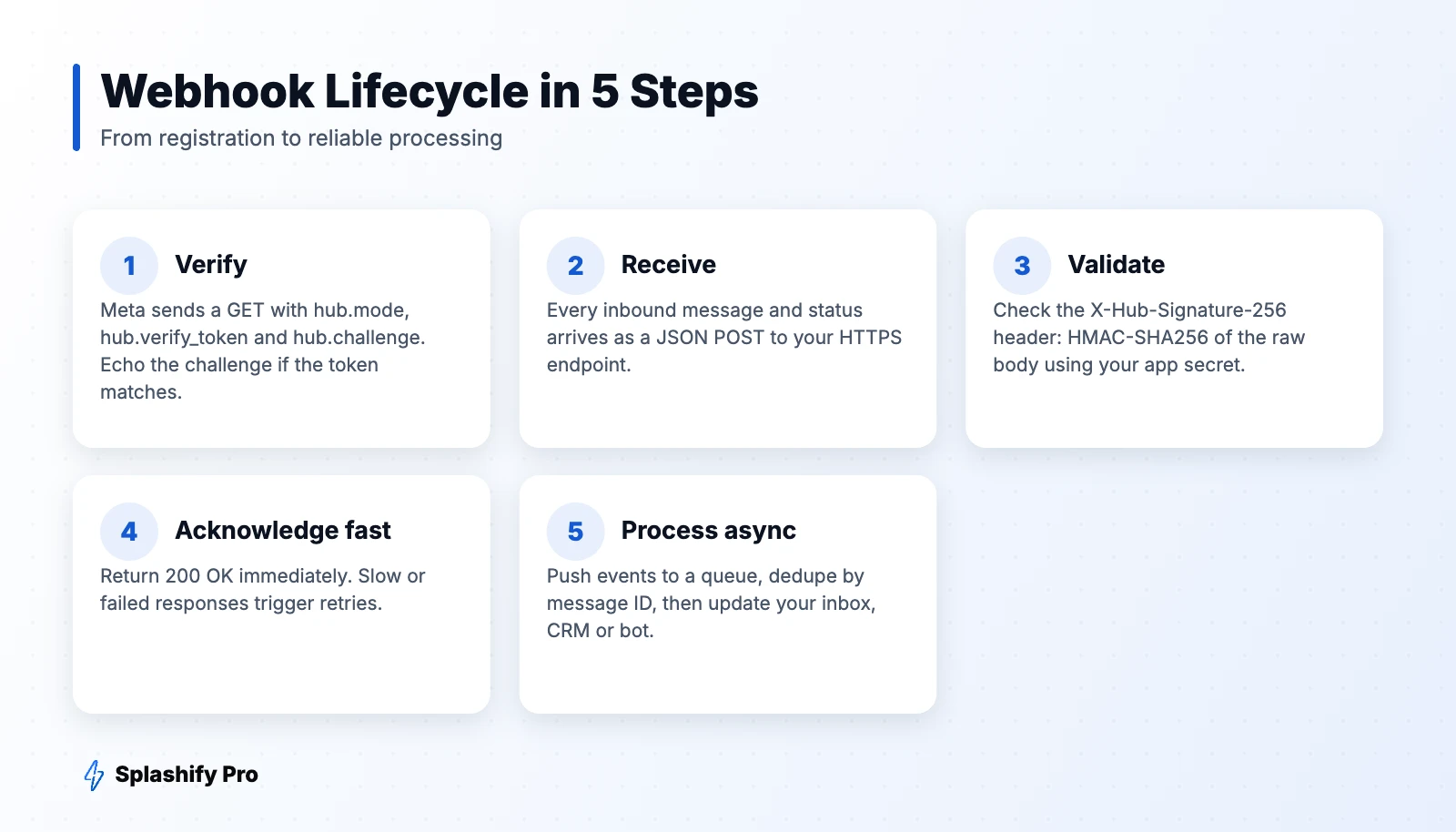
Step 1: Verify your endpoint
When you register a webhook URL in your Meta app, Meta sends a GET request with three query parameters: hub.mode (always subscribe), hub.verify_token (the string you chose) and hub.challenge. If the token matches, respond with the challenge value and status 200.
app.get('/webhooks/whatsapp', (req, res) => {
  const mode = req.query['hub.mode'];
  const token = req.query['hub.verify_token'];
  const challenge = req.query['hub.challenge'];
  if (mode === 'subscribe' && token === process.env.VERIFY_TOKEN) {
    return res.status(200).send(challenge);
  }
  return res.sendStatus(403);
});
Then subscribe your app to the WhatsApp Business Account and select the messages field.
Step 2: Understand the payload
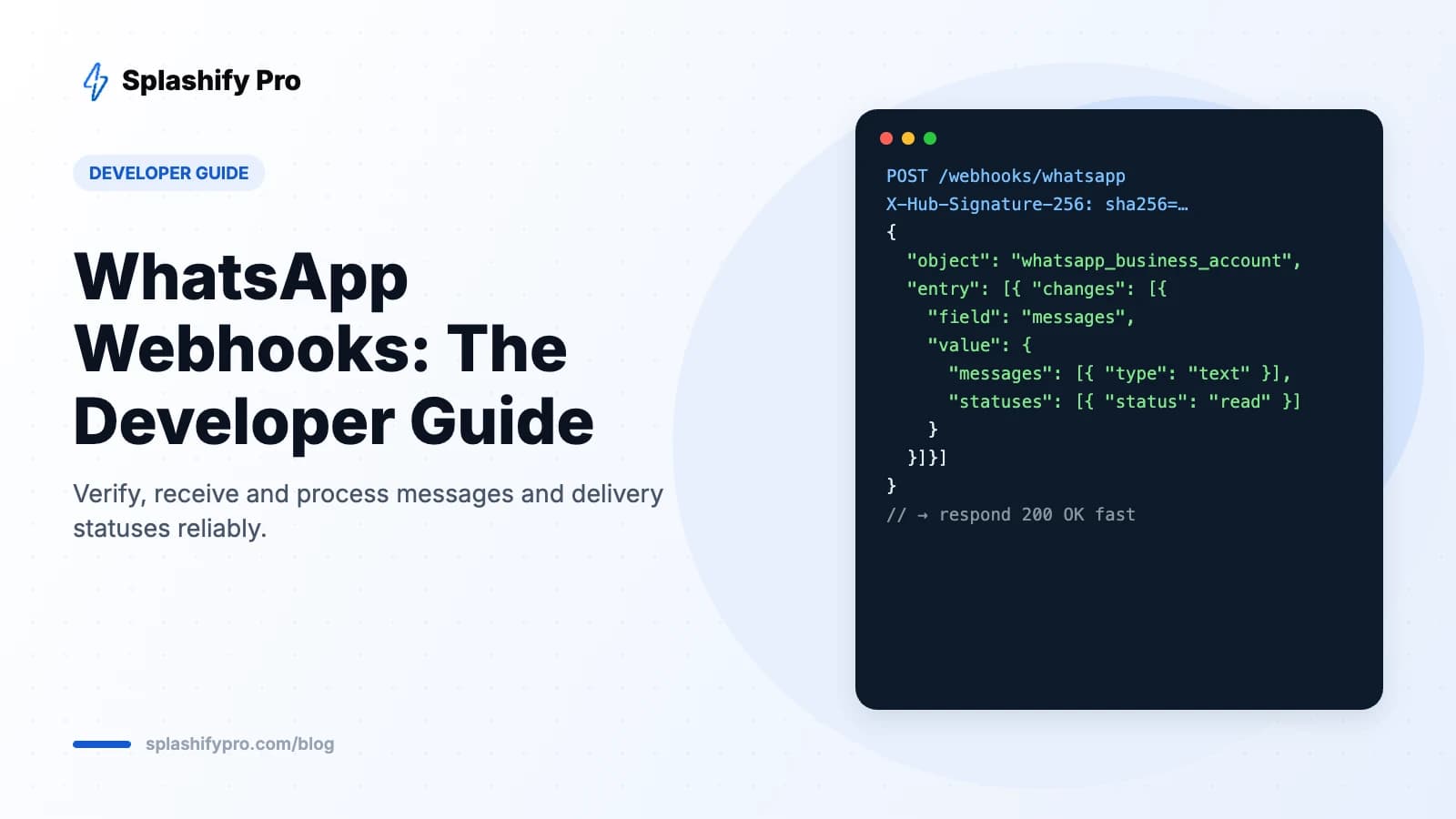
Every POST follows the same envelope: object → entry[] → changes[] → value. Inside value you'll find metadata (your phone number ID), and either contacts + messages for inbound messages, or statuses for delivery updates.
{
  "object": "whatsapp_business_account",
  "entry": [{
    "id": "WABA_ID",
    "changes": [{
      "field": "messages",
      "value": {
        "messaging_product": "whatsapp",
        "metadata": { "phone_number_id": "PHONE_NUMBER_ID" },
        "contacts": [{ "profile": { "name": "Riya" }, "wa_id": "9198XXXXXX10" }],
        "messages": [{
          "from": "9198XXXXXX10",
          "id": "wamid.XXXX",
          "timestamp": "1791600000",
          "type": "text",
          "text": { "body": "Hi, is this available?" }
        }]
      }
    }]
  }]
}
A status event looks similar but carries statuses[] with the message ID, status, recipient, timestamp and — for failures — an errors array explaining why.
Step 3: Validate the signature
Anyone can POST to a public URL, so always verify that requests come from Meta. Each request includes an X-Hub-Signature-256 header: an HMAC-SHA256 hash of the raw request body, keyed with your app secret. Compute the same hash and compare using a constant-time comparison.
const crypto = require('crypto');
function isValid(rawBody, header) {
  const expected = 'sha256=' + crypto
    .createHmac('sha256', process.env.APP_SECRET)
    .update(rawBody)
    .digest('hex');
  return header && crypto.timingSafeEqual(Buffer.from(expected), Buffer.from(header));
}
Important: compute the hash on the raw bytes, before any JSON parsing middleware modifies the body.
Step 4: Acknowledge quickly, process asynchronously
Return 200 OK as soon as you've validated and stored the event. If your endpoint is slow, errors or times out, Meta retries delivery with back-off, which can lead to duplicates and delays. The production pattern is:
- Validate signature.
- Push the raw event to a queue (Redis, SQS, RabbitMQ, Kafka).
- Respond 200.
- Workers consume the queue and update your database, inbox, bot or CRM.
Step 5: Handle duplicates and ordering
- Idempotency: use the message ID (
wamid) as a unique key. If you've already processed it, skip it. - Out-of-order statuses: a
readmay arrive beforedelivered. Only move a status forward (sent → delivered → read), never backward. - Failed statuses: log the error code and trigger fallbacks — for example, SMS for an undelivered OTP.
Common message types to handle
| type | What to read |
|---|---|
| text | text.body |
| image / document / audio / video | Media ID — download it via the media endpoint |
| interactive | button_reply or list_reply IDs, or nfm_reply for Flows |
| button | Quick-reply button tapped on a template |
| location | Latitude, longitude, name and address |
Production checklist
- HTTPS with a valid certificate
- Signature validation on every request
- Queue-based processing with retries and dead-letter handling
- Idempotent handlers keyed on message ID
- Monitoring and alerting for webhook error rates
- Separate endpoints or routing for staging and production numbers
Using webhooks with Splashify Pro
If you use Splashify Pro, Meta's webhooks are handled for you: incoming messages appear in the shared inbox, statuses update in real time, and chatbots respond automatically. You can also forward events to your own systems through Splashify Pro's outgoing webhooks to sync with your CRM, ERP or data warehouse. See the API guide for an overview.
Frequently asked questions
Why am I not receiving webhook events?
Check that your app is subscribed to the WhatsApp Business Account, the messages field is selected, your endpoint returns 200 quickly and your certificate is valid.
Can I have multiple webhook URLs?
Each Meta app has one callback URL for WhatsApp. To fan out to several systems, receive events once and forward them internally.
How do I test webhooks locally?
Use a tunnelling tool to expose your local server over HTTPS, register that URL, and send test messages from a real phone.
The bottom line
Verify, validate, acknowledge fast and process asynchronously with idempotency — that's the recipe for reliable WhatsApp webhooks. Want to skip the plumbing? Start with Splashify Pro and get messages, statuses and automations working out of the box.
- #whatsapp api webhook
- #whatsapp cloud api webhook
- #whatsapp message status webhook
- #whatsapp webhook