Every WhatsApp Business API campaign rests on one foundation: opt-in. Meta's Business Messaging Policy requires that people agree to receive messages from your business on WhatsApp before you contact them. Skip it and you'll see blocks, reports, a falling quality rating — and possibly restrictions on your account.
Done well, opt-in isn't a hurdle. It builds an audience that actually wants your messages, which is why opted-in lists consistently get better read and click rates.
What Meta requires
Under Meta's policy, before you send business-initiated messages you must:
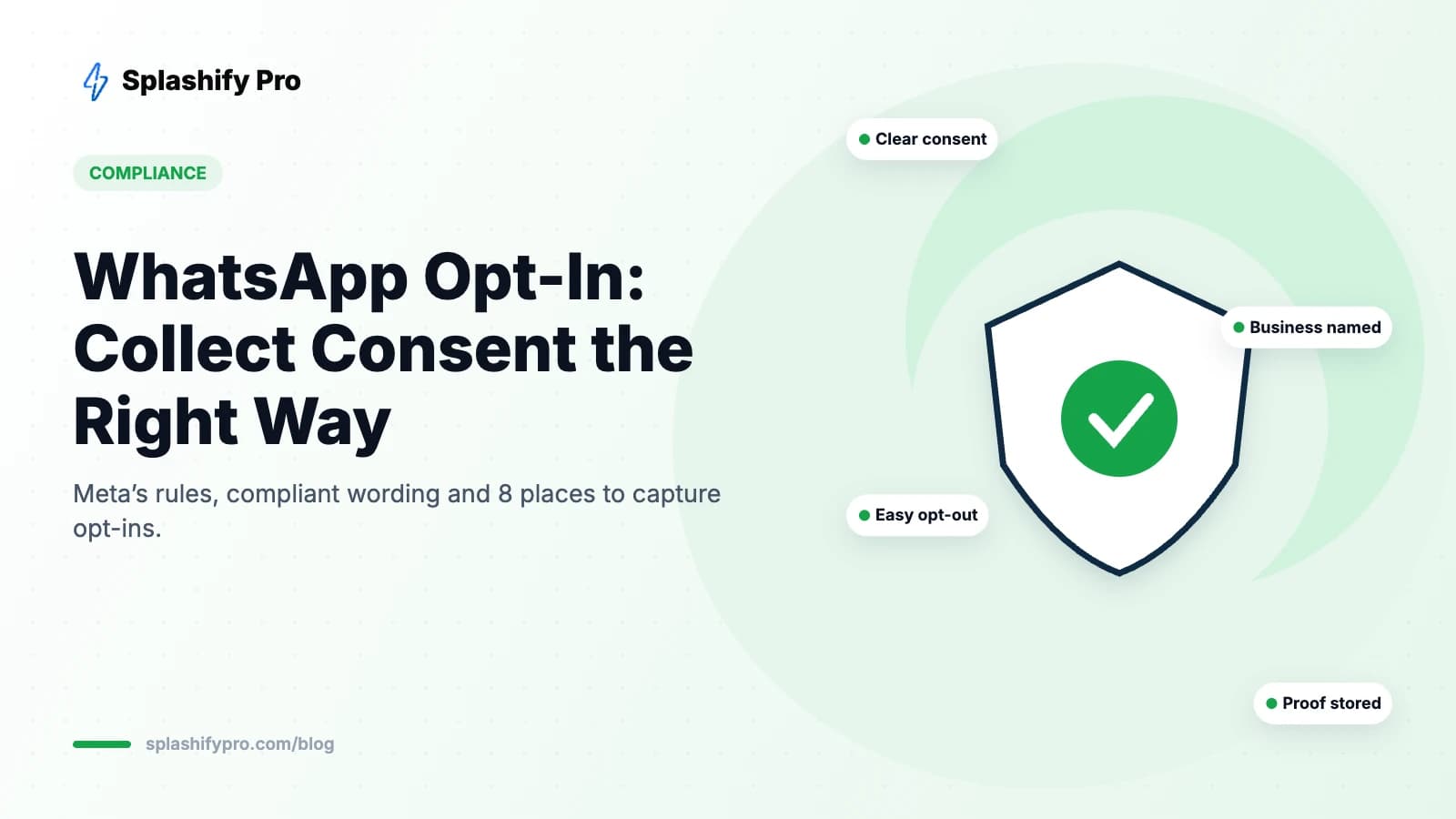
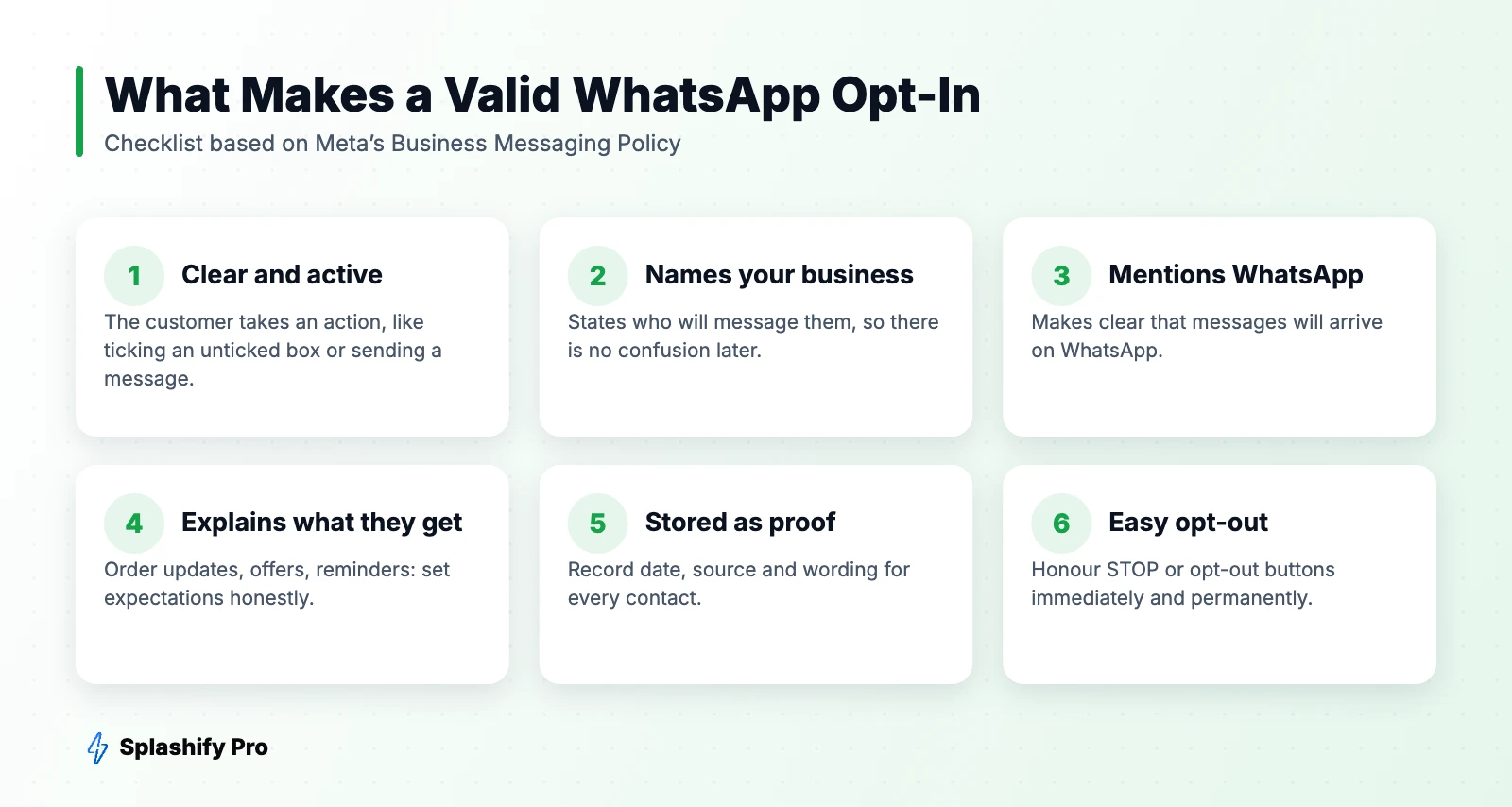
- Get the person's opt-in confirming they want to receive messages from your business on WhatsApp.
- Clearly name your business in the opt-in so they know who will message them.
- Comply with applicable laws — in India this includes consent principles under the Digital Personal Data Protection Act, 2023.
- Respect opt-out requests, including any request to stop messaging made through WhatsApp or elsewhere.
Opt-in isn't needed to reply to a customer who messages you first — that conversation is customer-initiated. But you still need it before sending them marketing messages later.
Compliant opt-in wording you can copy
- Checkout: “☐ Send me order updates and offers from [Brand] on WhatsApp.”
- Lead form: “☐ I agree to receive information about my enquiry from [Brand] on WhatsApp.”
- Account signup: “☐ Get account alerts and product news from [Brand] on WhatsApp. You can opt out anytime.”
- In-chat: “Would you like to receive updates and exclusive offers from [Brand] here on WhatsApp?” [Yes, sign me up] [No thanks]
Keep the box unticked by default. Pre-ticked boxes don't represent clear consent and generate complaints.
8 places to collect opt-ins
- Website checkout — the highest-volume source for e-commerce.
- Signup and lead forms — with a WhatsApp consent checkbox and phone field.
- Click-to-WhatsApp ads — the customer starts the chat; confirm marketing consent in your welcome flow. See our CTWA guide.
- Website chat widget and wa.me links — inbound chats you can convert to opt-ins.
- QR codes in store — “Scan to get offers on WhatsApp” at billing counters and on packaging.
- IVR and missed calls — “Press 1 to receive updates on WhatsApp.”
- SMS or email — send existing customers a link to opt in on WhatsApp.
- In person — paper or tablet forms at events, clinics and showrooms with the same clear wording.
Store proof of consent
For every contact, record:
- Date and time of opt-in
- Source (checkout, form, QR, chat, ad)
- The exact wording shown
- What they opted into (transactional, marketing or both)
In Splashify Pro you can store this as contact attributes and tags, and filter broadcasts to only opted-in contacts.
Handling opt-outs
A simple opt-out protects your number better than anything else. When people can't easily stop messages, they block or report you — and that hurts your quality rating.
- Add a “Stop promotions” quick-reply button to marketing templates.
- Recognise keywords like STOP, UNSUBSCRIBE and “don't message”.
- Automatically tag opted-out contacts and exclude them from all marketing sends.
- Keep sending essential transactional messages (like order updates) only if they relate to an active transaction.
- Confirm the opt-out: “You've been unsubscribed from offers. You'll still get updates about your orders.”
Common opt-in mistakes
| Mistake | Why it's a problem |
|---|---|
| Buying or scraping number lists | No consent, high block rates, policy violation |
| Pre-ticked consent boxes | Not clear, active consent |
| Generic “contact me” wording | Doesn't mention WhatsApp or your business name |
| Using transactional opt-in for marketing | Customers didn't agree to promotions |
| No opt-out option | Pushes users to block and report |
Re-permissioning old contacts
Have an old customer list without clear WhatsApp consent? Don't blast it. Instead, reach out via email or SMS with a link inviting them to opt in on WhatsApp, or wait until they message you and ask then.
Frequently asked questions
Do I need opt-in to reply to customers?
No. If the customer messages you first, you can reply within the 24-hour window. Opt-in is needed for business-initiated messages.
Does opt-in have to be collected on WhatsApp?
No. It can be collected on your website, in an app, by SMS, on a call, on paper or in a WhatsApp chat — as long as it's clear and names your business.
What happens if I message people without opt-in?
Expect blocks and reports, a lower quality rating, slower limit growth, paused templates and potential account restrictions.
The bottom line
Make consent clear, name your brand, mention WhatsApp, store proof and make opting out effortless. It's the cheapest insurance for your number and the foundation of every high-performing campaign. Manage opt-ins and segments in Splashify Pro.
- #whatsapp business policy
- #whatsapp consent
- #whatsapp opt in
- #whatsapp opt-in policy