You've built the perfect campaign, uploaded 20,000 contacts, hit send — and only a fraction go out. The reason is almost always your messaging limit: the cap WhatsApp puts on how many unique customers you can start conversations with each day.
Meta changed how these limits work in October 2025, and a lot of older advice online is now wrong. Here's how messaging limits and quality rating work in 2026, and how to scale to unlimited.
What is a WhatsApp messaging limit?
A messaging limit is the maximum number of unique customers you can send business-initiated (template) messages to in a rolling 24-hour period. It doesn't limit replies inside an open customer service window — if a customer messages you first, you can respond freely. It also counts people, not messages: sending three templates to the same customer counts once.
What changed in October 2025
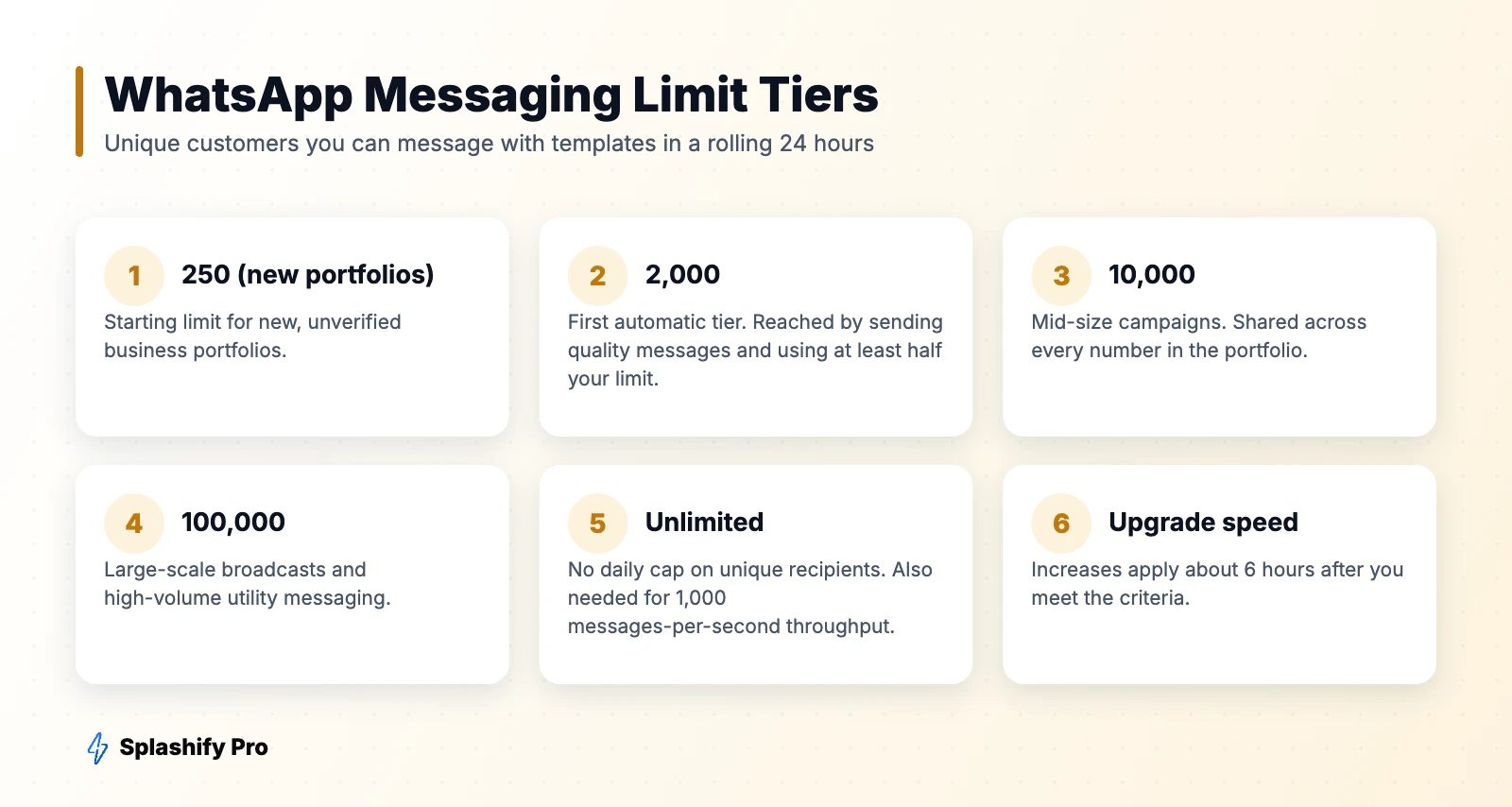
Since 7 October 2025, limits are set at the business portfolio level rather than per phone number:
- All numbers share one limit. Every phone number in your portfolio draws from the same pool.
- New numbers inherit the limit immediately. You no longer need to “warm up” extra numbers to reach higher volume.
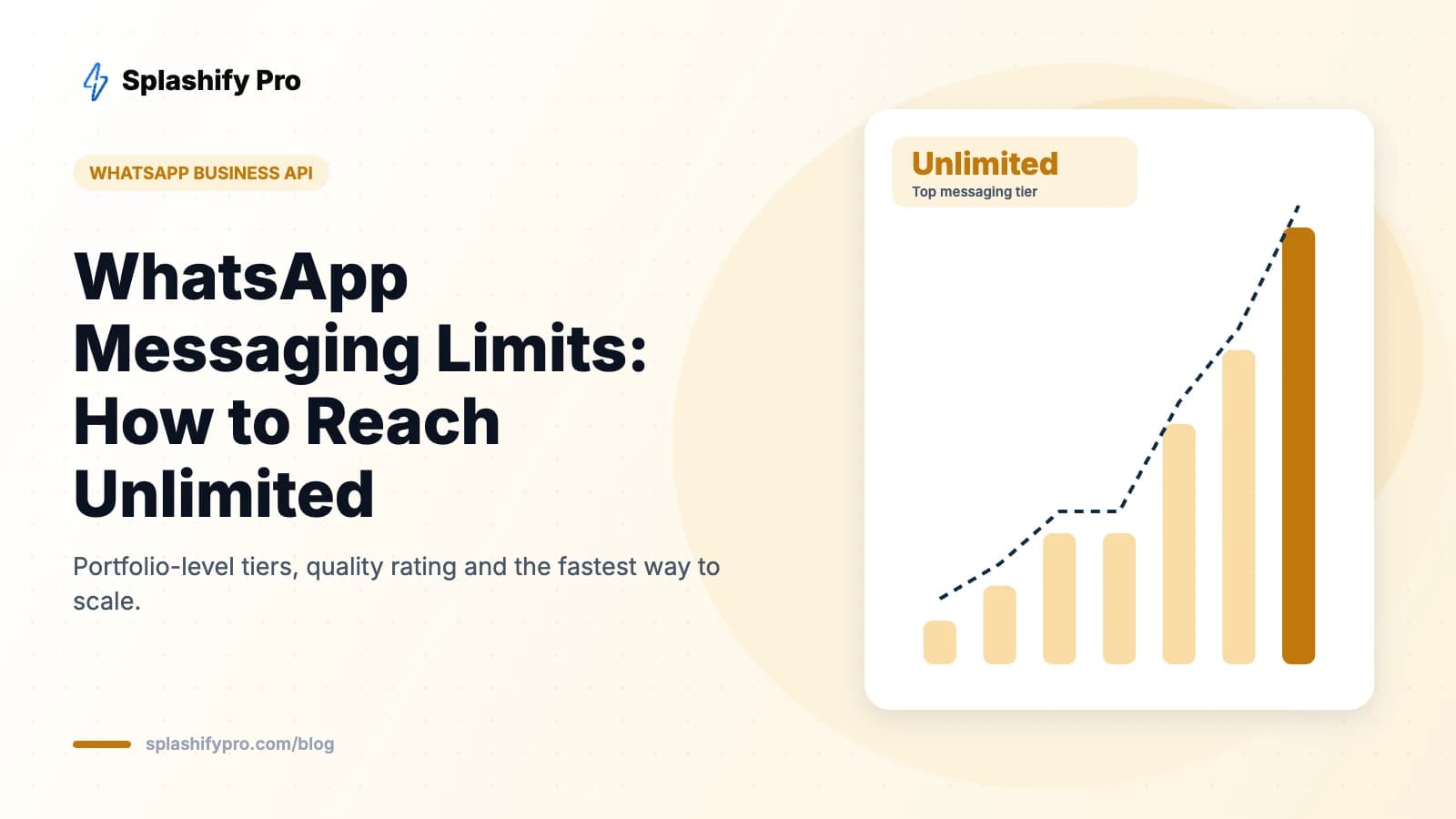
- New tiers: 2,000 → 10,000 → 100,000 → unlimited. New portfolios start at 250.
- Faster upgrades: increases apply around 6 hours after you meet the criteria, down from 24.
- Quality drops no longer cut your limit. The old “flagged” state that downgraded you after seven days has been removed.
How to move up a tier
Your portfolio is upgraded automatically when two conditions are met:
- You send high-quality messages across your numbers and templates — few blocks and reports.
- You use at least half of your current limit within the last seven days.
In practice: if your limit is 2,000, reach 1,000+ unique recipients over a week with well-received messages, and you'll move to 10,000. Keep the pattern going and you'll reach 100,000 and then unlimited. Completing business verification early also helps you get out of the 250 starter limit.
What is quality rating?
Quality rating reflects how customers have reacted to your messages recently — mainly blocks, reports and the reasons people give. It's shown per phone number as High (green), Medium (yellow) or Low (red) in WhatsApp Manager and in Splashify Pro.
Since the 2025 changes, a low rating no longer reduces your existing limit, but quality still matters a lot:
- You won't be upgraded to higher tiers while quality is poor.
- Higher throughput (up to 1,000 messages per second) requires at least Medium quality and an unlimited limit.
- Individual templates with poor feedback can be paused or disabled.
- Persistent abuse can still lead to restrictions or a ban — see how to recover a banned account.
How to keep your quality rating high
| Do | Don't |
|---|---|
| Message only customers who opted in | Upload bought or scraped lists |
| Segment by interest and behaviour | Blast the same offer to everyone |
| Personalise with name and context | Send generic, salesy copy |
| Add an easy opt-out button | Make people block you to stop messages |
| Respect frequency — a few marketing messages a month | Send daily promotions |
| Introduce your brand clearly in the first line | Leave people guessing who's messaging |
A safe ramp-up plan for new accounts
- Week 1: Send utility messages (order updates, confirmations) and reply to inbound chats. These build a positive history.
- Week 2: Send a marketing campaign to your most engaged, recently active customers — around half your limit.
- Week 3: After the upgrade, expand to the next segment. Monitor block rates per template.
- Ongoing: Keep sending consistently. Long gaps followed by huge blasts are a common cause of quality drops.
How to check your limit and quality
In Meta's WhatsApp Manager, open your phone number's insights to see the current messaging limit and quality rating. In Splashify Pro, both are shown on the dashboard and WABA health page, with alerts if quality changes or a template is paused. Developers can read the limit through the whatsapp_business_manager_messaging_limit field.
Frequently asked questions
Does the messaging limit apply to replies?
No. It only applies to business-initiated template messages to new recipients in a 24-hour window. Replies within the customer service window don't count.
Do I need multiple phone numbers to send more messages?
Not anymore. Since October 2025, all numbers share the portfolio limit, so adding numbers doesn't increase capacity.
What happens if I exceed my limit?
Messages to recipients beyond the limit fail with an error. Good platforms queue the remainder for the next window. Splashify Pro shows how many recipients a broadcast can reach before you send.
How long does an upgrade take?
About six hours after you meet the criteria.
The bottom line
Messaging limits now belong to your business portfolio, upgrades are faster, and quality drops no longer downgrade you — but quality still gates growth. Send relevant messages to opted-in customers, use half your limit consistently, and you'll reach unlimited. Track your limits and quality in Splashify Pro.
- #whatsapp api limits
- #whatsapp messaging limits
- #whatsapp quality rating
- #whatsapp tier limit