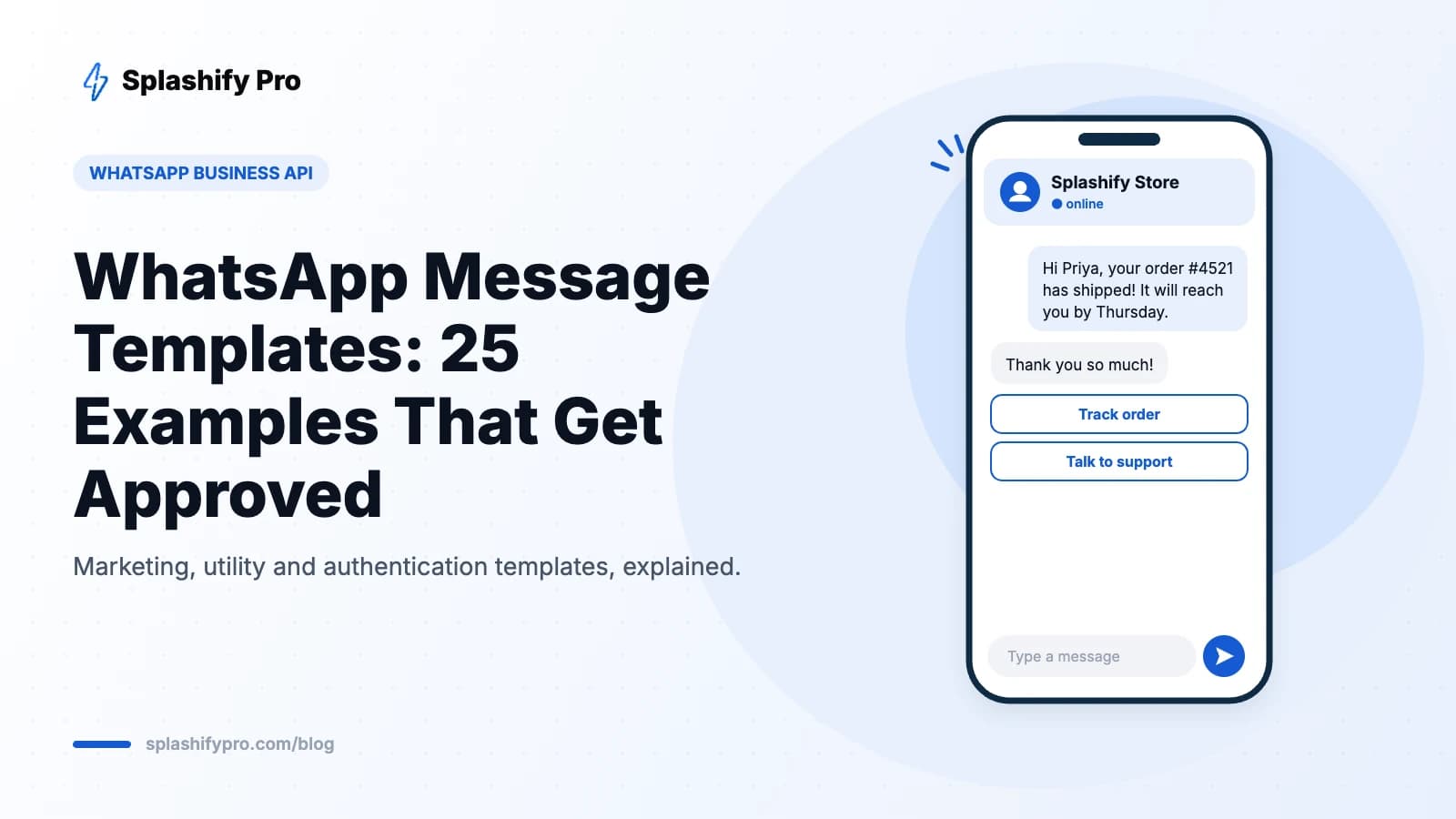
If you have ever tried to message a customer on the WhatsApp Business API and hit an error saying you need a template, you have met the single most important rule of the platform: a business can only start a conversation with a pre-approved message template. Get templates right and WhatsApp becomes your highest-converting channel. Get them wrong and you spend weeks fighting rejections.
This guide covers what templates are, the three categories Meta uses, the approval rules that trip most businesses up, and 25 examples you can adapt today.
What is a WhatsApp message template?
A message template is a pre-written message that Meta reviews and approves before you can send it. Templates are required whenever you message someone who has not written to you in the last 24 hours. Inside that 24-hour customer service window you can reply with free-form text, images or documents — no template needed. Since 1 October 2026 these replies are billed as service messages after a free monthly allowance; see our service message rate card.
Templates can include variables (written as {{1}}, {{2}} and so on) that you fill in per customer, such as a name, order number or date. They can also carry a header (text, image, video or document), a footer and up to ten buttons such as quick replies, a website link, a phone call or a copy-code button.
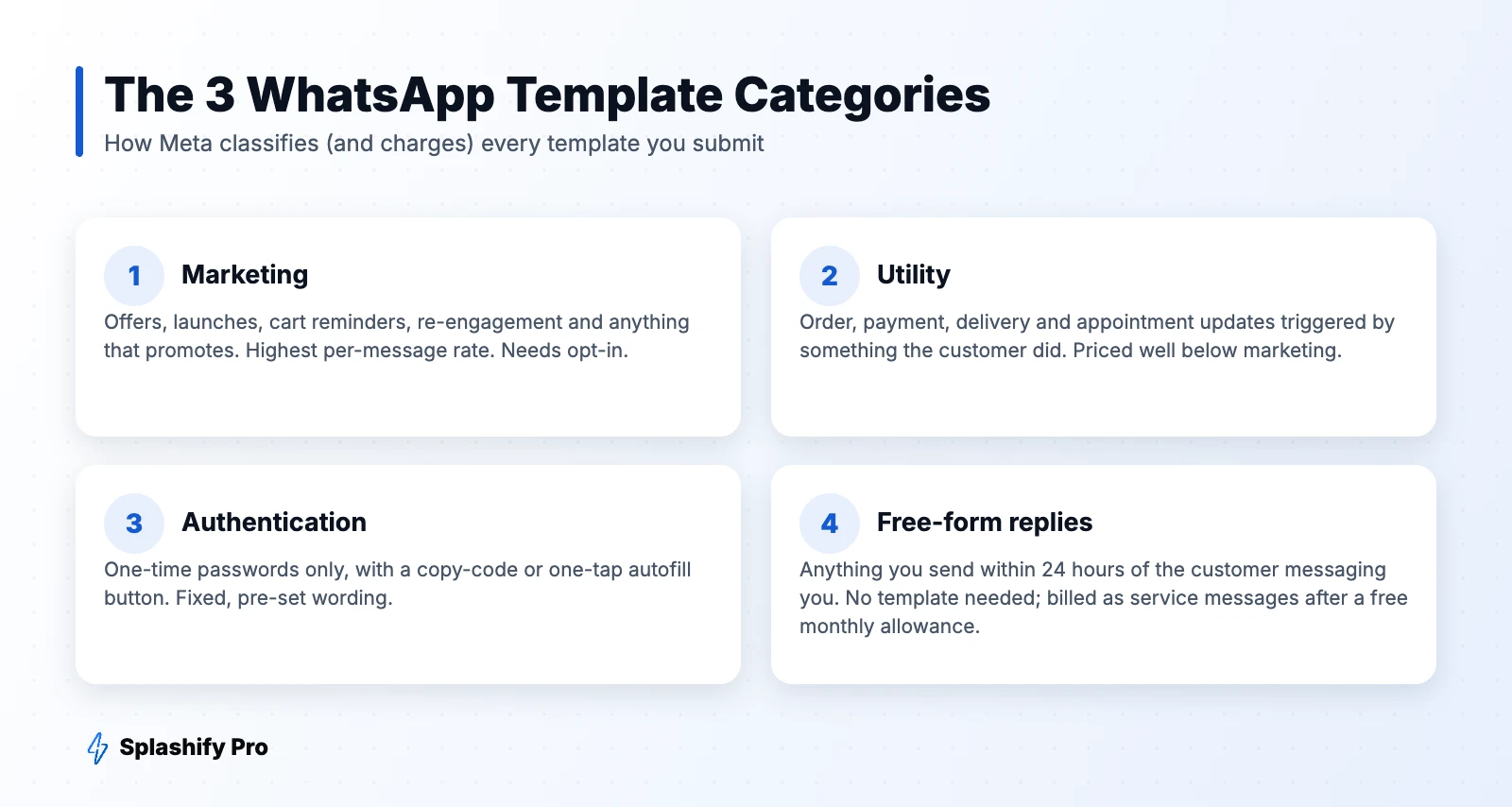
The three template categories
1. Marketing templates
Anything that promotes, sells or re-engages: festive offers, new arrivals, abandoned cart nudges, webinar invites, win-back messages. These carry the highest per-message price and Meta watches how users react to them, so they need a clear opt-in and should be relevant.
2. Utility templates
Messages tied to a specific transaction or action the customer took: order confirmations, shipping updates, payment receipts, appointment reminders, account alerts. Utility templates are priced well below marketing ones, and Meta offers volume discounts as your utility traffic grows.
3. Authentication templates
One-time passwords for login, signup or payment verification. Meta provides the wording; you choose a copy-code or one-tap autofill button and an optional expiry warning. You cannot add promotional text or links.
For current per-message rates in rupees, see our WhatsApp API pricing guide for India.
Why templates get rejected (and how to fix it)
| Rejection reason | What it looks like | Fix |
|---|---|---|
| Wrong category | A discount mentioned inside a "utility" order update | Move promotional lines into a separate marketing template |
| Variable at start or end | "{{1}}, your order is ready" | Add text before and after: "Hi {{1}}, your order is ready." |
| Too many variables, too little text | "{{1}} {{2}} {{3}}" | Keep a clear sentence with only the essential placeholders |
| Missing sample values | Variables submitted without examples | Always add realistic sample content for each variable |
| Policy issues | Restricted products, threats, misleading urgency | Follow the WhatsApp Commerce Policy and avoid pressure tactics |
| Broken formatting | Adjacent variables, spelling errors, odd characters | Proofread and keep formatting simple |
Approval usually takes minutes to a few hours. Note that Meta can re-categorise a template after review — for example, turning a "utility" message into marketing if it contains promotional content — which changes what you pay.
25 WhatsApp template examples you can copy
Order and delivery (utility)
- Order confirmation: "Hi {{1}}, thanks for your order #{{2}}! We've received it and will update you once it ships."
- Shipped: "Good news, {{1}}! Order #{{2}} has shipped and should reach you by {{3}}. Tap below to track it."
- Out for delivery: "Hi {{1}}, your order #{{2}} is out for delivery today. Please keep your phone handy."
- Delivered: "Your order #{{1}} was delivered. Facing any issue? Reply to this message and we'll help."
- COD confirmation: "Hi {{1}}, please confirm your cash-on-delivery order #{{2}} of ₹{{3}} by tapping Confirm or Cancel below."
Payments and billing (utility)
- Payment received: "We've received your payment of ₹{{1}} for invoice {{2}}. Thank you, {{3}}!"
- Payment reminder: "Hi {{1}}, a friendly reminder that invoice {{2}} of ₹{{3}} is due on {{4}}. Tap below to pay."
- Payment failed: "Hi {{1}}, your payment for order #{{2}} didn't go through. You can retry using the link below."
- Subscription renewal: "Your {{1}} plan renews on {{2}}. No action is needed if your payment method is up to date."
Appointments and bookings (utility)
- Booking confirmed: "Hi {{1}}, your appointment with {{2}} is confirmed for {{3}} at {{4}}."
- Reminder: "Reminder: your appointment is tomorrow at {{1}}. Reply 1 to confirm or 2 to reschedule."
- Rescheduled: "Your appointment has been moved to {{1}} at {{2}}. Reply here if this time doesn't work."
- Class or session link: "Hi {{1}}, your session starts at {{2}}. Join using the button below."
Marketing
- Festive sale: "Hi {{1}}, our Diwali sale is live! Get up to {{2}}% off on festive picks until {{3}}. Shop now 🪔"
- New arrivals: "Fresh drop, {{1}}! Our new {{2}} collection just landed. Take a look before sizes sell out."
- Abandoned cart: "Hi {{1}}, you left {{2}} in your cart. It's still waiting for you — complete your order below."
- Win-back: "We miss you, {{1}}! Here's {{2}}% off your next order with code {{3}}, valid till {{4}}."
- Back in stock: "Good news, {{1}}! {{2}} is back in stock. Grab yours before it's gone again."
- Webinar invite: "Hi {{1}}, join our free live session on {{2}} at {{3}}. Tap below to save your seat."
- Review request: "Hi {{1}}, how was your {{2}}? Your feedback helps us improve — it takes 30 seconds."
- Referral: "Love shopping with us, {{1}}? Share your code {{2}} and you both get ₹{{3}} off."
Authentication and account
- Login OTP: "{{1}} is your verification code. For your security, do not share this code."
- Password reset: uses the same authentication format with a copy-code button.
- New device alert (utility): "A new login to your account was detected on {{1}}. If this wasn't you, reply HELP."
- KYC pending (utility): "Hi {{1}}, your KYC is pending. Complete it by {{2}} to keep your account active."
Best practices that improve approval and results
- Personalise with purpose. A name and an order number beat a generic blast every time.
- Use buttons. Quick replies and call-to-action buttons get far more taps than a link in the text.
- Keep it short. Two to four lines is the sweet spot on a phone screen.
- Separate utility from marketing. Mixing them is the most common cause of re-categorisation.
- Give an easy opt-out. Fewer blocks and reports protect your quality rating and sending limits.
- Name templates clearly. Use names like order_shipped_v2 so your team knows what each one does.
How to create a template in Splashify Pro
In Splashify Pro, open Templates → New template, pick a category and language, write your body with variables, add sample values and buttons, then submit. The status updates automatically when Meta approves it, and you can use it straight away in a broadcast, an automation or a chatbot flow.
Frequently asked questions
How long does WhatsApp template approval take?
Most templates are reviewed within minutes, though some take up to 24 hours. Rejected templates can be edited and resubmitted.
Can I send a message without a template?
Yes, but only within 24 hours of the customer's last message to you. Outside that window, every business-initiated message must use an approved template.
How many templates can I create?
Accounts can hold up to 250 templates by default, and verified businesses can get a higher limit. In practice most businesses use 10–30 well-built templates.
Can I edit an approved template?
Approved templates can be edited a limited number of times, and each edit goes back for review. For major changes it is often cleaner to create a new version.
The bottom line
Templates are the gateway to every proactive WhatsApp message you send. Keep categories clean, write short and personal copy, add buttons, and always provide sample values. Ready to build your first set? Create a free Splashify Pro account and submit templates in minutes.
- #whatsapp business api templates
- #whatsapp message templates
- #whatsapp template approval
- #whatsapp template examples