The WhatsApp checkmark badge next to your business name — the one that tells customers "this is really who they say they are" — isn't something you can just turn on. It's a status Meta grants, called an Official Business Account, and it comes with a hard requirement most people searching for this don't expect: the free WhatsApp Business app can't get it, no matter how established your business is.
What the badge actually is
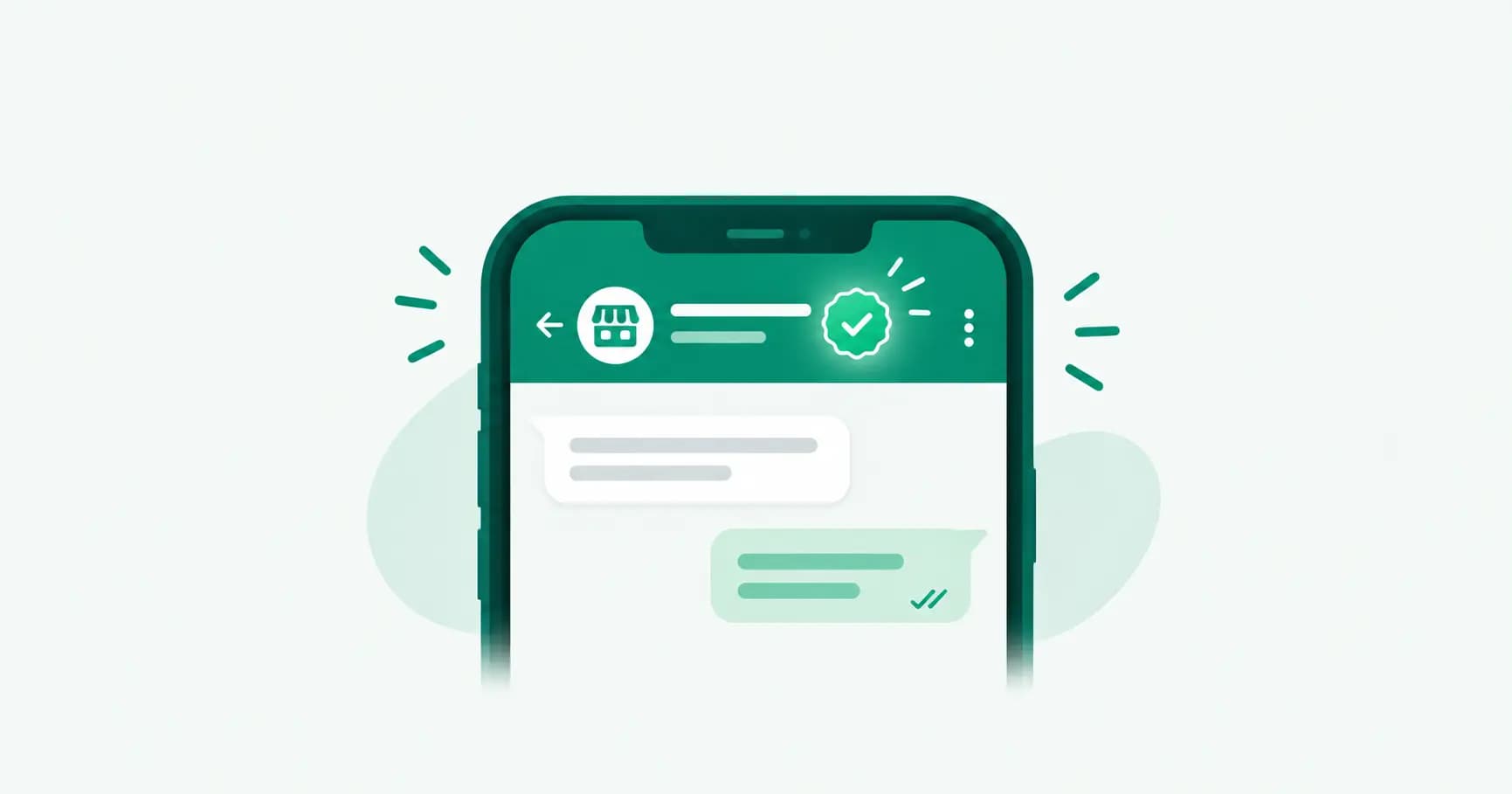
Meta calls it Official Business Account (OBA) status. Historically shown as a green checkmark, the badge has been rolling out in blue in some regions and interfaces as Meta aligns WhatsApp's verification styling with Instagram and Facebook — you may see it referred to as either "green tick" or "blue tick" depending on where you look, but it's the same underlying status. It appears next to your business name in chat headers, your profile, and contact lists, replacing the plain gray "unofficial business account" label WhatsApp Business API numbers carry by default.
Who can actually get it
This is the detail that trips people up: OBA status is only available to numbers on the WhatsApp Business Platform (the API) — Meta's own documentation states plainly that employee accounts, test accounts, and WhatsApp Business app phone numbers do not qualify. If you're running the free consumer app, there's no path to this badge on that number, full stop.
If your customers seeing a verified badge matters to your business — and for anything handling payments, bookings, or sensitive information, it should — that alone is a reason to be on the WhatsApp Business API rather than the free app.
The five official requirements
Per Meta's current criteria, a business phone number qualifies for OBA status once it meets all five:
Policy compliance — no violations of WhatsApp's Business Messaging Policy on the account.
30 days minimum on the platform — the number must have been active on the WhatsApp Business Platform for at least 30 days before applying.
Business verification completed — the Meta Business Portfolio that owns the number must have passed Meta's Business Verification process (confirming your business is real, using registered business documents).
Two-step verification enabled — the phone number itself needs 2-step verification turned on.
Approved display name — your business phone number's display name must already be approved by Meta, not still pending review.
There's no follower count, media coverage, or "notability" requirement in Meta's current process — that was true of an older, stricter path years ago, and it's a common outdated claim still floating around older guides. Today it's a checklist, not a popularity contest.
How to apply
Through WhatsApp Manager (the easier route for most businesses):
Log in to WhatsApp Manager on business.facebook.com.
Go to your business phone number's profile settings.
Find the Official Business Account section and click Submit Request.
Through the API (if your provider or developer handles this programmatically): Use the Official Business Account Status API to submit the request and check your application status directly.
If you're on a BSP like Splashify Pro rather than managing the Meta developer console yourself, your provider typically handles Business Verification and the OBA submission as part of onboarding — worth confirming with whoever set up your number if you're not sure it's been done.
What happens after you apply
Meta reviews the request against the five criteria above. If everything checks out — verification complete, display name approved, no policy strikes — the badge appears on your number. If it's rejected, Meta doesn't leave you stuck indefinitely: you can resubmit after 30 days, which is usually enough time to fix whatever caused the rejection (most commonly, incomplete Business Verification or a display name that was never actually approved in the first place).
Meta Verified: a different thing, don't confuse the two
You'll also see "Meta Verified" mentioned alongside WhatsApp verification — it's a separate, paid subscription available through the WhatsApp Business app (not the API), bundling a verified badge with extra account features for a monthly fee. It's not the same mechanism as Official Business Account status, isn't available in every country yet, and getting it doesn't give you the underlying API capabilities (automation, team inbox, catalog messaging at scale) that come with actually being on the Business Platform. If your goal is the badge specifically and nothing else, Meta Verified might look tempting; if your goal is running WhatsApp as a real business channel, OBA status via the API gets you both the badge and the platform.
Why the badge matters beyond appearance
Beyond the trust signal, an Official Business Account number:
Shows customers your verified business name instead of just a phone number, reducing the "is this actually them?" hesitation before someone replies to a first message.
Signals to WhatsApp that your account is in good standing, which matters if you're sending template messages or running broadcasts, since compliant, verified numbers are viewed more favorably during quality reviews.
Pairs naturally with the other trust markers customers check — a complete business profile, a filled-out catalog, and consistent response times.
Frequently asked questions
Can I get the WhatsApp green tick on the free Business app?
No. Official Business Account status is only available to numbers on the WhatsApp Business Platform (API) — Meta's documentation explicitly excludes WhatsApp Business app phone numbers.
How long does it take to get verified on WhatsApp?
Your number must be active on the Business Platform for at least 30 days before you can apply, and Meta's review after you submit typically takes a further review period; if rejected, you can reapply after 30 days.
Do I need a certain number of followers or media coverage to get verified?
No. Meta's current criteria are policy compliance, 30 days on the platform, completed Business Verification, two-step verification enabled, and an approved display name — no notability or follower requirement.
What's the difference between the green tick and Meta Verified?
Official Business Account status (the green/blue tick) is a free verification process tied to the WhatsApp Business Platform (API) and Meta Business Verification. Meta Verified is a separate paid subscription available through the free Business app, bundling a badge with other account features, and isn't available in every country.
Why was my WhatsApp verification request rejected?
The most common causes are incomplete Meta Business Verification or a display name that hasn't been separately approved yet. Fix whichever is incomplete and resubmit after the 30-day waiting period.
Does the WhatsApp checkmark still show green, or is it blue now?
Both — Meta has been rolling out a blue badge in some regions and interfaces as part of aligning WhatsApp's verification styling with Instagram and Facebook, while other users still see the original green. It's the same Official Business Account status either way.
The bottom line
If a verified badge matters to your business, the path isn't a form you fill out on the free app — it's being on the WhatsApp Business Platform with a verified Meta Business Portfolio, 30 days of clean standing, and an approved display name. That's also, not coincidentally, the same foundation you need for automation, team inboxes, and catalog messaging at scale — the badge is really just a side effect of doing the setup properly.
Setting up on the WhatsApp Business API? Splashify Pro handles Meta Business Verification and Official Business Account setup as part of onboarding, alongside your shared inbox, automation, and catalog tools. Free for 14 days.
- #official business account
- #whatsapp business verification
- #whatsapp green tick
- #whatsapp verified badge