Ask Indian customers how they'd prefer to contact a business and the answer is increasingly “on WhatsApp”. It's faster than email, less painful than a call centre queue, and they can share photos, invoices and screenshots in seconds. The catch: customers also expect WhatsApp-speed replies. A support inbox that answers tomorrow feels worse than no WhatsApp at all.
This guide covers how to build WhatsApp customer support that's fast, consistent and scalable.
Why move support to WhatsApp
- Customers already use it — no new app, no account, no hold music.
- Asynchronous — customers can reply when convenient; agents can handle several chats at once.
- Rich context — photos of damaged products, payment screenshots, voice notes and location.
- Lower cost per contact than phone support, especially when bots resolve common questions.
- Proactive updates — order, refund and appointment notifications reduce inbound “where is my…” queries.
Step 1: Use the API, not a shared phone
Many small teams start with one phone running the WhatsApp Business app. It breaks quickly: only one person can really manage it, chats get lost, and if the phone is lost or the employee leaves, so is the history. The WhatsApp Business API with a shared team inbox lets any number of agents work from one number with full history.
Step 2: Set response-time targets
Publish what customers can expect and measure it. A practical starting point:
- Instant automated acknowledgement for every message.
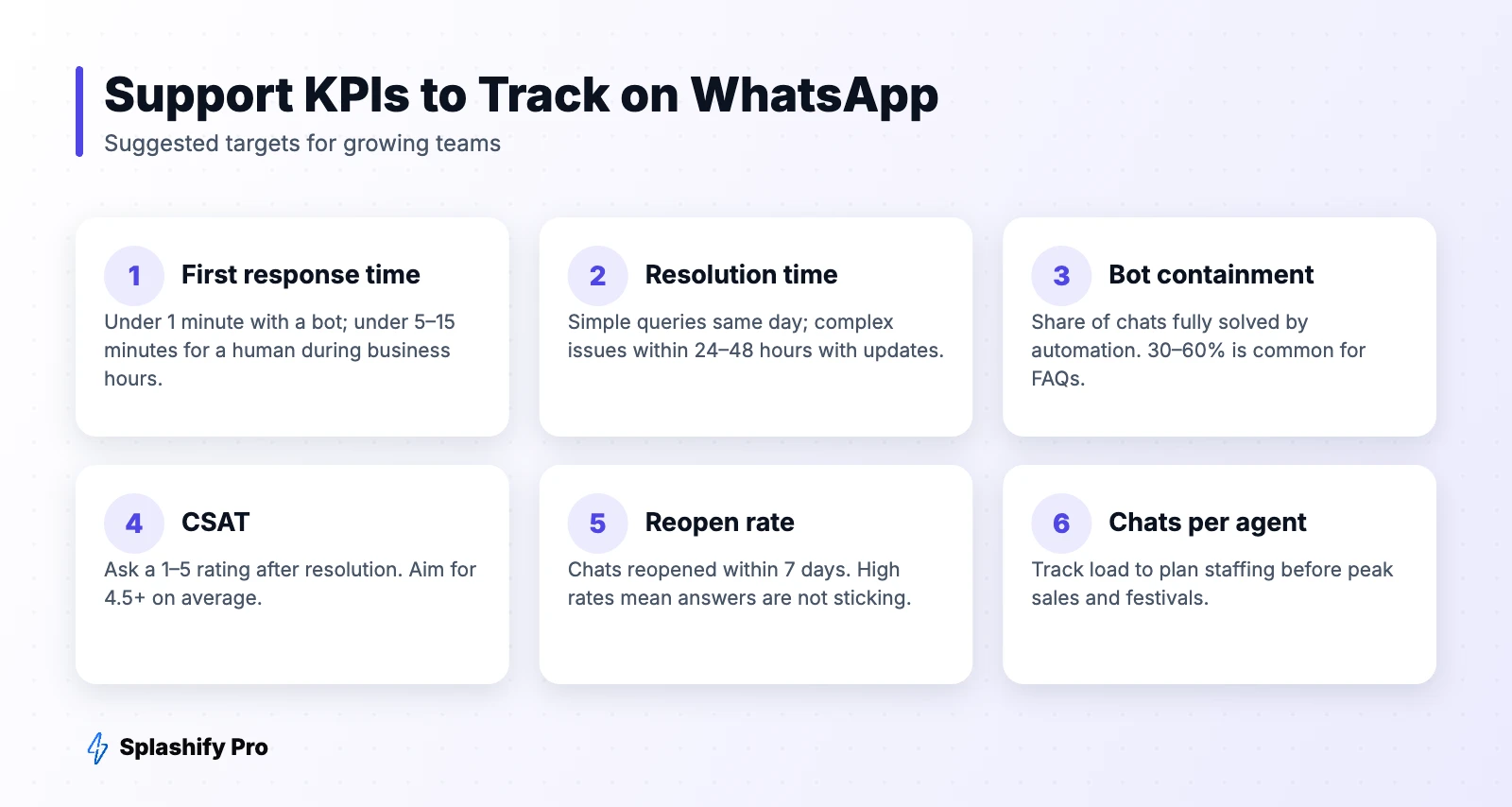
- 5–15 minutes for a human first response during business hours.
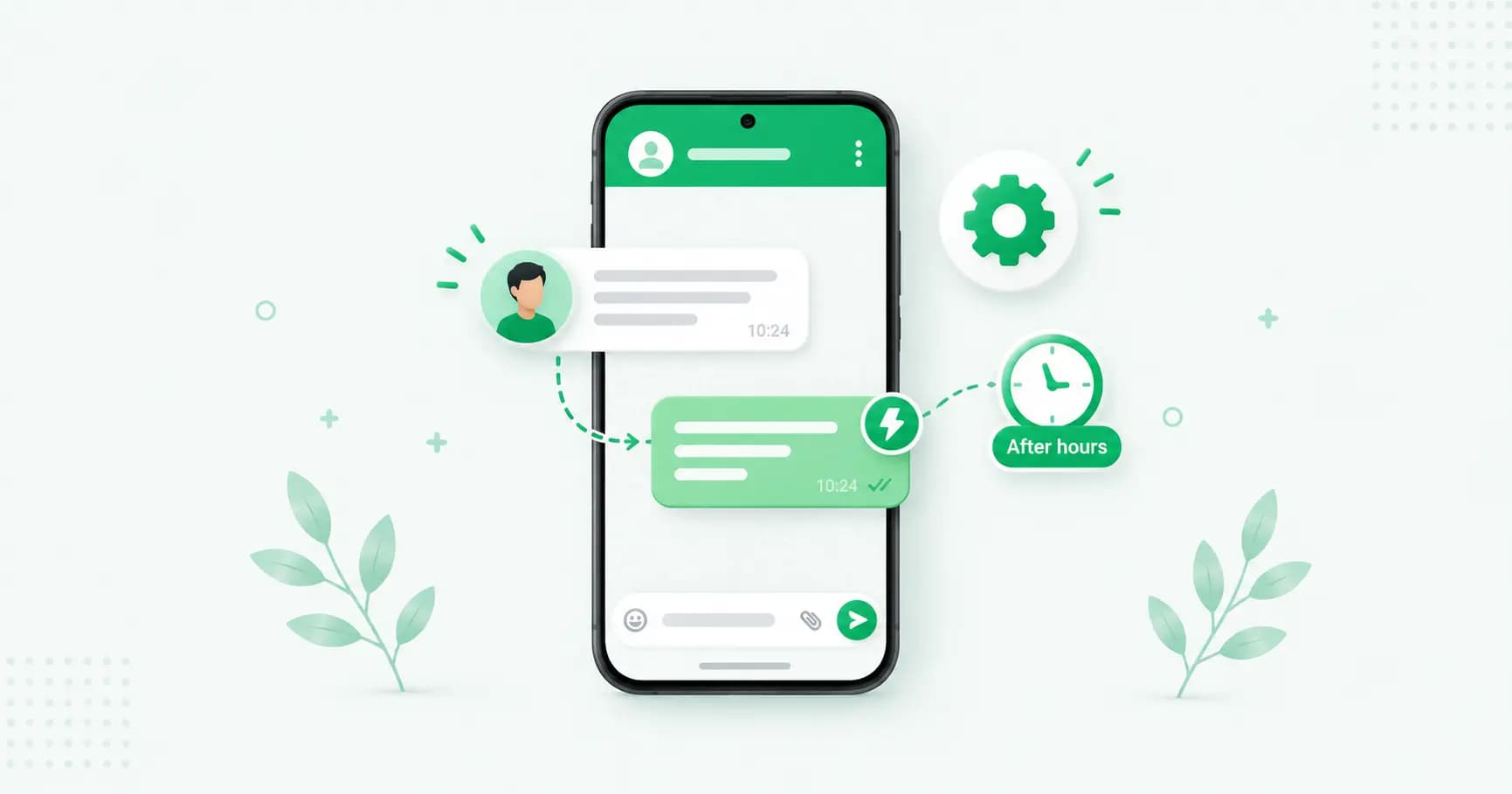
- Clear after-hours message with expected reply time and self-service options. See our auto-reply guide.
Step 3: Automate the top questions
Look at the last month of chats. Typically 5–10 questions make up most of the volume: order status, refund status, delivery time, return process, store timings, payment issues. Automate these with a chatbot:
- Main menu with list buttons: Track order · Returns · Payments · Talk to us
- Order lookup by order ID or phone number via your store or OMS integration
- Self-service flows for returns and address changes using WhatsApp Flows
- Always offer a human — a “Talk to an agent” button at every step
Learn how to build one in our chatbot guide, or add an AI agent trained on your help content.
Step 4: Route chats to the right person
- By topic — billing to finance, technical issues to tech support.
- By language — Hindi, Bengali, Tamil speakers to the right agents.
- By customer value — VIP or high-order-value customers to senior agents.
- Round-robin to balance load, with limits per agent.
Step 5: Give agents the right tools
- Canned responses for consistent, quick answers (personalise before sending).
- Customer context — order history, previous chats, tags — beside the conversation.
- Internal notes and mentions to loop in colleagues without the customer seeing.
- Labels and statuses — open, pending, resolved — so nothing falls through.
Step 6: Mind the 24-hour window
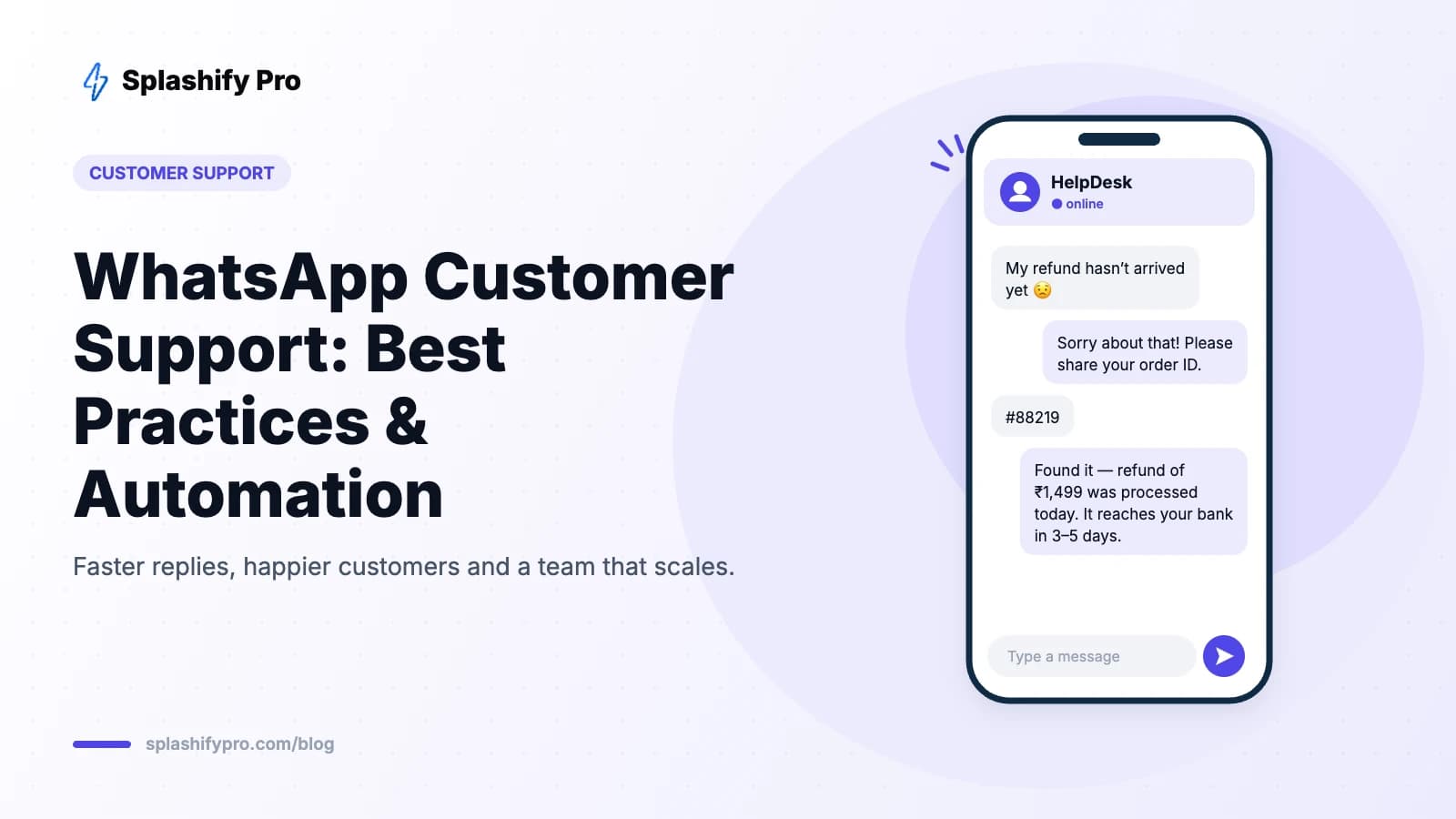
You can reply freely within 24 hours of the customer's last message. If an issue takes longer — a refund that processes in three days — you'll need an approved utility template to send the update later, for example: “Hi {{1}}, your refund of ₹{{2}} for order {{3}} has been processed.” Prepare these templates in advance. See our template examples.
Step 7: Measure and improve
Track first response time, resolution time, bot containment, CSAT, reopen rate and chats per agent. Send a one-tap CSAT survey after resolution (“How did we do?” ⭐1–5) and review low scores weekly.
Tone and etiquette
- Greet by name and introduce yourself.
- Keep messages short — several short messages read better than one wall of text.
- Acknowledge the problem before solving it.
- Set expectations when something takes time, then follow up proactively.
- Close the loop: confirm the issue is solved and invite further questions.
Frequently asked questions
Is WhatsApp support free?
Not entirely. Since 1 October 2026, Meta bills free-form replies inside the 24-hour window as service messages, but the first 1,000 per phone number each month are free and the India rate after that is very low. Templates sent outside the window are charged by category. See our service message rate card.
Can several agents use one WhatsApp number?
Yes, with the WhatsApp Business API and a shared inbox like Splashify Pro.
Should I use a chatbot or humans?
Both. Bots handle repetitive questions instantly; humans handle complex or emotional issues. Always make it easy to reach a person.
The bottom line
Great WhatsApp support combines instant automation for simple questions, a well-equipped human team for everything else, and clear response-time targets. Set up your WhatsApp helpdesk on Splashify Pro and turn support into a reason customers stay.
- #whatsapp customer service
- #whatsapp customer support
- #whatsapp helpdesk
- #whatsapp support automation