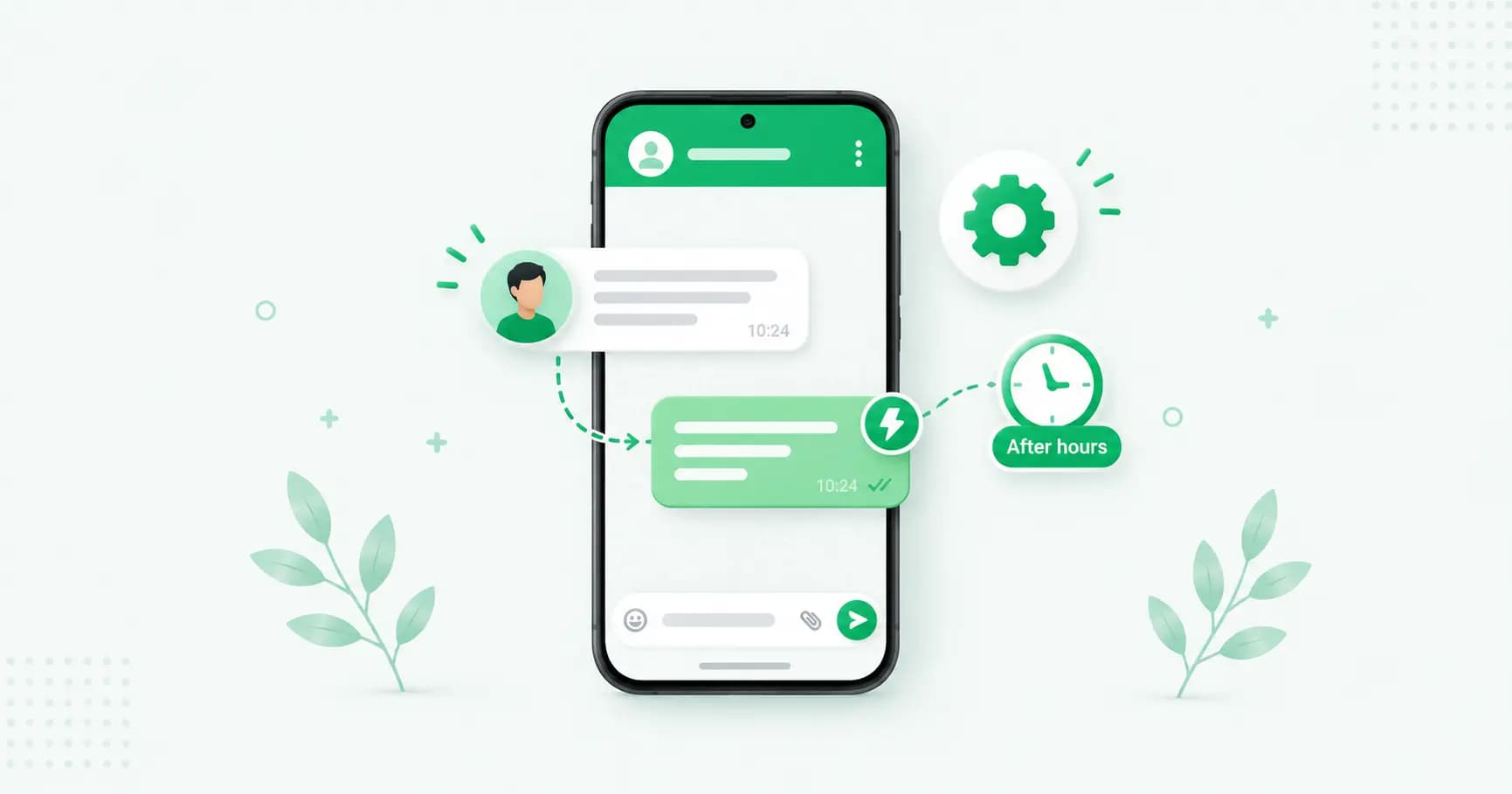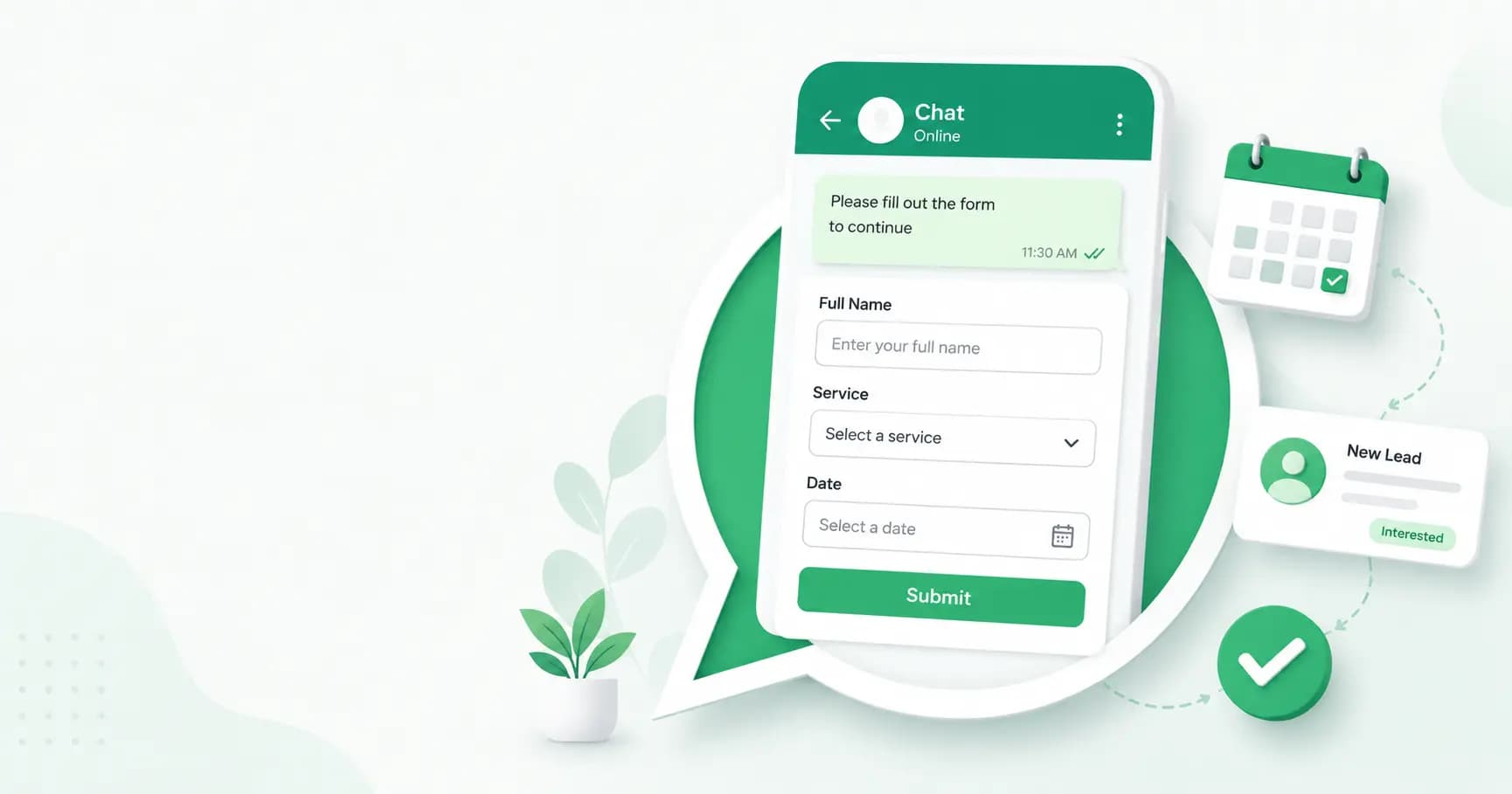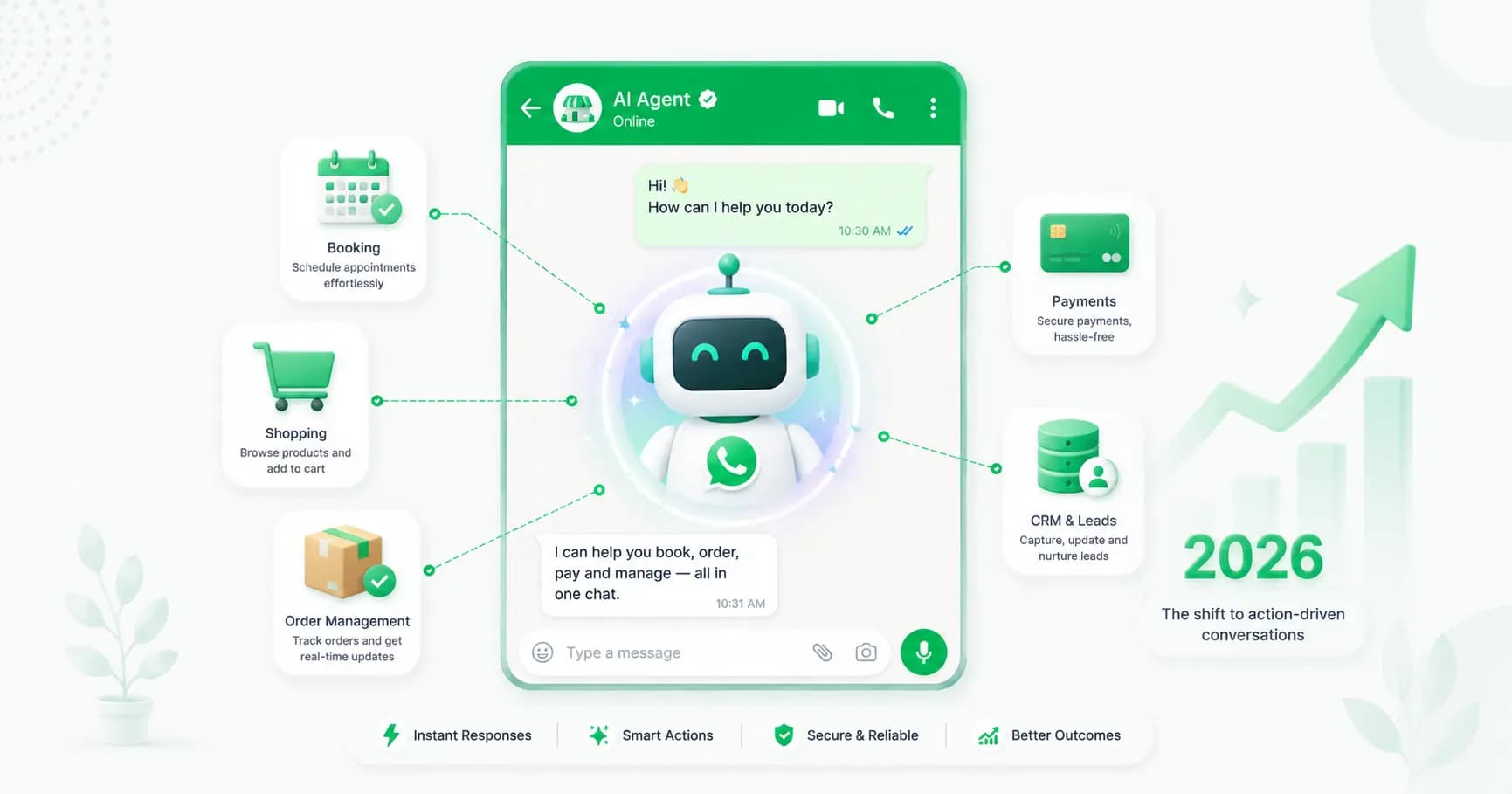
A WhatsApp chatbot answers your customers in seconds — at 2am, during a festival rush, or while your team sleeps. It handles FAQs, qualifies leads, tracks orders and books appointments automatically, on the channel your customers already use most. And in 2026, you can build one without writing a single line of code.
This guide walks you through exactly how — the types of chatbot, Meta's important new rules, the step-by-step build, and the best use cases.
What is a WhatsApp chatbot?
A WhatsApp chatbot is automated software that holds conversations with customers inside WhatsApp, running on the WhatsApp Business API. It answers questions, processes orders, qualifies leads and resolves support queries — without a human having to reply to every message. In a well-run setup, a chatbot handles the high-volume, repetitive 55–80% of conversations, freeing your team for the genuinely complex ones.
The free WhatsApp Business app can't do this at any real scale — it's tied to one device, with no AI, no integrations and no multi-step flows. For an actual chatbot, you need the API.
The 3 types of WhatsApp chatbot in 2026
Not all chatbots are the same. There are three patterns, and choosing the right one matters:
- Rule-based (flow) chatbots follow a decision tree — the customer taps buttons or sends keywords, and the bot follows a pre-mapped path. They're fast, cheap and predictable, and perfect for FAQs, lead capture and booking.
- AI agents use a large language model (LLM) grounded in your business data. They understand free-text questions (so "where's my order" and "when does my parcel come" are treated as the same intent), follow context, and can pull live data or escalate. The key is grounding: a properly built AI agent answers from your catalogue and policies — not the model's imagination — so it doesn't invent prices or promises.
- Hybrid chatbots combine both: rule-based flows for committed actions (booking, order tracking, payments) plus AI for the long tail of free-text questions. Most production chatbots in 2026 are hybrid, and it's the best place to start.
A note on AI agents: in 2026, an "AI agent" doesn't mean a fully autonomous bot that places orders or issues refunds. It means an LLM-backed first responder with a human in the loop for money-moving actions.
Meta's 2026 AI chatbot rules (read this first)
This is the part most guides skip — and it can get your account suspended. Since 15 January 2026, Meta bans general-purpose AI chatbots on the WhatsApp Business Platform. (Accounts created on or after 15 October 2025 were subject to this immediately.)
A "general-purpose" chatbot, in Meta's definition, is one powered by an LLM that answers open-ended questions on any topic — essentially a ChatGPT or Perplexity clone living on WhatsApp. Meta treats that as an abuse of the platform.
What's still fully allowed: task-oriented bots that do concrete business jobs — customer support, order tracking, appointment booking, product questions. To stay compliant:
- Restrict your bot to your business tasks. Disable open-domain "ask me anything" Q&A.
- Add a fallback. For questions outside its scope, return a clear "I can't help with that" and route the customer to a human or a relevant FAQ.
- Ground your AI in your own content so it stays on-topic.
In short: build a bot that helps customers with your business, not a general AI assistant. Do that and you're fine.
What you need to build a WhatsApp chatbot
Before you start:
- The WhatsApp Business API, via a provider (the practical route — see our complete API guide).
- A no-code chatbot platform that connects to the API for you — so you're not managing webhooks or Meta configuration.
- A dedicated phone number not already in use on regular WhatsApp or the Business app.
- Pre-approved message templates for any message sent outside the 24-hour window.
- Your business content — website pages, FAQs, product catalogue, policies — to ground an AI agent so it answers accurately.
How to build a WhatsApp chatbot, step by step (no code)
Step 1 — Get on the WhatsApp Business API
Connect to the Cloud API through a provider using Meta's Embedded Signup. You'll verify your business, register your number, and get a dashboard — usually live within a couple of hours.
Step 2 — Define your chatbot's job
Decide what it should actually do before building anything. Pick its top jobs — answer FAQs, qualify leads, track orders, book appointments — and what it should not attempt. A focused bot outperforms one that tries to do everything.
Step 3 — Map the conversation flow
Sketch the journey: the welcome message, the main menu or entry points, the questions it asks, and the paths a conversation can take. Plan for the dead ends too — what happens when it doesn't understand.
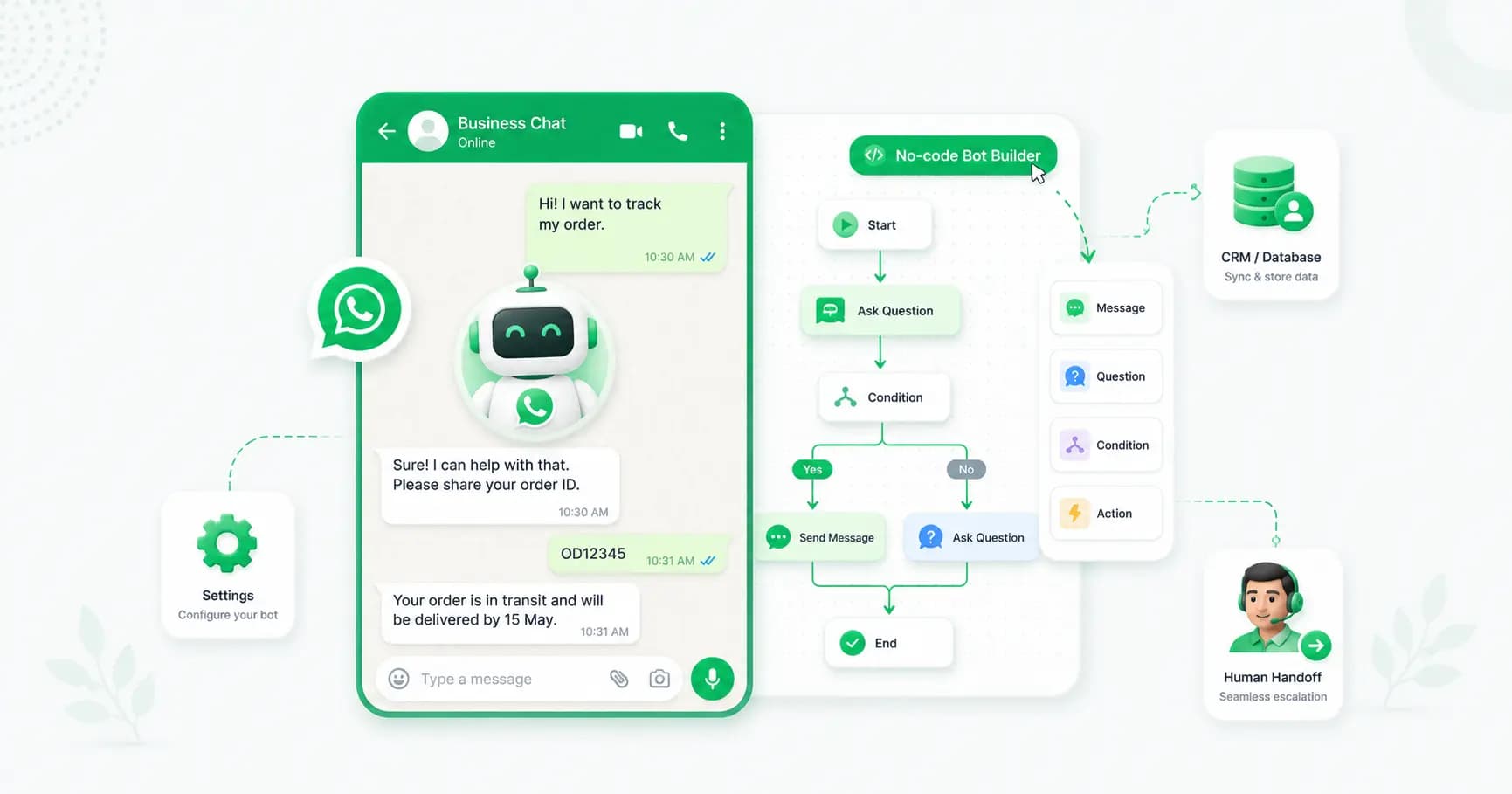
Step 4 — Build it in a visual flow builder
Using a no-code builder, drag and drop your flow: triggers, messages, buttons, quick replies and conditional logic. This is where rule-based paths come to life — no coding required.
Step 5 — Add AI grounded in your business data
For natural, free-text understanding, add an AI layer and ground it — upload your FAQs, product info, policies and help docs as its knowledge base. This is the single biggest factor in whether your bot resolves issues or frustrates people. A grounded agent answers from your data and escalates when it doesn't know, instead of guessing.
Step 6 — Connect your systems
Integrate your CRM, catalogue and order systems so the bot can pull live data — order status, available slots, account details — and personalise replies. This turns a generic bot into a genuinely useful assistant.
Step 7 — Set up human handoff
No bot should trap customers. Define clear escalation rules ("if the customer asks about X, or seems frustrated, hand off to a human") so conversations pass smoothly to an agent in your shared team inbox.
Step 8 — Test thoroughly
Message the bot the way real customers will — including the weird, off-script questions. Check that flows work, the AI answers correctly, handoff triggers, and nothing breaks. Fix the gaps before launch.
Step 9 — Launch and monitor
Go live, then watch your analytics: what it answers well, where customers drop off, and which questions it can't handle. Use that to keep improving — a chatbot gets better the more it's tuned.
WhatsApp chatbot use cases
- Customer support & FAQs — instant answers to common questions, 24/7, in any language.
- Lead generation & qualification — capture and qualify leads from ads and your website, then route hot ones to sales.
- E-commerce & order tracking — let customers track orders, get recommendations and reorder in chat.
- Appointment booking — show available slots, book and send reminders automatically.
- Payments — share payment links and confirm transactions inside the chat.
Rule-based or AI: which should you build?
Start hybrid. Build three to five rule-based flows for your highest-value, committed actions — booking, order tracking, lead capture — where you want predictable behaviour. Then add a grounded AI layer to handle the long tail of free-text questions, with human handoff for anything it can't resolve. You get the reliability of flows and the flexibility of AI, while staying within Meta's task-oriented rules.
Best practices
- Keep it focused. A bot that does a few jobs well beats one that does everything badly — and it keeps you compliant.
- Set expectations. Let customers know they're talking to a bot and how to reach a human.
- Make handoff easy. The fastest way to frustrate someone is to trap them; always offer a human.
- Ground your AI. Connect real business content so it answers accurately instead of hallucinating.
- Personalise. Use customer data and history to make replies relevant.
- Monitor and iterate. Review conversations regularly and tune the gaps.
How Splashify Pro makes it no-code
Building a WhatsApp chatbot is far easier when the tools are built in. Splashify Pro includes a visual flow builder and AI agents on its Growth plan — not as a pricey add-on like most rivals charge. You get drag-and-drop flows, AI grounded in your business content, CRM and catalogue integrations, and seamless handoff to a human in the shared inbox — all connected to the official Cloud API, with no code and no webhooks to manage. You're building your first bot within the hour.
Frequently asked questions
Do I need to know how to code to build a WhatsApp chatbot?
No. Modern no-code platforms let you build a fully functional WhatsApp chatbot with drag-and-drop flows and AI — no coding required. Only building directly on Meta's raw Cloud API needs developers, and that's overkill for most businesses.
How long does it take to build a WhatsApp chatbot?
With a no-code platform, you can have a basic bot live in under an hour, and a more advanced AI agent (with a knowledge base and integrations) running in a few days. Building directly with Meta takes far longer.
What's the difference between a WhatsApp chatbot and a WhatsApp AI agent?
A basic chatbot follows fixed rules and menus and doesn't understand free text. An AI agent uses a language model grounded in your business data to understand intent and context, pull live data, and handle complex questions — escalating to a human when needed.
Are AI chatbots allowed on WhatsApp in 2026?
Yes, but only task-oriented ones. Since 15 January 2026, Meta bans general-purpose AI chatbots (ChatGPT-style bots that answer any topic). Your bot must be restricted to specific business tasks like support, order tracking and bookings, with a fallback to a human for out-of-scope questions.
How much does a WhatsApp chatbot cost?
You pay your platform's subscription plus Meta's per-message charges. Most chatbot interactions are service messages (the customer messages you first, within a 24-hour window), which are free on Meta's side — so you mainly pay the platform fee. Splashify Pro includes the chatbot and AI agents on its Growth plan.
Will the chatbot replace my support team?
No — it handles the repetitive 55–80% of questions and hands the complex ones to your team, who become faster and more productive. The best setups pair an AI bot with human agents, not one instead of the other.
Can a WhatsApp chatbot integrate with my CRM and store?
Yes. A good platform connects to your CRM, catalogue and order systems so the bot can pull live data — order status, slots, account details — and give personalised, accurate answers.
The bottom line
A WhatsApp chatbot is one of the highest-leverage tools you can add to your business — instant answers, captured leads and automated orders, 24/7, with no code. Start hybrid, keep it focused on real business tasks (as Meta's 2026 rules require), ground your AI in your own content, and always make it easy to reach a human. Get those right and your chatbot becomes a tireless member of your team.
Build your WhatsApp chatbot with Splashify Pro → — visual flow builder and AI agents included, connected to the official API, no code required. Start free for 14 days.
- #how to build whatsapp chatbot
- #no-code whatsapp chatbot
- #whatsapp ai agent
- #whatsapp ai chatbot
- #whatsapp chatbot
- #whatsapp chatbot builder