Your customer is deep in a WhatsApp chat about a product, and they have one complex question that would take ten messages to resolve. What if they could just tap "Call" and talk to your agent — inside WhatsApp, over data, with your verified business name on screen? That's WhatsApp Business Calling, one of the newest additions to the WhatsApp Business Platform, and it's rolling out across India now.
This guide covers what it is, how it works, what it costs, where it's available, and how to use it well.
What is WhatsApp Business Calling?
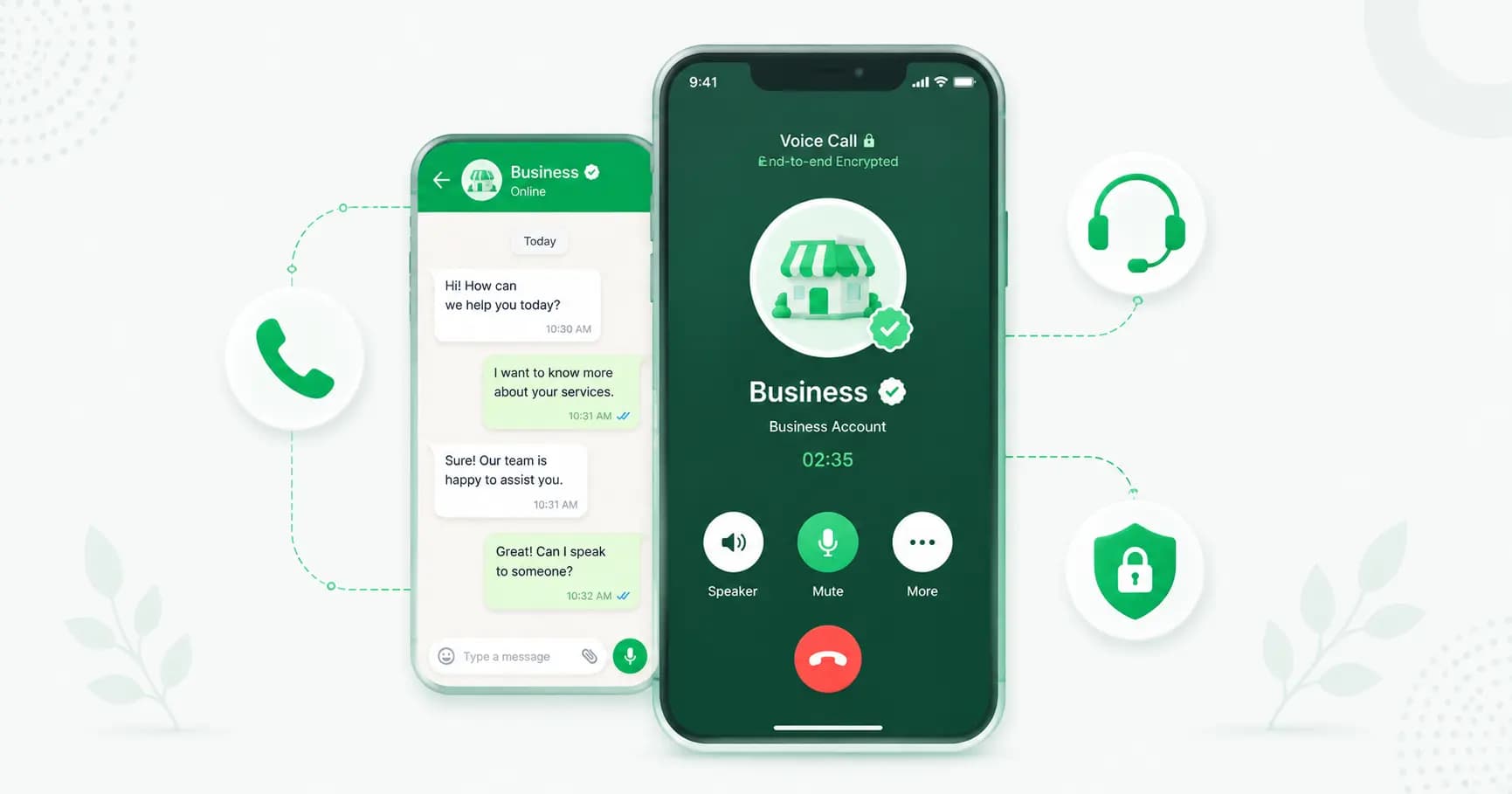
WhatsApp Business Calling lets businesses make and receive voice calls through WhatsApp's own infrastructure — over the internet, not the phone network. The calls are end-to-end encrypted, carry your verified business identity, and sit right alongside your chats.
Because calls run over data rather than the cellular network (PSTN), there are no traditional telecom call charges, and in India there's no DLT registration to deal with — the friction that comes with SMS and normal business telephony simply isn't there. Meta opened the WhatsApp Business Calling API to general availability in late 2025, and it's expanding through 2026.
At the moment it supports voice calls only — video calling isn't yet available for business accounts, though Meta may add it later.
Business App calling vs the Calling API
There are two ways to use voice on WhatsApp for business:
- The WhatsApp Business app already supports free voice calls. If you're a small team handling a low volume of calls manually, this may be all you need.
- The WhatsApp Business Calling API is built for scale — it lets you route calls to multiple agents, connect calling to your CRM and automation, keep voice and chat in one thread, and add an AI layer. This runs on the WhatsApp Business API through a provider.
How WhatsApp Business Calling works
A few ways calls happen:
- Customer-initiated calls. A customer can call your business number directly on WhatsApp. When they do, it opens the same 24-hour service window a message would, so you can follow up freely afterward.
- Business-initiated calls. You can call customers (subject to permission and regional rules), useful for high-intent follow-ups.
- Call buttons in messages. You can embed a "Call" button in a WhatsApp message or template, so a customer taps it and connects straight to your agent — no dialling, no IVR menu.
Because calling lives inside WhatsApp, voice and chat share one thread. An agent can take a call and share photos, files or links in the same chat without hanging up, and every interaction stays in one place. If your team is offline, the call shows as missed in your logs, and you can set an automated reply to acknowledge it and invite a callback.
One thing to note: the Calling API doesn't include built-in call recording or transcripts by default. Platforms can add those features — and if you record, you must inform customers and get consent, as local laws require.
Availability in 2026
WhatsApp Business Calling is live, but rolling out in phases — so availability depends on your region and provider:
- Priority markets. Rollout has prioritised countries with strong WhatsApp usage — India, Brazil, Indonesia, and parts of Europe and MENA. India is very much in scope.
- Phased by provider. As is typical for Meta releases, enterprise-grade providers got calling first, with broader availability across smaller-business platforms rolling out through 2026 and into 2027. So not every provider has it enabled yet — check with yours.
- Regional call rules. Customer-initiated calls work in most countries where the API is supported, while business-initiated calls are restricted in some locations. Meta's list can change.
How much does WhatsApp Business Calling cost?
Meta publishes a Calling API rate card, and pricing works much like messaging:
- Business-initiated calls are charged per minute, on a volume-tiered basis that varies by country — the more you call, the lower your per-minute rate. (Meta's current rate card took effect on 1 April 2026, with further updates from 1 July 2026, so check the live rate card or your provider for the exact India rate before budgeting.)
- Customer-initiated calls open the standard 24-hour service window, like an inbound message.
- No PSTN or DLT costs. Because calls run over data, you avoid the per-minute telecom charges and DLT registration that come with normal business telephony — which is why early adopters in sectors like BFSI, EdTech and premium D2C report strong ROI versus the phone-based workflows they replaced.
You'll also need a funded WhatsApp Business Account balance to place calls.
Why use WhatsApp Business Calling?
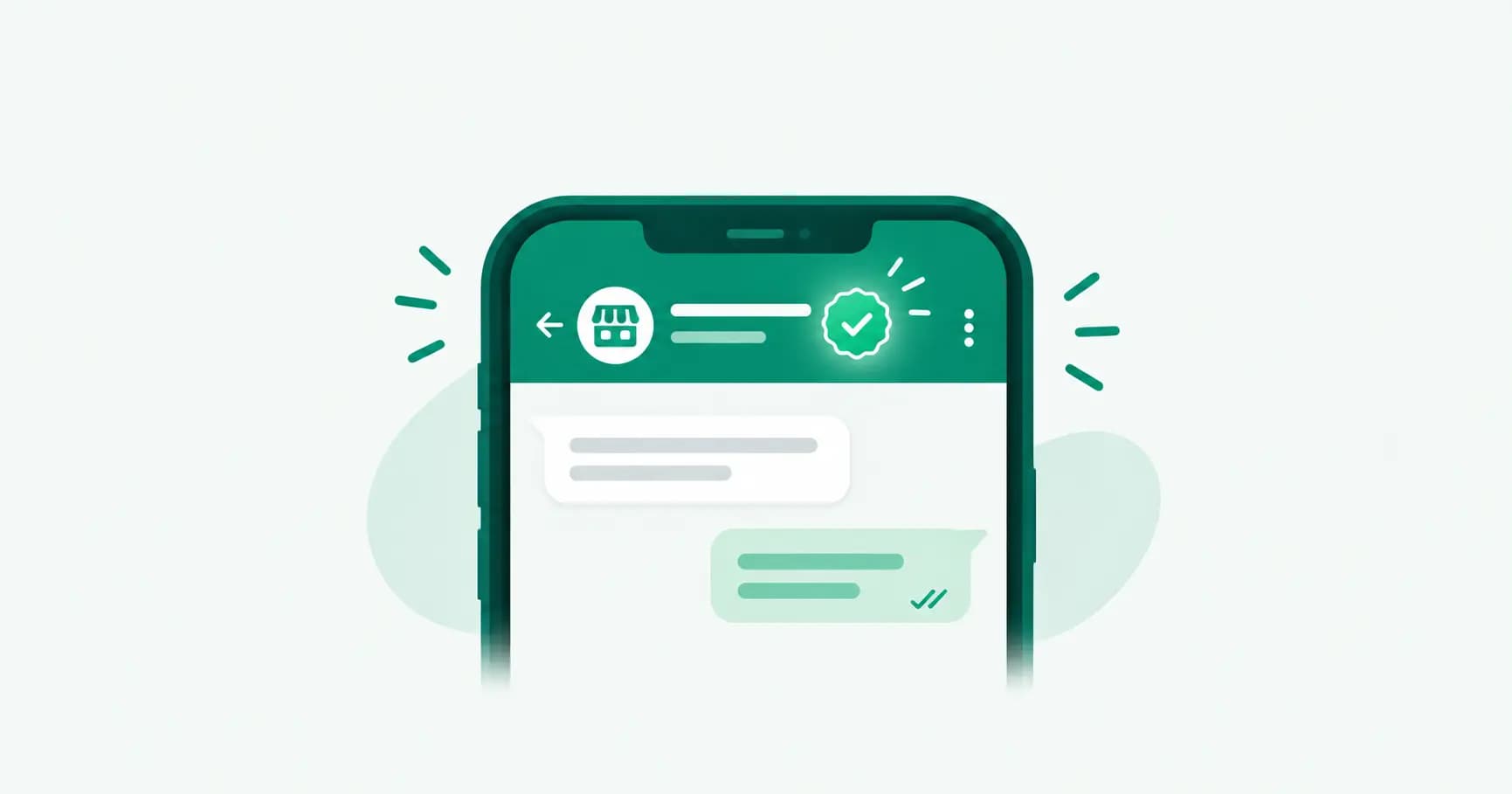
- Customers actually answer. Your verified business name (and green tick) show on the call, so it doesn't look like an unknown spam number.
- No telecom overhead. No PSTN charges, no DLT registration, and encryption built in.
- Context is preserved. Voice and chat live in one thread, so agents have the full history — no "let me pull up your details."
- It closes the gap. For complex or high-value conversations, a two-minute call resolves what twenty messages can't — turning WhatsApp into a full assisted-sales and support channel.
WhatsApp Business Calling use cases
- High-intent sales. Call a hot lead who just enquired, while interest is peak — ideal for BFSI, real estate and EdTech.
- Support escalation. Let a chat escalate to a call for issues too complex to type out.
- Lead qualification. A quick call qualifies serious buyers faster than a long chat.
- High-value confirmations. Confirm big orders, bookings or appointments with a personal call.
- Assisted selling. Walk a customer through a premium product or plan in real time.
WhatsApp Business Calling vs regular calls and cloud telephony
Compared with a normal phone call or a cloud-telephony dialler, WhatsApp Business Calling is data-based (no PSTN charges), encrypted, branded (your verified name shows, lifting answer rates), and in-context (tied to the chat thread) — and in India it skips DLT registration. Regular telephony still wins for reaching people without internet or WhatsApp, so many businesses use both.
Requirements and best practices
- Get set up. Use the WhatsApp Business API through a provider that supports calling (or the Business app for basic free voice). A verified green tick boosts trust on calls.
- Don't cold-spam. Meta tracks call quality — mass unsolicited calls hurt your quality rating and can get calling restricted. Call people who expect or want it.
- Use it as an escalation, not an interruption. Offer a call at the right moment (a complex query, a high-value decision), rather than dialling everyone.
- Route to the right agent. Connect calling to a shared inbox so calls reach the right person with full context.
- Handle missed calls. Set automated replies so no inbound call goes unacknowledged.
- Get consent to record, if you record at all.
How Splashify Pro does WhatsApp Calling
Splashify Pro brings WhatsApp Business Calling into your workflow — customers reach you by voice, calls route to the right agent in your shared inbox with full chat context, and voice and chat stay in one thread. And uniquely, Splashify pairs it with a 24/7 AI voice receptionist that can answer calls when your team is offline, handle common questions, and capture details — so you never miss a high-intent caller. It's a voice layer most WhatsApp platforms simply don't offer.
Frequently asked questions
What is WhatsApp Business Calling?
It's a WhatsApp Business Platform feature that lets businesses make and receive voice calls over WhatsApp's infrastructure — data-based, end-to-end encrypted, and carrying your verified business identity. Meta opened the Calling API to general availability in late 2025.
Is WhatsApp Business Calling available in India?
Yes. India is one of the priority markets for the rollout. However, availability is phased across providers, so check whether your specific WhatsApp platform has calling enabled yet.
How much does WhatsApp Business Calling cost?
Business-initiated calls are charged per minute on a volume-tiered basis that varies by country, per Meta's Calling API rate card. Because calls run over data, there are no PSTN telecom charges or DLT fees. Check Meta's current rate card or your provider for exact India per-minute rates.
Does WhatsApp Business Calling support video calls?
Not yet for business accounts. The Calling API currently supports voice calls only. Meta may add video support in future updates.
What's the difference between the WhatsApp Business app and the Calling API for calls?
The free WhatsApp Business app supports basic voice calls for small teams handling low volumes manually. The Calling API is built for scale — agent routing, CRM integration, voice and chat in one thread, and automation — and runs on the WhatsApp Business API through a provider.
Do I need DLT registration for WhatsApp Business Calling in India?
No. Because calls run over data rather than the cellular network, WhatsApp Business Calling doesn't require the DLT registration that normal SMS and telephony do in India.
Can customers call my business on WhatsApp?
Yes. Customers can call your business number directly on WhatsApp in supported regions, and doing so opens the standard 24-hour service window so you can follow up afterward. You can also add a "Call" button to messages so customers connect in one tap.
Is WhatsApp Business Calling encrypted?
Yes. Calls are end-to-end encrypted, like other WhatsApp calls, giving customers a secure, private way to speak with your business.
The bottom line
WhatsApp Business Calling turns WhatsApp from a messaging channel into a full voice-and-chat channel — encrypted, branded, and free of PSTN and DLT overhead. It's new, it's rolling out fast in India, and the businesses building their WhatsApp foundation now will be first to benefit. Use it as a smart escalation for high-intent and complex conversations, pair it with automation, and you'll close more of the moments that matter.
Add WhatsApp Calling and a 24/7 AI voice receptionist with Splashify Pro → — voice and chat in one inbox, routed to the right agent. Start free for 7 days.
- #whatsapp business calling
- #whatsapp business calling api
- #whatsapp business calls
- #whatsapp calling api pricing
- #whatsapp calling for business
- #whatsapp voice calls