For coaching centres, schools, clinics, agencies, distributors, landlords and subscription businesses, late payments are a constant drain. Someone has to call, send reminders, follow up again and reconcile who has paid. It's slow, it's awkward, and it strains customer relationships.
WhatsApp payment reminders fix most of this. Customers see them within minutes, can pay with one tap through a UPI or payment link, and you can automate the whole schedule. Here's how to set it up.
Why WhatsApp works for payment collection
- It gets seen. WhatsApp messages are opened far more reliably than emails or SMS.
- One-tap payment. A button opens a UPI or payment gateway link immediately.
- Two-way. Customers can reply “paid yesterday” or ask for an extension, so you can resolve issues instead of chasing.
- Professional. A verified business profile with your logo looks more trustworthy than a personal number.
- Automated. Reminders stop the moment payment is recorded.
Templates and categories
Payment reminders for an existing invoice, fee or EMI are typically approved as utility templates, because they relate to an agreement the customer already has with you. Keep them factual — adding promotional content (“pay now and check out our new offers!”) can get them re-categorised as marketing. See our template guide.
12 payment reminder templates
Invoices (B2B and services)
- Before due: “Hi {{1}}, this is a reminder that invoice {{2}} for ₹{{3}} is due on {{4}}. You can pay securely using the button below.”
- Due today: “Hi {{1}}, invoice {{2}} for ₹{{3}} is due today. Tap below to pay. Please ignore if already paid.”
- Overdue: “Hi {{1}}, invoice {{2}} for ₹{{3}} was due on {{4}} and is still pending. Please complete the payment or reply if you need help.”
School and coaching fees
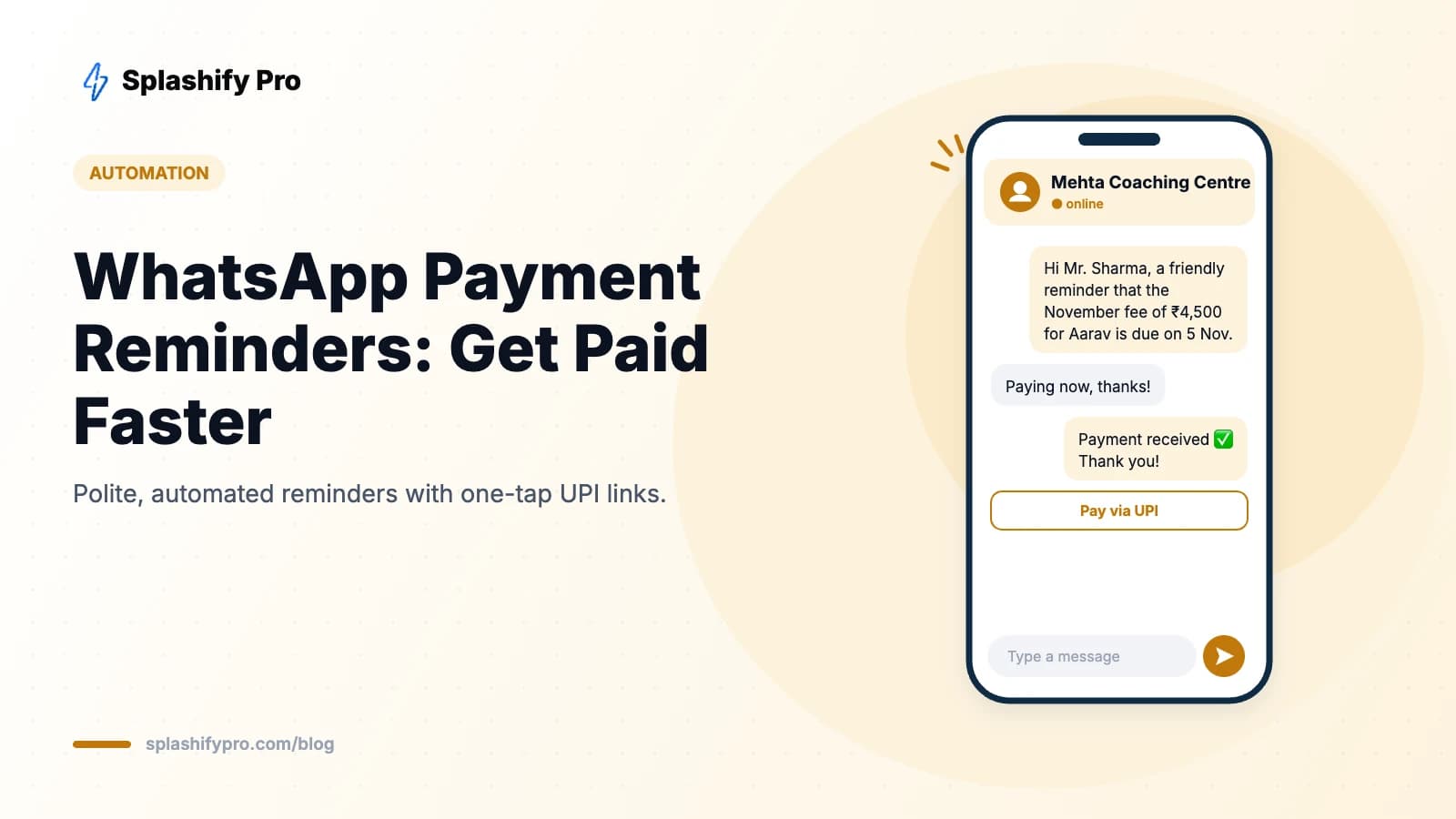
- Upcoming fee: “Dear {{1}}, the {{2}} fee of ₹{{3}} for {{4}} is due on {{5}}. Pay via the link below.”
- Late fee notice: “Dear {{1}}, the fee for {{2}} is pending. A late fee of ₹{{3}} applies after {{4}}. Pay now to avoid it.”
- Fee received: “Thank you, {{1}}! We have received ₹{{2}} towards {{3}}'s fee for {{4}}. Receipt attached.”
EMIs and loans
- EMI due: “Hi {{1}}, your EMI of ₹{{2}} for loan account ending {{3}} is due on {{4}}. Please keep sufficient balance or pay via the link.”
- Bounce follow-up: “Hi {{1}}, your EMI of ₹{{2}} due on {{3}} could not be collected. Please pay using the link below to avoid charges.”
Subscriptions, rent and utilities
- Renewal: “Hi {{1}}, your {{2}} plan expires on {{3}}. Renew now to continue without interruption.”
- Rent: “Hi {{1}}, a reminder that rent of ₹{{2}} for {{3}} is due on {{4}}.”
- Gym or membership: “Hi {{1}}, your membership renewal of ₹{{2}} is due on {{3}}. Tap to renew.”
- Payment received (any): “Payment of ₹{{1}} received for {{2}}. Thank you, {{3}}!”
How to automate payment reminders
- Keep dues in one place — your billing software, school ERP, accounting tool or simply a Google Sheet with name, phone, amount, due date and status.
- Generate payment links through your gateway (Razorpay, Cashfree, PayU) or use UPI on WhatsApp.
- Get templates approved for each stage: before due, due today, overdue, received.
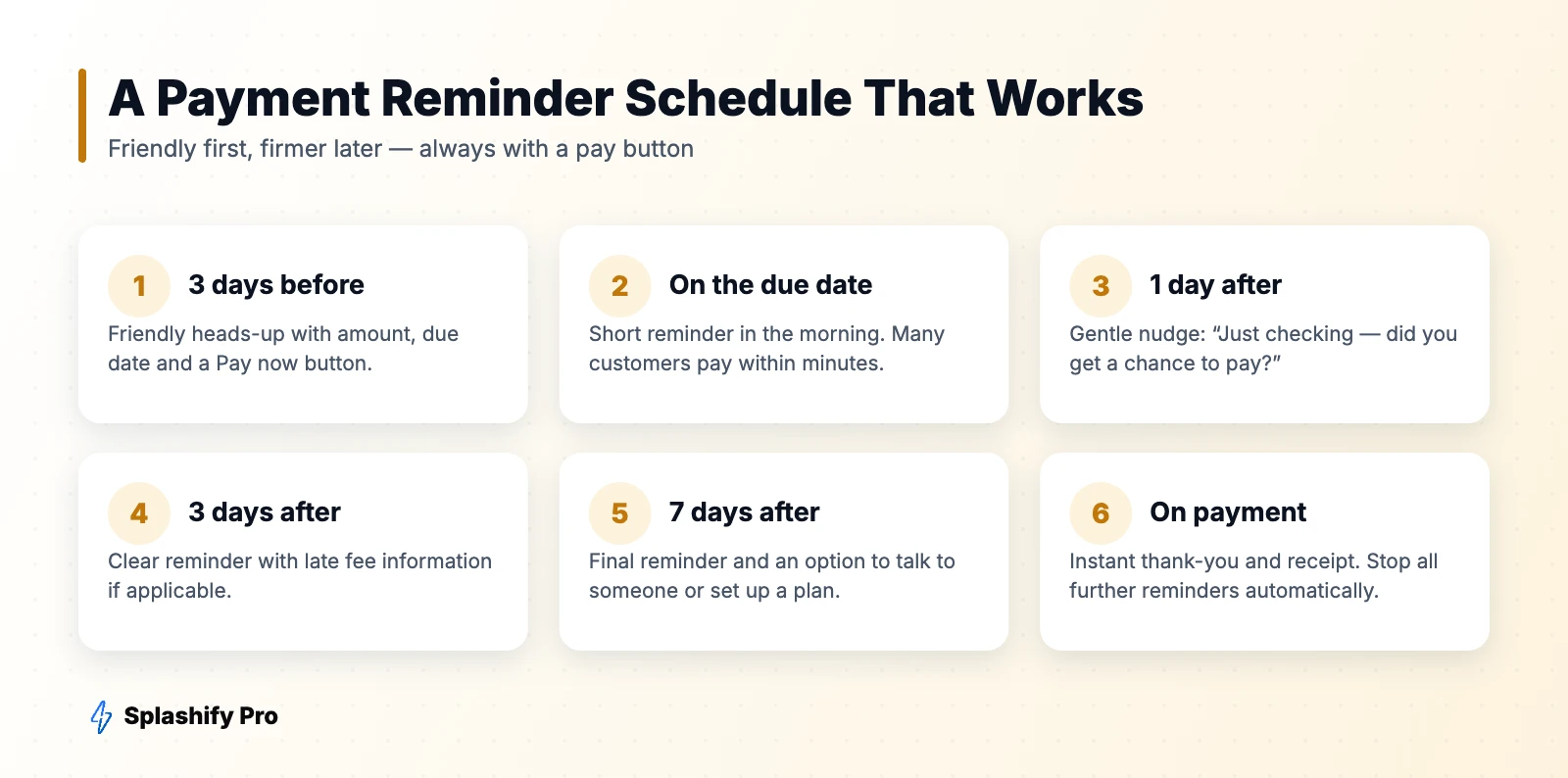
- Build the schedule in Splashify Pro's automations: trigger on due date minus 3 days, due date, +1, +3 and +7 days.
- Connect payment status via webhook or sheet update so reminders stop automatically when paid, and a receipt goes out instantly.
- Route replies like “need more time” to your accounts team in the shared inbox.
Tone tips that get people to pay
- Assume good intent. Most late payers simply forgot. Friendly beats threatening.
- Be specific. Amount, due date and what it's for — no guessing.
- Make paying effortless. One button, one tap.
- Add “ignore if already paid” to avoid annoying people who paid offline.
- Time it well. Mornings between 9 and 11 am and the first days of the month (after salary credit) tend to work best.
Compliance and courtesy
- Message only customers who have a relationship with you and have shared their number for this purpose.
- Don't use threatening language or share debt details with anyone other than the customer.
- Lenders and NBFCs should follow RBI's fair practices code and recovery guidelines.
- Respect reasonable hours; avoid late-night reminders.
Results to expect
Businesses that move reminders from manual calls to automated WhatsApp sequences typically see faster collection, fewer overdue accounts and hours saved every week for the accounts team. Track on-time payment rate, days sales outstanding and payments collected per reminder to measure impact.
Frequently asked questions
Can I send payment reminders on WhatsApp automatically?
Yes, using the WhatsApp Business API with approved utility templates and an automation platform like Splashify Pro.
Can customers pay directly from the message?
Yes. Add a call-to-action button with your payment link or UPI link, so payment opens in one tap.
Are payment reminders marketing or utility messages?
Reminders about an existing payment are usually utility. Keep promotional content out so they aren't re-categorised.
The bottom line
Automated WhatsApp reminders with one-tap payment links are one of the quickest wins for any business that bills customers regularly. Set up a five-step schedule, keep the tone friendly, and stop reminders the moment payment lands. Automate your payment reminders with Splashify Pro.
- #fee reminder whatsapp
- #invoice reminder whatsapp
- #payment reminder message
- #whatsapp payment reminder