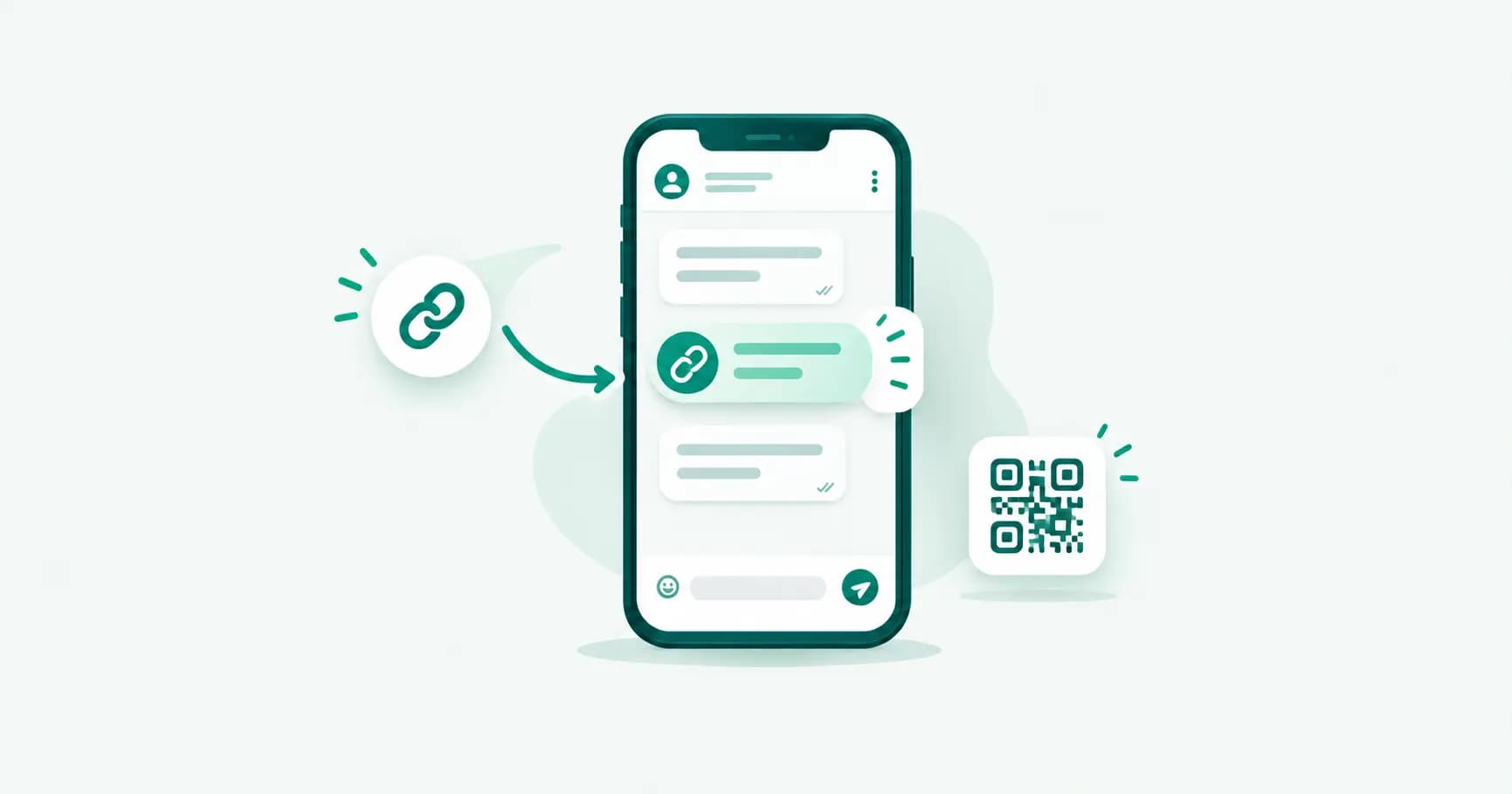
A WhatsApp link (also called a "click-to-chat" or wa.me link) lets anyone start a chat with you on WhatsApp with a single tap — no need to save your number first. It's the single easiest traffic-to-conversation tool you can put in a bio, an ad, a QR code, or a website button. Here's exactly how the format works, how to build one by hand, and how to avoid the mistakes that make people's links fail.
What a WhatsApp link actually is
A WhatsApp link is just a specially formatted URL that, when opened, launches WhatsApp with a chat window already pointed at a specific number — optionally with a message pre-typed and waiting to be sent. There's no app to install and no account needed on the visitor's side beyond having WhatsApp itself.
Two URL formats do the same job:
https://wa.me/— the short, official format, easiest to type and share.https://api.whatsapp.com/send?phone=— the older, longer format. Functionally identical;wa.meis simply a shortened redirect to it.
Either one works. wa.me is what you'll see recommended almost everywhere because it's shorter and cleaner in a bio or on a poster.
The exact link format
The basic structure is:
https://wa.me/<countrycode><number>
For example, an Indian mobile number 98765 43210 becomes:
https://wa.me/919876543210
Three formatting rules matter, and getting any of them wrong breaks the link:
Include the country code (91 for India) with no leading
+.No spaces, dashes, or brackets — just digits, run together.
Drop the leading zero some numbers are written with locally (Indian mobile numbers don't have one, but always check).
A link with a +, a space, or a stray zero will often still open WhatsApp — but to the wrong number, or to an error screen, depending on the device. Test every link yourself before publishing it anywhere.
Adding a pre-filled message
This is the part that turns a plain link into a conversion tool. Add ?text= after the number, followed by your message, URL-encoded (spaces and punctuation replaced with their encoded equivalents):
https://wa.me/919876543210?text=Hi%2C%20I%27d%20like%20to%20know%20more%20about%20your%20products
That opens a chat with "Hi, I'd like to know more about your products" already typed into the message box — the visitor just has to hit send. You don't have to hand-encode this yourself: a WhatsApp link generator tool does it for you, or your browser will encode it automatically if you paste plain text into the address bar and copy the resulting URL.
A few practical notes on the pre-filled message:
The visitor can edit it before sending — it's a starting point, not a locked message.
Keep it short. A long pre-filled block feels like spam and gets deleted before it's sent.
Match the message to where the link lives — a link on your "Support" page should pre-fill something different from a link in an Instagram ad.
Building links for different use cases
Website "Chat with us" button
https://wa.me/919876543210?text=Hi%2C%20I%20have%20a%20question%20about%20my%20order
Point your button's href at this and it opens WhatsApp directly — on mobile it opens the app, on desktop it opens WhatsApp Web or the desktop app if installed.
Instagram / Facebook bio link Keep this one generic since it serves every visitor: https://wa.me/919876543210?text=Hi%2C%20I%20found%20you%20on%20Instagram. The pre-filled text alone tells you which channel a lead came from without any tracking software.
Print — posters, packaging, business cards Turn the same link into a QR code so people can scan instead of typing. This is where most businesses actually use these links at scale, since nobody types a phone number off a poster.
Paid ads Every major ad platform (Meta Ads, Google Ads) supports a "click to WhatsApp" destination — under the hood, it's this exact link format. Use a distinct pre-filled message per campaign so replies tell you instantly which ad drove them.
Tracking which link brought the customer in
wa.me links don't have built-in analytics — WhatsApp doesn't tell you how many people clicked before opening a chat. Two ways around that:
Differentiate the pre-filled message per channel. "Hi, I saw your Diwali ad" vs. "Hi, I'm messaging from your website" — each incoming chat tells you its source without any extra tooling.
Use a link shortener with click analytics (Bitly, or your own domain's redirect) in front of the
wa.melink, so you get click counts before someone reaches WhatsApp, in addition to the message-based source tagging.
If you're running WhatsApp as a real sales or support channel rather than a handful of manual chats, this is exactly the gap the WhatsApp Business API closes — every conversation lands in a shared inbox tagged by source, with no manual message-matching required.
Group invite links are a different thing
Don't confuse a click-to-chat link with a group invite link (chat.whatsapp.com/...) — that one adds the visitor to a WhatsApp group, not a private chat with you. If you're trying to build a broadcast audience rather than field one-to-one conversations, a WhatsApp Channel is usually the better fit than a group invite link, since it doesn't expose your number or a member list.
Common mistakes that break a WhatsApp link
Including the
+sign — some devices handle it fine, others don't. Leave it out.Forgetting the country code — the link will either fail or, worse, try to open a chat with a wrong local number.
Not testing before publishing — always click your own link on both a phone and a desktop browser before it goes on a poster, ad, or bio you can't quickly edit.
Pointing it at a personal WhatsApp number for a business — works technically, but you lose every business feature (catalog, quick replies, labels) and the customer sees no business name, category, or verified badge. Set up a WhatsApp Business account on that number first.
Using an unformatted or half-typed number — a missing digit sends every visitor to someone else's phone, or to no one.
What happens if someone doesn't have WhatsApp installed
On mobile, tapping the link when WhatsApp isn't installed takes the visitor to the app store listing to install it first — the chat opens automatically once they do. On desktop, if neither the desktop app nor an active WhatsApp Web session exists, the browser shows a QR code to scan and link a phone, same as opening web.whatsapp.com directly. Either way, the link itself never fails — the friction is only ever on the visitor's end, not yours.
Frequently asked questions
What is a wa.me link?
A wa.me link is a short URL (https://wa.me/<number>) that opens a WhatsApp chat with that number when clicked, optionally with a pre-filled message. It's the standard format for click-to-chat buttons, QR codes, and bio links.
How do I create a WhatsApp link with a pre-filled message?
Add ?text= after your number, followed by your URL-encoded message: https://wa.me/919876543210?text=Hi%2C%20I%27d%20like%20more%20info. Spaces and punctuation need to be URL-encoded, which a link generator tool handles automatically.
Does a wa.me link work without WhatsApp installed?
Yes. On mobile, it redirects to the app store to install WhatsApp first, then opens the chat automatically. On desktop, it opens WhatsApp Web, prompting a QR code scan if no session is already linked.
What's the difference between wa.me and api.whatsapp.com links?
They're functionally identical — wa.me is simply a shortened version that redirects to the longer api.whatsapp.com/send?phone= format. Either works the same way for the visitor.
Can I track how many people click my WhatsApp link?
Not natively — WhatsApp itself doesn't report link clicks. Use a distinct pre-filled message per channel to identify the source in the incoming chat, or route the link through a link shortener with its own click analytics.
Why isn't my WhatsApp link working?
The most common causes are including a + before the number, missing the country code, leftover spaces or dashes, or a leading zero that shouldn't be there. Strip the number down to digits only — country code plus number, nothing else — and test it yourself before publishing.
Can I use a WhatsApp link for my business number?
Yes, and you should — a wa.me link built on a WhatsApp Business account number shows your business name, category, and profile when the chat opens, instead of just a phone number.
The bottom line
A WhatsApp link is nothing more than a formatted URL, but getting the formatting exactly right — country code, no symbols, properly encoded message text — is what separates a link that converts from one that quietly fails on half the devices it reaches. Build it once, test it on both mobile and desktop, and reuse the same pattern everywhere you want a one-tap path into a conversation.
Turning WhatsApp clicks into a real sales channel? Splashify Pro puts every chat-to-chat conversation into one shared inbox, tagged by source, with automation and broadcast built in — not just a link. Free for 14 days.
- #click to chat whatsapp
- #wa.me link
- #whatsapp business link
- #whatsapp link generator