Lead forms are where interest goes to die. People fill in a fake number, forget they enquired, or simply never answer the call that comes two days later. WhatsApp flips this: the lead starts a conversation, you have a verified number from the first second, and you can respond while they're still interested.
Here are 15 proven ways to generate leads on WhatsApp in 2026, plus how to qualify them automatically so your sales team only talks to people ready to buy.
Paid channels
1. Click-to-WhatsApp ads
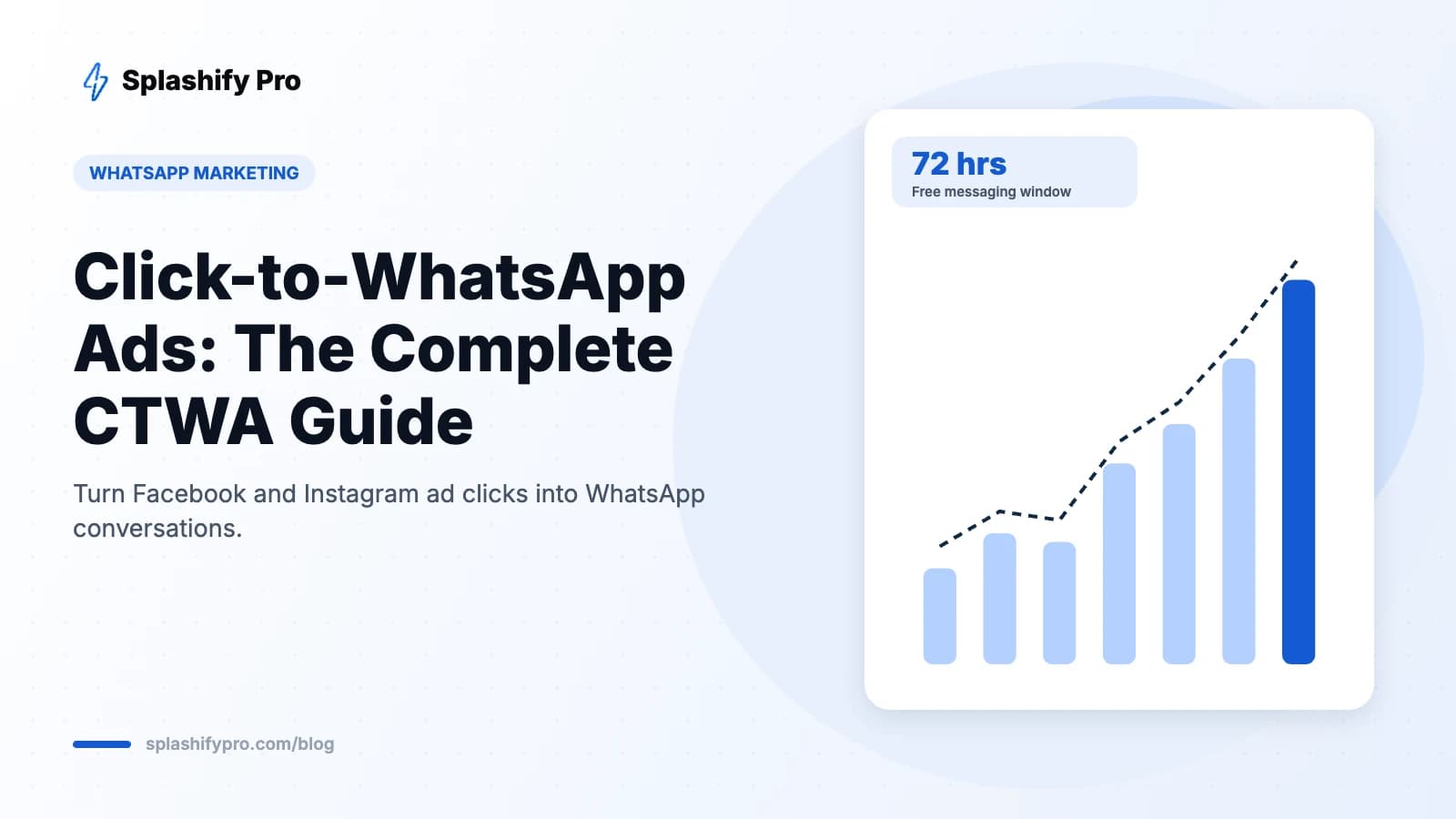
Facebook and Instagram ads that open a WhatsApp chat instead of a landing page. Usually the single best source of WhatsApp leads, and replies within the free 72-hour window cost nothing. Full setup in our CTWA guide.
2. Google Ads with a WhatsApp link
Use a call-to-action or sitelink pointing to a wa.me link with a pre-filled message identifying the campaign.
3. Instagram bio, Stories and DMs
Add a WhatsApp button to your Instagram profile and use Story link stickers. Route Instagram DM enquiries to WhatsApp for follow-up.
Website and owned channels
4. WhatsApp chat widget
A floating “Chat with us” button converts visitors who would never fill a form. Show it on pricing and product pages where questions peak.
5. Replace contact forms with WhatsApp
Offer “Get a quote on WhatsApp” beside — or instead of — your enquiry form.
6. Exit-intent offer
When a visitor is about to leave, offer a discount code or free guide delivered on WhatsApp.
7. Email signature and newsletters
Every email you send is a chance to add a WhatsApp link.
Offline channels
8. QR codes everywhere
Put WhatsApp QR codes on shop counters, packaging, flyers, hoardings, visiting cards and event standees, each with a pre-filled message so you know which placement worked.
9. Events and exhibitions
Instead of collecting cards, ask visitors to scan and send “Hi” to receive the brochure instantly. You get a qualified, verified lead on the spot.
10. Missed-call to WhatsApp
Popular in India: customers give a missed call to a number and automatically receive a WhatsApp message to start the conversation.
Content and offers
11. Lead magnets on WhatsApp
Deliver price lists, brochures, e-books, checklists or sample papers over WhatsApp in exchange for a chat.
12. WhatsApp Flows for structured capture
WhatsApp Flows let you collect name, requirement, budget and preferred time inside a native form in the chat — much higher completion than a web form.
13. Quizzes and calculators
“Find the right course for you” or “Calculate your EMI” chatbots are engaging and capture detailed intent data.
Community and referrals
14. Referral programmes
Give existing customers a personal link to share. When a friend messages via that link, both get a reward.
15. WhatsApp Channels
Build an audience with a WhatsApp Channel and include a “Chat with us” link in posts to convert followers into one-to-one leads.
Qualify leads automatically
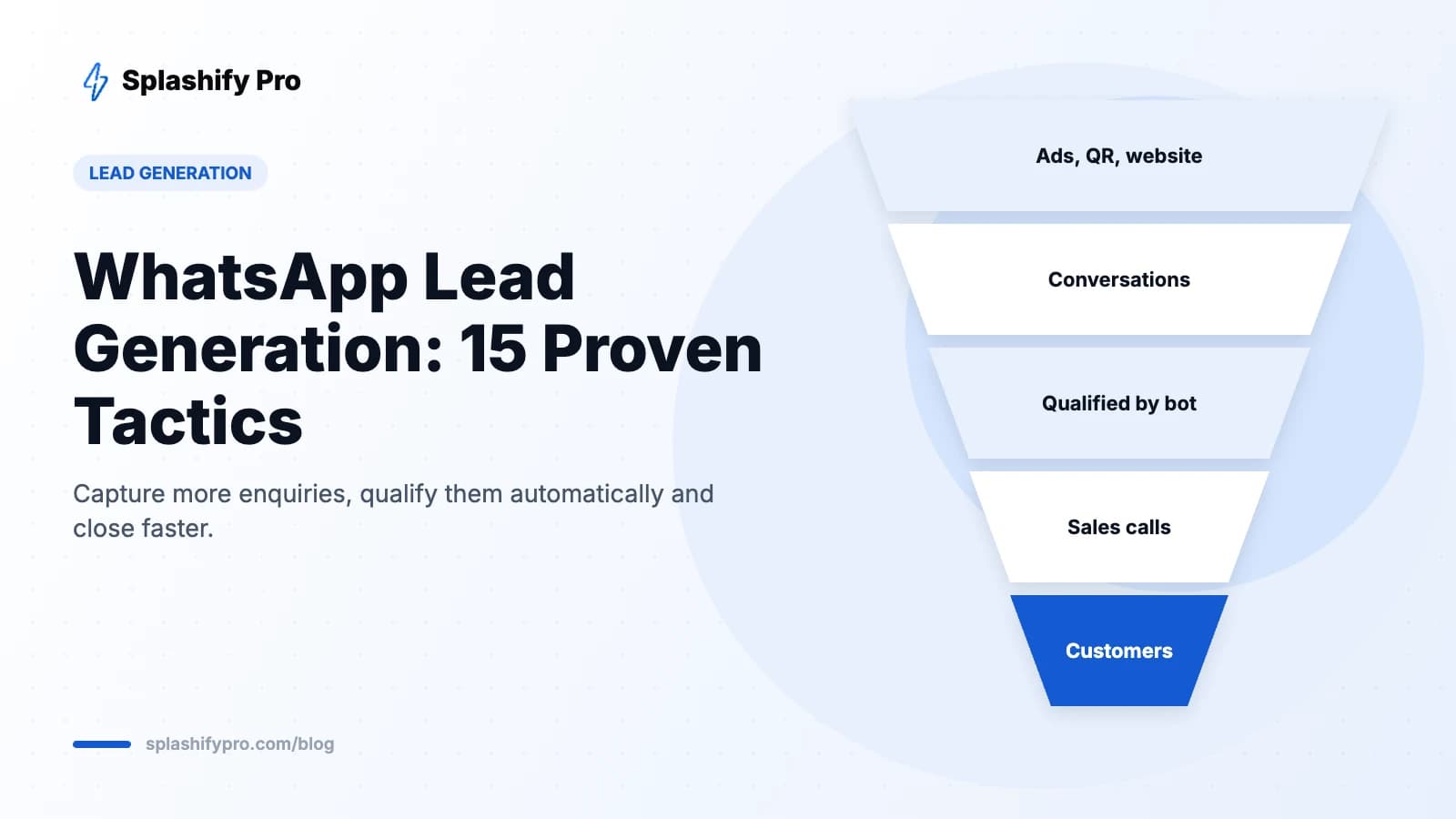
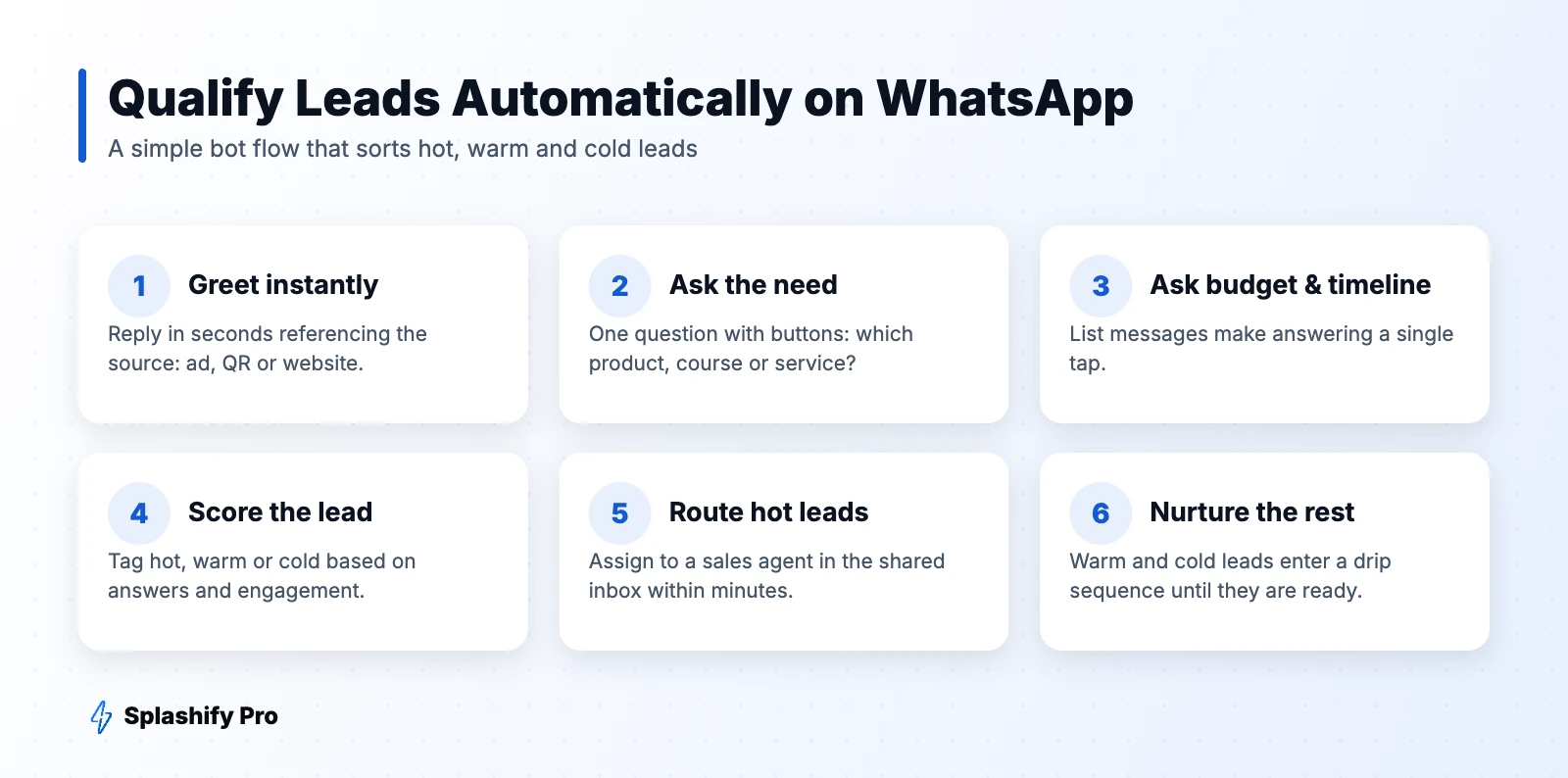
More leads only help if your team can handle them. A chatbot can qualify every enquiry in under a minute:
- Greet instantly and reference the source (“Thanks for scanning our QR at the expo!”).
- Ask what they need using reply buttons.
- Ask budget and timeline using a list message.
- Tag the lead hot, warm or cold.
- Assign hot leads to a salesperson immediately; send warm and cold leads into a drip campaign.
Speed matters: leads contacted within the first few minutes are far more likely to convert than those contacted hours later.
Track lead sources
Use a different pre-filled message or link per source (“Hi, I saw your Diwali ad”, “Hi from expo QR”). Splashify Pro can auto-tag contacts based on the first message, so you can report leads and revenue by channel.
Lead generation by industry
| Industry | Top tactics |
|---|---|
| Real estate | CTWA ads, site-visit booking flow, brochure on WhatsApp |
| Education | Course-finder quiz, counselling booking, fee reminders |
| Healthcare | Appointment booking flow, missed-call to WhatsApp |
| D2C | Website widget, exit-intent discount, referral codes |
| B2B | Event QR codes, lead magnets, demo booking |
Frequently asked questions
Is WhatsApp good for lead generation?
Yes. It removes form friction, gives you verified numbers and lets you respond instantly, which typically improves lead-to-customer conversion.
Can I export WhatsApp leads to my CRM?
Yes. Platforms like Splashify Pro sync contacts and tags with CRMs and Google Sheets via integrations or webhooks.
Do I need the API for lead generation?
You can start with the WhatsApp Business app, but chatbots, automatic tagging, team inboxes and CRM sync require the WhatsApp Business API.
The bottom line
Put WhatsApp entry points everywhere your customers already are, qualify every enquiry instantly with a bot, and route hot leads to sales within minutes. Start capturing WhatsApp leads with Splashify Pro.
- #generate leads on whatsapp
- #whatsapp lead capture
- #whatsapp lead generation
- #whatsapp leads