Most ad clicks die on a landing page. The visitor gets distracted, the form feels like work, and they leave. Click-to-WhatsApp (CTWA) ads skip that step entirely: tapping the ad opens a WhatsApp chat with your business, where a real conversation can start immediately.
For Indian businesses selling anything that benefits from a quick question — real estate, education, healthcare, fashion, travel, finance — CTWA ads routinely produce cheaper, higher-quality leads than form ads. Here is how to run them properly.
What are Click-to-WhatsApp ads?
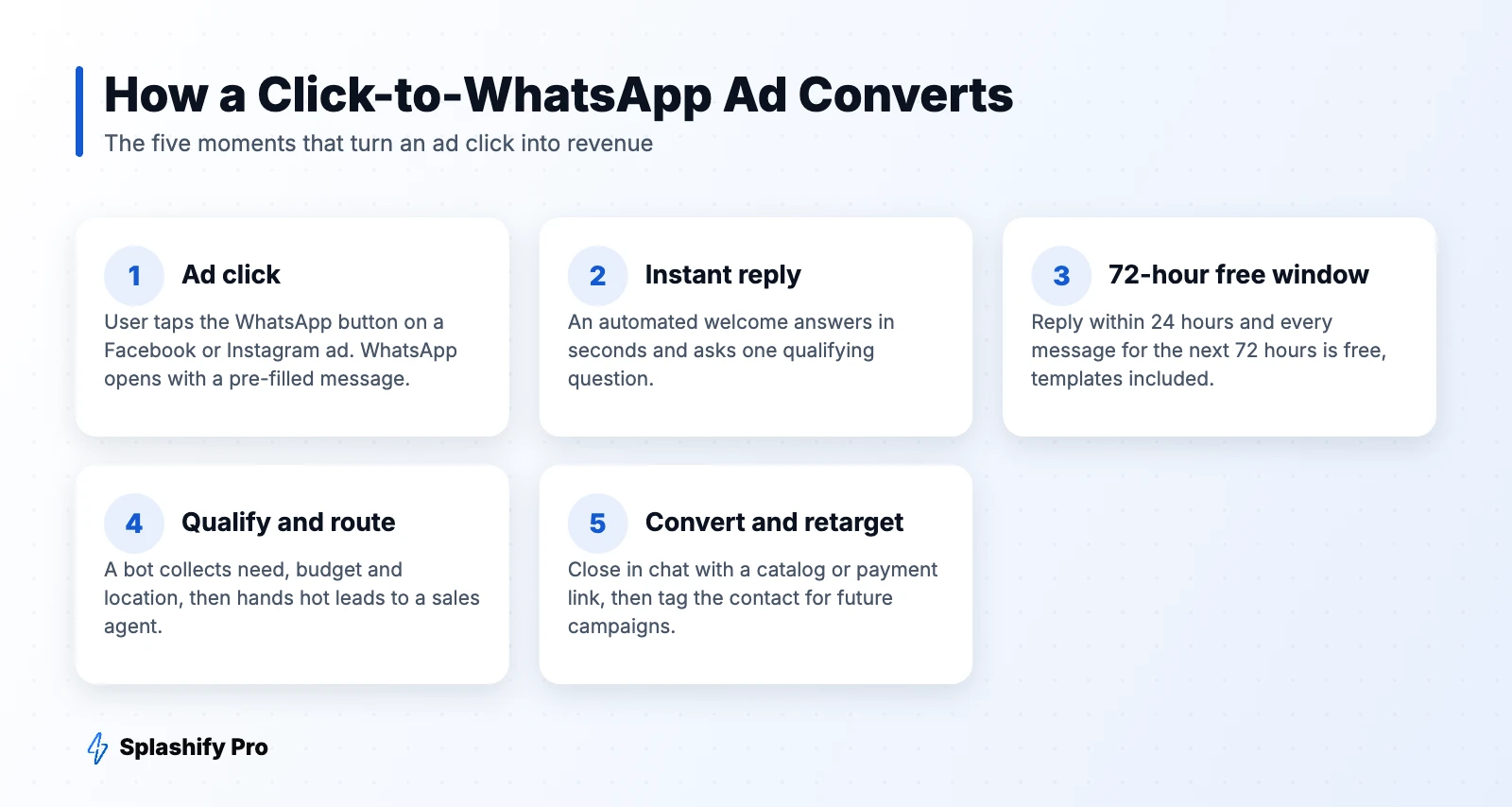
CTWA ads are regular Facebook or Instagram ads with a WhatsApp message button. When someone taps it, WhatsApp opens with a pre-filled message such as “Hi, I'm interested in the 2BHK in Salt Lake.” The person sends it, and you have a conversation — plus their phone number — without them filling in a single field.
Why CTWA ads outperform landing pages
- Less friction. One tap instead of a page load and a form.
- Higher intent. People who start a chat usually have a real question.
- Instant follow-up. You can respond in seconds, while interest is at its peak.
- Free messaging. Conversations from CTWA ads get Meta's free entry point window (explained below).
- A reusable channel. Once someone has chatted with you, you can follow up later with approved templates, subject to opt-in.
The 72-hour free entry point window
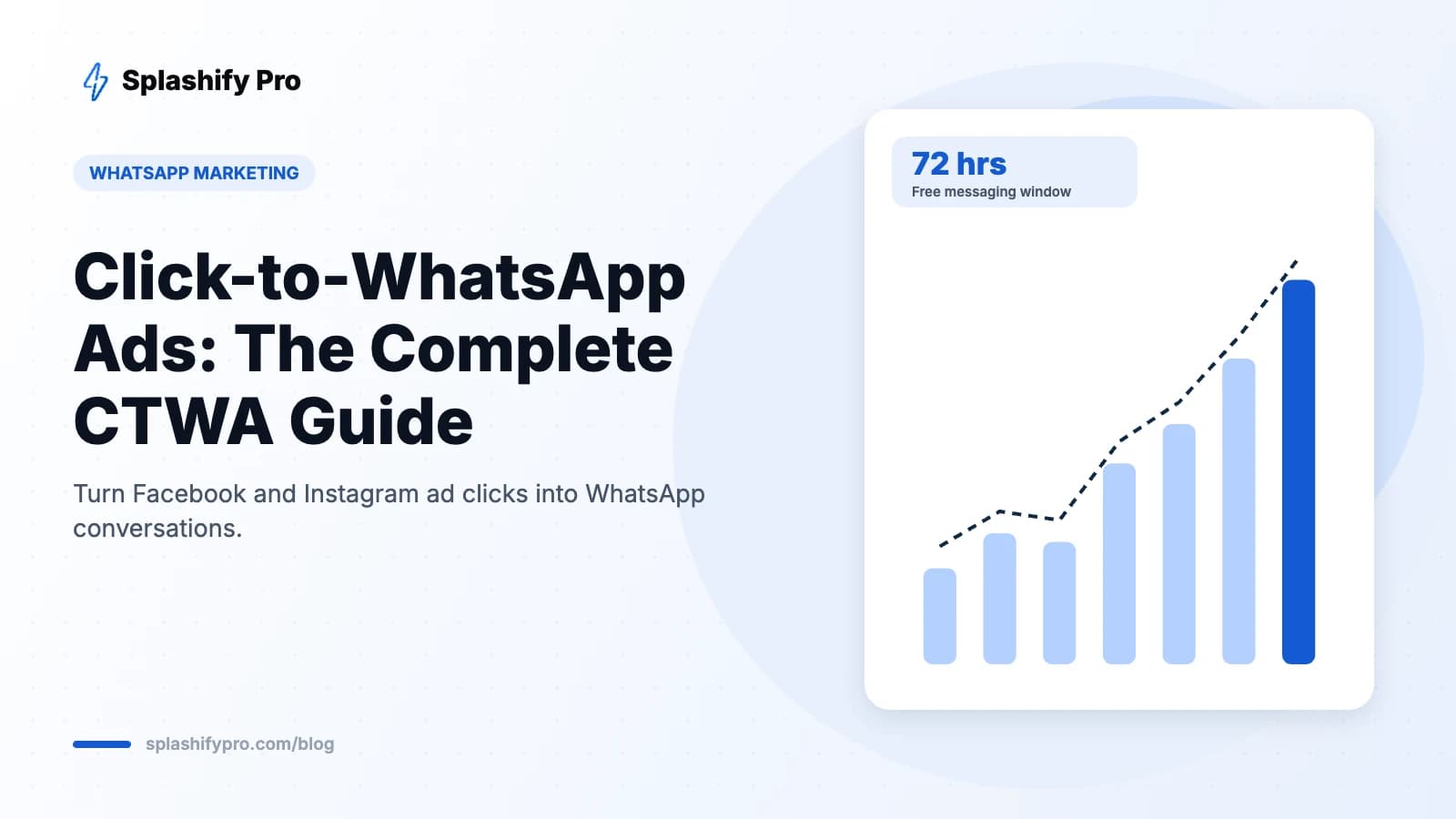
When a user messages you from a Click-to-WhatsApp ad (or a Facebook Page call-to-action) on the WhatsApp mobile app, and you reply within 24 hours, Meta opens a 72-hour free entry point window. During those 72 hours, every message you send is free — including template messages. This makes CTWA one of the cheapest ways to nurture a lead on WhatsApp.
Two things to note: the free window applies when you use the WhatsApp Business Platform (API), and it only starts if you reply within 24 hours. Automated instant replies make sure you never miss it.
How to set up a Click-to-WhatsApp ad
- Connect WhatsApp to your Facebook Page. In your Page settings, link the WhatsApp Business number you use with the API.
- Create a campaign in Meta Ads Manager. Choose the Engagement, Leads or Sales objective and select Messaging apps → WhatsApp as the conversion location.
- Choose your audience. Target by location, interests and lookalikes of past customers. Keep the radius tight for local businesses.
- Write the ad. Lead with the outcome (“Get a free quote in 2 minutes on WhatsApp”) and use a creative that shows the product or a chat screenshot.
- Set the pre-filled message and ice-breakers. Add quick questions such as “See prices”, “Book a visit” or “Talk to an expert”.
- Connect automation. In Splashify Pro, create a keyword trigger so every new ad chat gets an instant welcome and qualification flow.
- Launch and monitor. Track cost per conversation started and, more importantly, cost per qualified lead.
Writing a welcome flow that converts
The first reply decides whether the lead goes cold. A strong flow:
- Responds in under five seconds with a friendly greeting that references the ad.
- Asks one question at a time using buttons or list messages, not open text.
- Gives something of value early — a price range, brochure, catalog or available slots.
- Hands over to a human when the lead is qualified or asks for one.
Example for a real estate developer: “Hi! Thanks for your interest in Green Heights. Which configuration are you looking for?” [2BHK] [3BHK] [Just exploring]. Next: budget range, then preferred site-visit day. Hot leads go straight to the sales team's shared inbox. See our real estate playbook for more.
Targeting and creative tips
- Retarget website visitors and video viewers — they convert at a much higher rate.
- Use regional language creatives for Tier 2 and Tier 3 cities.
- Show the chat. A screenshot of the WhatsApp conversation sets clear expectations.
- Run during staffed hours if human follow-up matters, or rely on a bot for 24/7 coverage.
- Test offers, not just images — “free consultation” versus “price list” can change cost per lead dramatically.
Metrics to track
| Metric | What it tells you |
|---|---|
| Cost per messaging conversation started | How efficiently the ad generates chats |
| Reply rate after welcome message | Whether your first message engages |
| Qualified lead rate | Share of chats that match your criteria |
| Cost per qualified lead | The number that really matters for budget decisions |
| Conversion rate and revenue | Final return on ad spend |
Frequently asked questions
Do I need the WhatsApp Business API for CTWA ads?
You can run CTWA ads with the WhatsApp Business app, but the API unlocks automation, a multi-agent inbox, CRM integration and the 72-hour free window.
Can I run CTWA ads on Instagram?
Yes. Instagram feed, Stories and Reels placements all support the WhatsApp destination.
Are Click-to-WhatsApp ads expensive?
You pay Meta for ad delivery as usual. Many businesses find their cost per qualified lead is lower than with landing pages or lead forms, because chats convert better and follow-up messages in the free window cost nothing.
The bottom line
Click-to-WhatsApp ads turn paid traffic into live conversations, and the free 72-hour window makes the follow-up almost costless. Pair them with an instant welcome flow and a fast human handover, and they will likely become your best-performing campaign type. Connect your WhatsApp to Splashify Pro and automate every ad conversation.
- #click to whatsapp ads
- #ctwa ads
- #facebook ads to whatsapp
- #instagram ads whatsapp