Indian online shoppers don't just buy on websites — they ask questions, share products with family and confirm orders on WhatsApp. Stores that meet customers there see higher conversion, fewer failed cash-on-delivery orders and far more repeat purchases than stores relying on email and SMS alone.
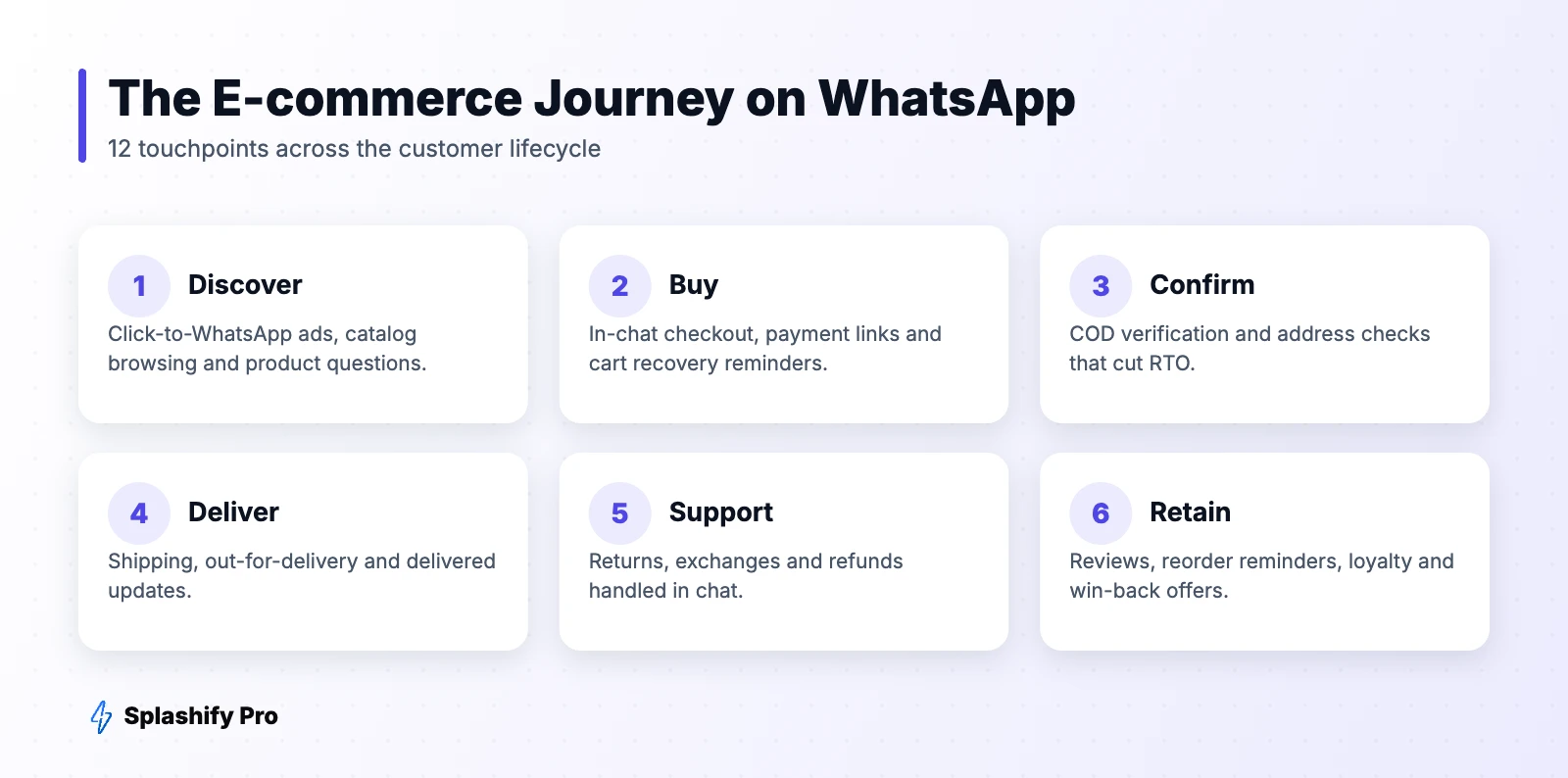
Here are 12 practical WhatsApp use cases for e-commerce, organised across the customer journey, with example messages for each.
Before the purchase
1. Pre-sales chat
Add a WhatsApp button on product pages so shoppers can ask about size, fabric, compatibility or delivery time. A quick answer at this moment is often the difference between a sale and a bounce. A chatbot can handle the common questions; humans step in for the rest.
2. Click-to-WhatsApp ads
Instead of sending ad traffic to a product page, open a chat with a product carousel and a personal offer. Read our Click-to-WhatsApp ads guide.
3. Catalog and in-chat shopping
Share your WhatsApp catalog or multi-product messages so customers can browse, add to cart and send an order without leaving the chat.
4. Back-in-stock and price-drop alerts
Let shoppers tap “Notify me on WhatsApp”. When the item returns, send: “Good news, {{name}}! {{product}} is back in stock. Grab yours before it sells out.”
At checkout
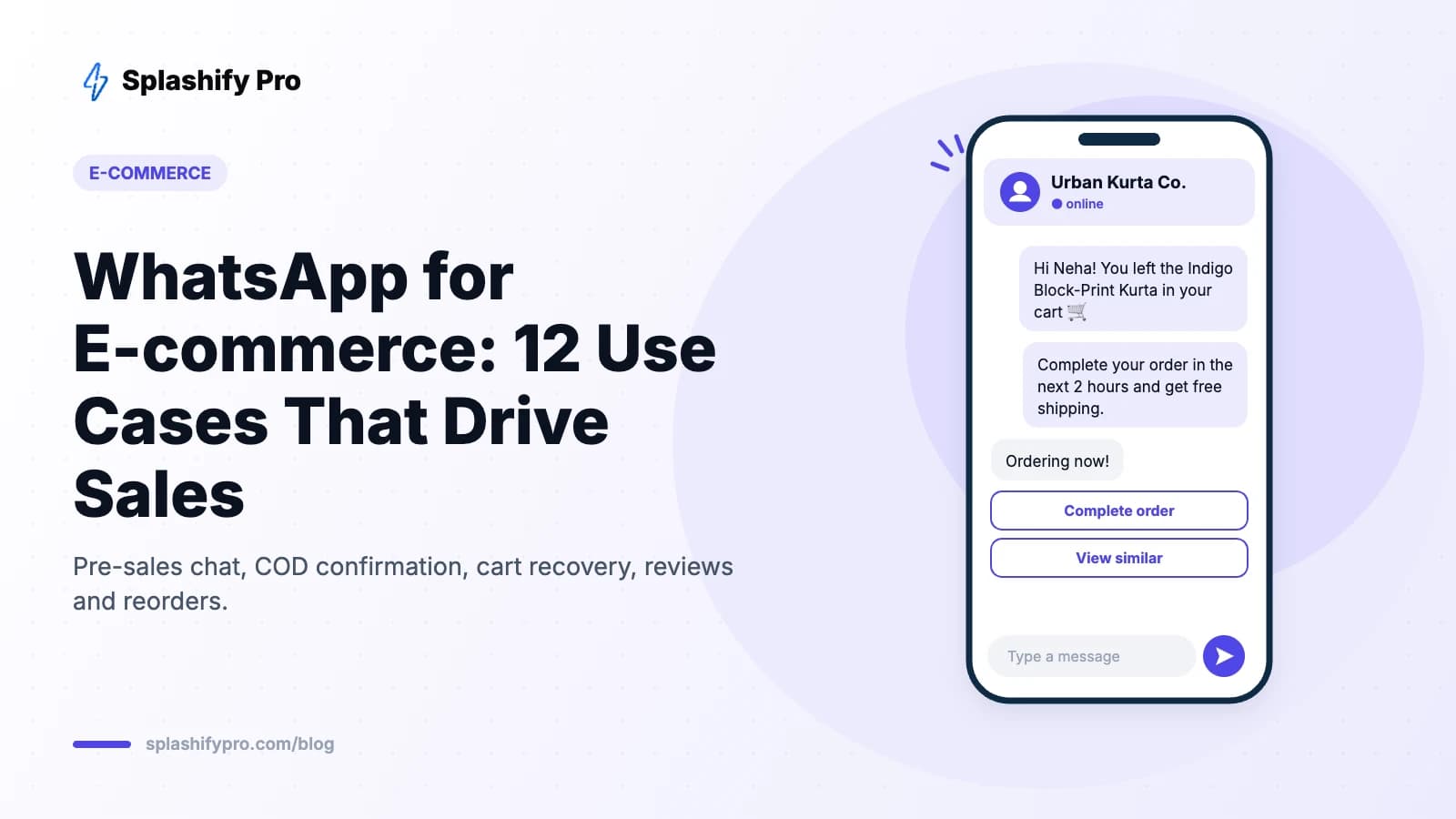
5. Abandoned cart recovery
WhatsApp cart reminders typically recover significantly more carts than email, because they're seen within minutes. Send the first reminder within an hour and a second (optionally with an incentive) the next day. Full setup in our cart recovery guide.
6. Payment links and UPI
For orders placed in chat or failed online payments, send a payment link or UPI request so customers can pay in seconds.
7. COD confirmation to reduce RTO
Return-to-origin on cash-on-delivery orders is one of the biggest profit leaks in Indian e-commerce. Send every COD order a confirmation template with Confirm / Cancel buttons. Cancelled or unconfirmed orders are held before shipping, and you can offer a small discount for switching to prepaid.
Example: “Hi {{name}}, please confirm your COD order #{{id}} of ₹{{amount}}. Pay online now and save ₹50!” [Confirm order] [Pay online] [Cancel]
After the purchase
8. Order and delivery updates
Order confirmed, shipped, out for delivery, delivered — sent as utility templates. These cut “where is my order?” calls and keep customers engaged. Include a tracking button and a support quick reply.
9. Address verification and NDR handling
When a courier marks a non-delivery (customer unavailable, wrong address), message the customer immediately to reschedule or correct the address instead of letting the parcel return.
10. Returns, exchanges and refunds
Let customers start a return in chat by sharing the order ID and a photo. A WhatsApp Flow can collect the reason, preferred resolution and pickup slot in one form.
Driving repeat purchases
11. Reviews and user-generated content
A few days after delivery, ask for a rating with quick-reply buttons (1–5). Happy customers get a link to review publicly; unhappy ones go straight to support.
12. Reorder reminders and win-back
For consumables — skincare, supplements, pet food, coffee — time a reorder reminder to when the product typically runs out. For lapsed customers, send a personal offer after 60–90 days.
The tech stack you need
- WhatsApp Business API through a provider like Splashify Pro
- Store integration — Shopify, WooCommerce or a custom store via webhooks
- Approved templates for each automated message
- A chatbot and shared inbox for pre-sales and support
Which use cases to start with
| Priority | Use case | Why |
|---|---|---|
| 1 | Order and delivery updates | Easy to set up, reduces support load immediately |
| 2 | COD confirmation | Directly cuts RTO losses |
| 3 | Abandoned cart recovery | Fastest revenue win |
| 4 | Review requests and reorders | Builds long-term revenue |
Frequently asked questions
Can I send order updates on WhatsApp automatically?
Yes. Connect your store to the WhatsApp API and map order events (created, shipped, delivered) to approved utility templates.
Is WhatsApp better than SMS for e-commerce?
WhatsApp supports images, buttons, catalogs and two-way chat, and messages come from a branded profile. SMS remains useful as a fallback. See RCS vs WhatsApp vs SMS.
How much does it cost?
Utility messages like order updates cost far less than marketing messages, and replies inside the 24-hour chat window are billed as low-cost service messages after a free monthly allowance (see our service message rate card). Check our pricing calculator.
The bottom line
Start with order updates and COD confirmation, add cart recovery, then build retention flows. Each layer compounds. Connect your store to Splashify Pro and launch your first automations this week.
- #whatsapp cod confirmation
- #whatsapp d2c
- #whatsapp ecommerce marketing
- #whatsapp for ecommerce