WhatsApp now has ads. Since Meta confirmed the global rollout in February 2026, businesses can place ads in the Status section of the Updates tab and pay to promote their WhatsApp Channels. For Indian brands, that opens a new way to reach people inside the app they check most, and Status ads can open a chat with your business directly.
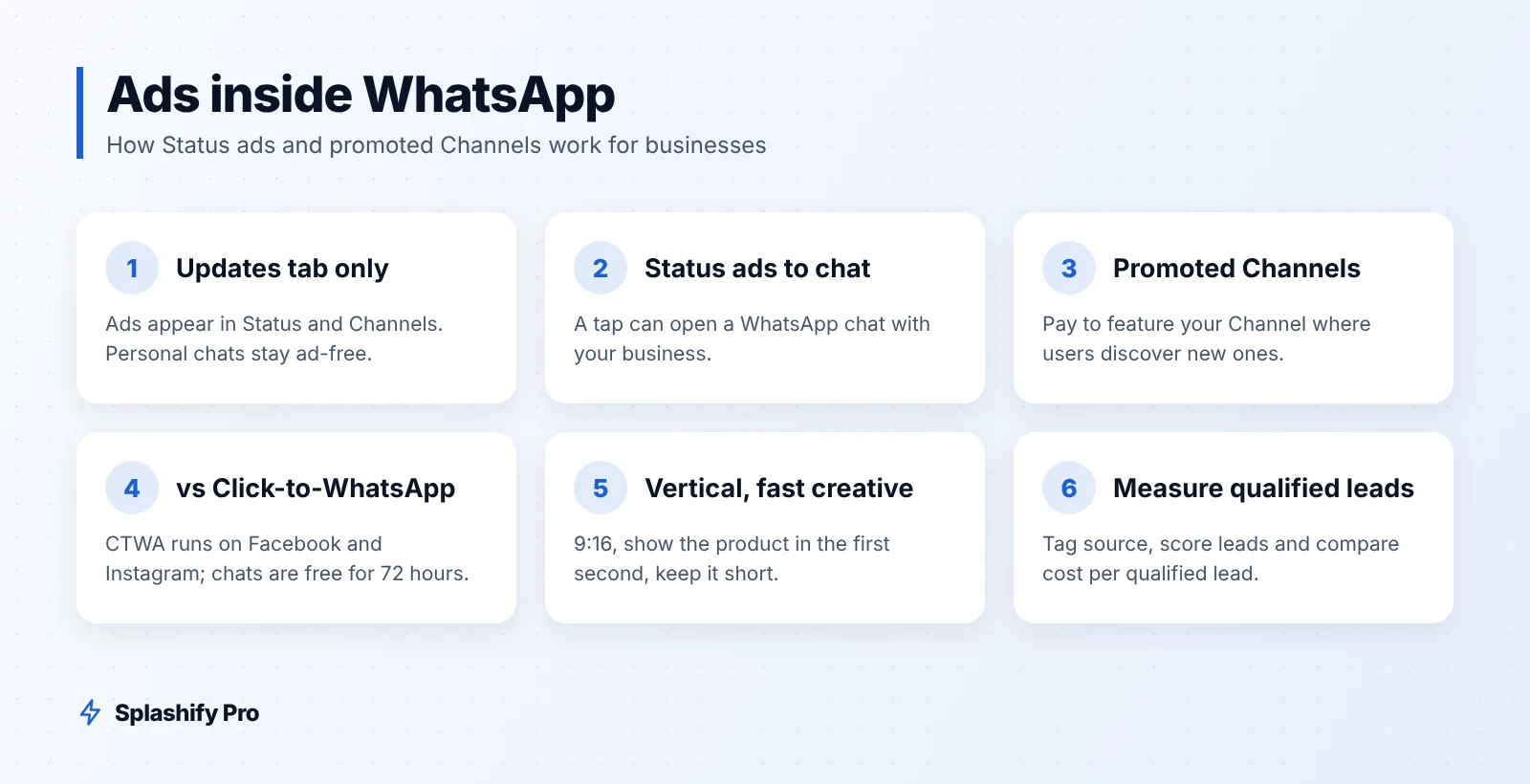
Where ads appear in WhatsApp
Ads in WhatsApp live in the Updates tab, not in personal chats. Your one-to-one and group conversations stay ad-free. The Updates tab has two places where businesses can now pay for visibility:
Status ads: full-screen ads shown between people's Status updates, similar to stories on Instagram.
Promoted Channels: businesses pay to have their WhatsApp Channel featured where users discover new Channels to follow.
Both are bought through Meta's ad tools, so they can sit alongside your Facebook and Instagram campaigns.
How Status ads work
A Status ad looks like a Status update: an image or short video, with your business name and a call to action. When a user taps it, the action can take them to a website, or open a WhatsApp chat with your business. That second option is what makes Status ads interesting for lead generation.
Status ads that open a chat
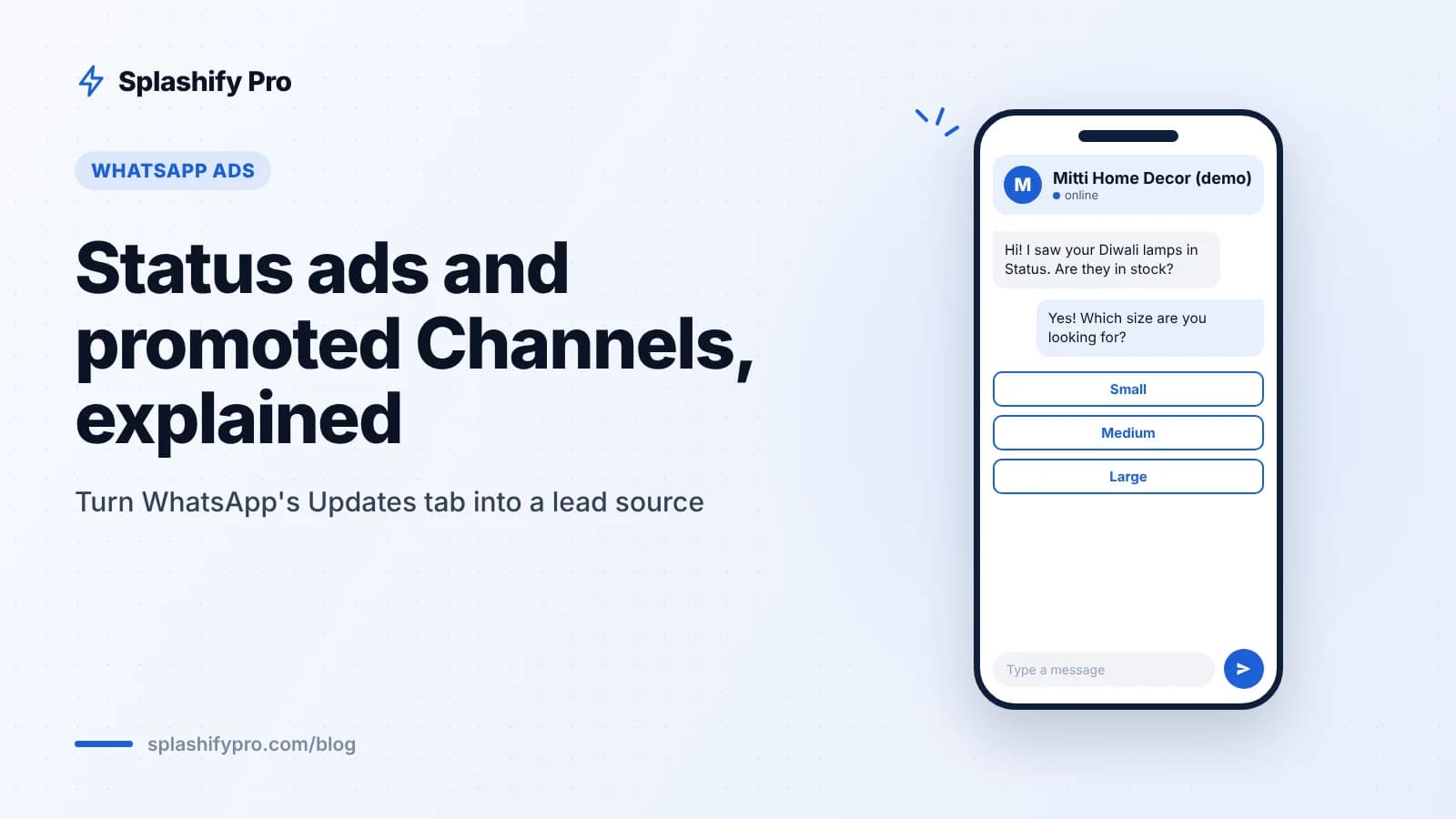
When the ad opens a chat, the customer lands in a conversation with your business number, often with a pre-filled message. From there, your chatbot or team takes over: answer questions, share a catalog, qualify the lead or book an appointment. For many Indian SMBs, a conversation converts better than a landing page, because customers can ask about price, size or delivery before they decide.
What a good Status ad flow looks like
User sees a 10-second video of your festive collection in Status.
They tap "Send message" and land in your WhatsApp chat.
An automated welcome asks what they are looking for, with quick-reply buttons.
The lead is tagged by interest and source in your CRM.
A team member picks up hot leads in the shared inbox.
How promoted Channels work
WhatsApp Channels are one-way broadcast feeds that people choose to follow. They suit brand updates, new launches, tips and behind-the-scenes content. Promoting a Channel puts it in front of users who are browsing for Channels to follow, so you can grow followers faster than through organic sharing alone.
A Channel is not a replacement for a customer list. Followers' phone numbers are not shared with you, and you cannot send them personal messages through the Channel. Think of it as a top-of-funnel audience you can nudge into a chat with a link or button. Our WhatsApp Channels guide covers setup and content ideas.
Status ads vs Click-to-WhatsApp ads
Click-to-WhatsApp ads run on Facebook and Instagram and open a WhatsApp chat when tapped. Status ads run inside WhatsApp itself. Here is how they compare:
Factor | Status ads | Click-to-WhatsApp ads |
|---|---|---|
Where the ad appears | WhatsApp Updates tab, between Status updates | Facebook and Instagram feeds, Stories and Reels |
Can open a WhatsApp chat | Yes | Yes |
Format | Full-screen vertical image or video | Feed, Stories and Reels formats |
User mindset | Already in WhatsApp, browsing updates from contacts | Scrolling social feeds |
Free 72-hour messaging window | Check how your provider and Meta bill these chats | Yes, conversations from these ads are free for 72 hours |
Track record | Newer, fewer benchmarks | Well established, many proven playbooks |
The billing point matters. Conversations that start from Click-to-WhatsApp ads and Facebook Page buttons are free entry points for 72 hours. Do not assume every new ad surface gets the same treatment. Check how chats from Status ads appear in your billing before you scale spend. For CTWA setup, see our Click-to-WhatsApp ads guide.
Creative tips for Status ads
Design for vertical, full screen. Use 9:16 images or video. Keep key text away from the top and bottom edges.
Hook in the first second. People tap through Status quickly. Show the product or offer immediately.
Keep it short. A few seconds of video or one clear image usually works better than a long story.
Make it look native. Ads that feel like a friend's Status, with real products and real people, tend to fit better than polished TV-style spots.
Use local language. A Hindi, Bengali or Tamil caption can make the ad feel more relevant to the region you target.
Match the chat to the ad. If the ad shows a Diwali gift box, the welcome message should talk about that gift box, not your full catalog.
Measuring leads from Status ads
Ads Manager will show reach, taps and cost. What it cannot see is what happens inside your WhatsApp conversations. To measure leads properly:
Tag the source. Use a distinct pre-filled message or keyword per campaign, so your chatbot can tag each contact as "Status ad – Diwali" or similar.
Score the lead. Splashify Pro's Click-to-WhatsApp tools include AI lead scoring, so your team can see which chats are worth a call first.
Track outcomes in the CRM. Move contacts through stages such as "enquiry", "quoted" and "won", and record order value.
Compare cost per qualified lead. Divide ad spend by qualified leads, not by clicks, and compare Status ads with your Click-to-WhatsApp campaigns.
Follow up with consent. Ask for marketing opt-in inside the chat before adding the person to broadcasts.
Our WhatsApp lead generation guide has more qualification flows you can reuse.
Frequently asked questions
Will ads appear in my customers' personal chats?
No. Ads appear in the Updates tab, in Status and Channels. Personal and group chats do not show ads.
Do I need the WhatsApp Business API to run Status ads?
You buy the ads through Meta's ad tools. To handle the resulting chats at scale, with chatbots, a shared inbox and CRM tagging, the WhatsApp Business API through a platform like Splashify Pro helps.
Can I message my Channel followers directly?
No. Channels are one-way broadcasts and follower numbers are not shared. Add a link or button that invites followers to start a chat with your business.
Should I move my Click-to-WhatsApp budget to Status ads?
Not all at once. Run a small Status ad test alongside your existing Click-to-WhatsApp campaigns and compare cost per qualified lead before shifting budget.
The bottom line
Status ads and promoted Channels give Indian businesses new ways to be seen inside WhatsApp. Status ads that open a chat are the most practical starting point for lead generation, as long as you are ready to reply fast and track every lead. Test small, compare against Click-to-WhatsApp, and check how the chats are billed. To capture, score and follow up on every ad lead in one inbox, start your 7-day free trial of Splashify Pro, or book a demo.
- #click-to-whatsapp ads
- #promoted channels
- #whatsapp ads
- #whatsapp lead generation
- #whatsapp status ads