Indian wedding season runs on WhatsApp. Families share outfit photos, confirm guest counts, haggle over menus and send payment screenshots, all in chats. If you are a jeweller, banquet venue, caterer, decorator or photographer, the WhatsApp Business API lets you turn that chaos into an organised sales and service process that works for a whole team.
Why WhatsApp fits wedding businesses
Wedding purchases are high value, involve several family members and stretch over weeks or months. A typical journey looks like enquiry, shortlist, visit or tasting, booking amount, balance payments, and day-of coordination. WhatsApp handles every step: rich media for portfolios, catalogs for products, interactive buttons for quick choices and payment reminders for instalments.
The API version adds what the free WhatsApp Business app cannot: a shared team inbox for several staff, broadcasts to opted-in segments, automated flows and a CRM that remembers each family's dates, budget and preferences.
Use cases by business type
Business | Top WhatsApp use cases |
|---|---|
Jewellers | Bridal collection catalog, appointment booking for trials, gold-rate updates to opted-in buyers, order-ready alerts, making-charge offers |
Banquet venues | Date availability checks, virtual tours, package brochures, site-visit booking, advance and balance payment reminders |
Caterers | Menu options, tasting appointments, guest count confirmation, per-plate quotes, final headcount reminders |
Decorators | Theme portfolios, mood-board sharing, quote approvals, vendor coordination on the day |
Photographers | Package comparison, date blocking, pre-wedding shoot scheduling, album selection, delivery updates |
Five flows every wedding business should set up
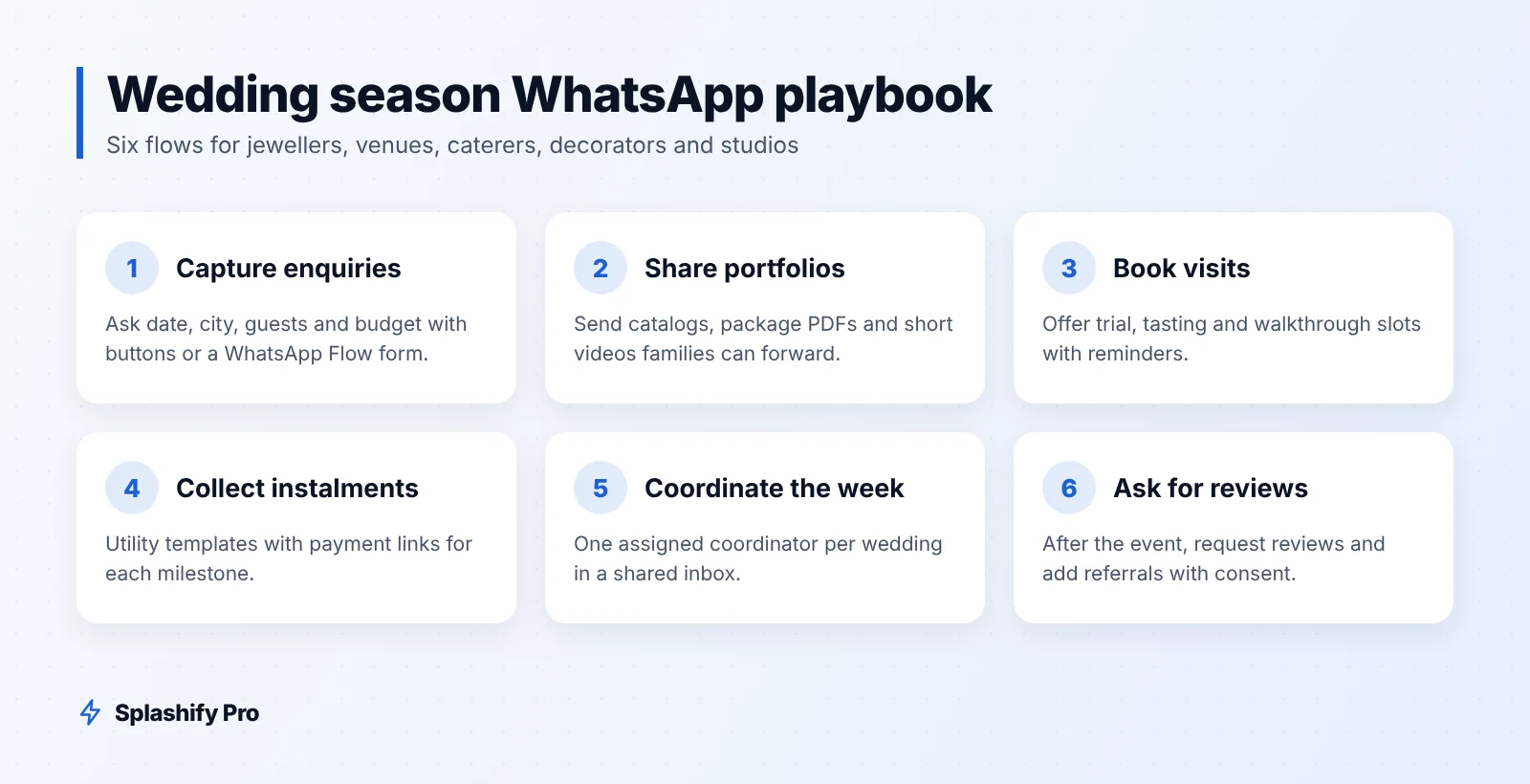
1. Enquiry capture and qualification
When someone messages you from an ad, a QR code or your website, an automated flow asks the basics: wedding date, city, approximate guest count and budget range. Buttons keep it quick. A WhatsApp Flow form can collect everything in one screen. The lead lands in your inbox already tagged, for example "Dec 2026", "300+ guests", "Premium". See our WhatsApp Flows guide for form ideas.
2. Portfolio and catalog sharing
Jewellers can use a WhatsApp catalog for bridal sets, with prices or "price on request". Venues, decorators and photographers can send short videos, PDFs of packages and image carousels. Keep media small and labelled so families can forward them to relatives easily.
3. Appointment and visit booking
Offer slots for showroom trials, venue walkthroughs or food tastings as interactive buttons. Send a reminder the day before with the address and a map link, and a "Reschedule" button so no-shows drop.
4. Booking amount and payment reminders
Weddings are paid in instalments. Set up utility templates for each milestone: booking amount received, next instalment due, and final balance before the event. Add a payment link or UPI option. Our WhatsApp payment reminders guide covers timing and tone.
5. Event-week coordination
In the final week, use WhatsApp for headcount confirmation, delivery timings, decor setup schedules and photographer call times. Assign each wedding to one coordinator in the shared inbox so the family always talks to the same person.
Sample template copy
Below are sample templates. Words in square brackets become variables when you create the template. Marketing templates should only go to people who have opted in, and most templates are approved within 24 hours.
Jeweller: bridal collection launch (marketing)
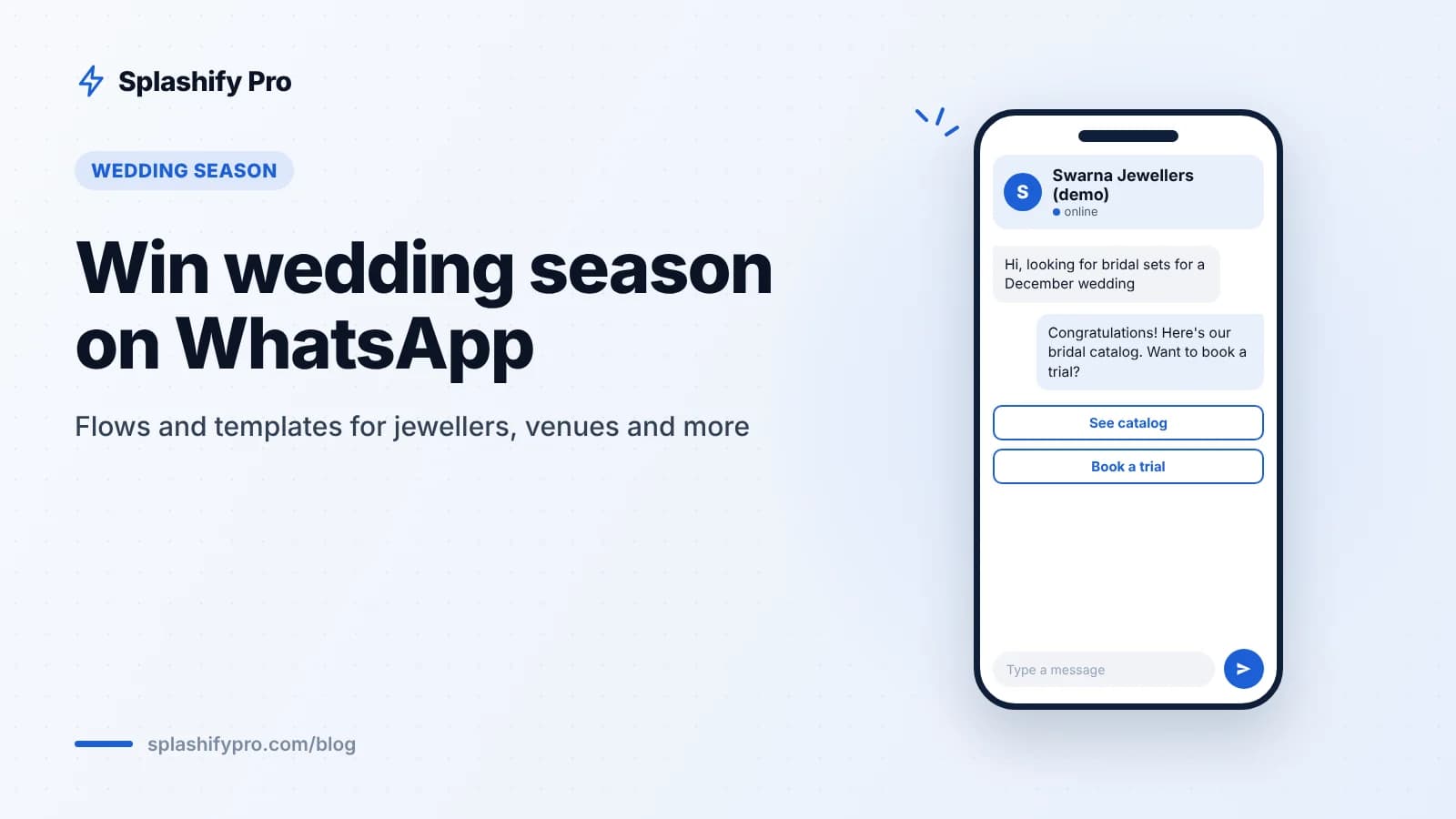
Hi [Name], our new bridal collection is here, with temple, polki and diamond sets for every ceremony. Book a private trial at our [Store] showroom this week and see the full range. Reply STOP to opt out.
Buttons: "Book a trial", "See catalog"
Banquet venue: date availability (marketing, to enquiries)
Hi [Name], thanks for your interest in [Venue]. We still have a few dates open in [Month] for [Guest count] guests. Would you like to visit this weekend? Reply STOP to opt out.
Buttons: "Book a visit", "Send packages"
Caterer: tasting reminder (utility)
Hi [Name], this is a reminder of your menu tasting on [Date] at [Time] at [Address]. Please bring up to [Number] family members.
Buttons: "Confirm", "Reschedule"
Decorator or venue: instalment due (utility)
Hi [Name], your next payment of ₹[Amount] for the [Event] on [Event date] is due on [Due date]. You can pay using the link below. Thank you!
Button: "Pay now"
Photographer: album selection (utility)
Hi [Name], your wedding photos are ready for selection. Please choose your album pictures by [Date] using the link below.
For more examples and approval tips, see our WhatsApp message templates guide.
Planning your wedding-season calendar
8–12 weeks before peak dates: run Click-to-WhatsApp ads to collect enquiries. Chats from these ads are free for 72 hours, which covers qualification and the first portfolio send.
4–8 weeks before: push visits, tastings and trials. Send availability updates to warm leads only.
2–4 weeks before: confirm bookings, collect instalments, finalise menus and themes.
Event week: switch to coordination messages and quick replies.
After the event: ask for a review, share photo delivery updates and add the family to a referral or anniversary segment, with consent.
Keeping costs and quality in check
Segment by wedding date and budget. A family marrying in February does not need your December offer.
Use utility templates for transactional updates. In India, utility costs ₹0.115 per delivered message versus ₹0.8631 for marketing, before GST.
Answer inside the 24-hour window. The first 1,000 service messages per number each month are free.
Do not over-broadcast. Blocks and reports hurt your quality rating, which can limit how many people you can message.
Frequently asked questions
Can several staff members reply from the same WhatsApp number?
Yes. With the WhatsApp Business API and a shared team inbox, your sales, accounts and coordination staff can all work from one number, with chats assigned to the right person.
Can jewellers share gold-rate updates on WhatsApp?
Yes, to customers who opted in. Keep rate updates clearly labelled with the date and time, and avoid sending them so often that people block you.
How do I collect payments on WhatsApp?
Send a payment link or UPI details in a utility template, and confirm receipt with another message. Splashify Pro can trigger these from your CRM stages or Google Sheets.
Can I send wedding videos and PDFs?
Yes. WhatsApp supports images, videos, documents and catalogs. Keep files light so they load fast on mobile data.
The bottom line
Wedding customers already plan on WhatsApp. The businesses that win the season respond fast, share the right portfolio at the right time and make payments painless. Start with an enquiry flow and payment reminders, then add segmented broadcasts for your peak dates. To set this up with a shared inbox, CRM and ready-to-use templates, start your 7-day free trial of Splashify Pro, or book a demo for your team.
- #banquet hall marketing
- #wedding business india
- #wedding season marketing
- #whatsapp for jewellers
- #whatsapp templates