Until now, every WhatsApp conversation with your business started with a person typing. That is beginning to change. AI assistants are learning to research products, compare options and contact businesses on behalf of their users, and the businesses that answer them clearly and quickly will win those customers.
What is agentic commerce?
Agentic commerce is shopping where an AI agent does part of the work for the customer. Instead of opening ten tabs and messaging five shops, a customer tells an assistant what they want ("a gold-plated jhumka set under ₹3,000, delivered before Saturday") and the agent searches, shortlists, asks businesses questions and sometimes books or buys.
This is no longer theoretical. On 8 September 2026, Meta launched Muse in the US, a consumer AI agent that researches, books and contacts businesses for its users. It is not available in India yet, but Indian brands that sell to the US already need to think about it, and similar assistants are likely to follow in other markets.
On the business side, Meta has also expanded its Meta Business Agent, an AI agent that answers questions, recommends products, books appointments, qualifies leads and hands off to humans on WhatsApp and Messenger. So we are heading towards a world where, in some conversations, an AI on the customer's side talks to an AI or a team on yours.
Why this matters for Indian businesses
An AI shopping agent behaves differently from a human shopper:
It wants facts, not vibes. Price, size, stock, delivery date, return policy. Vague answers ("DM for price") get skipped.
It compares many businesses at once. If you take three hours to reply, the agent has already moved on.
It prefers structured information. A clear catalog, fixed pricing and a defined booking flow are easier for it to use than long paragraphs.
It reports back to a human. The customer still decides, based on what the agent found. Your answers become your pitch.
The good news: everything that helps an AI agent also helps human customers. Preparing for agentic commerce is mostly about running a cleaner, faster WhatsApp operation.
How to prepare your WhatsApp for AI shopping agents
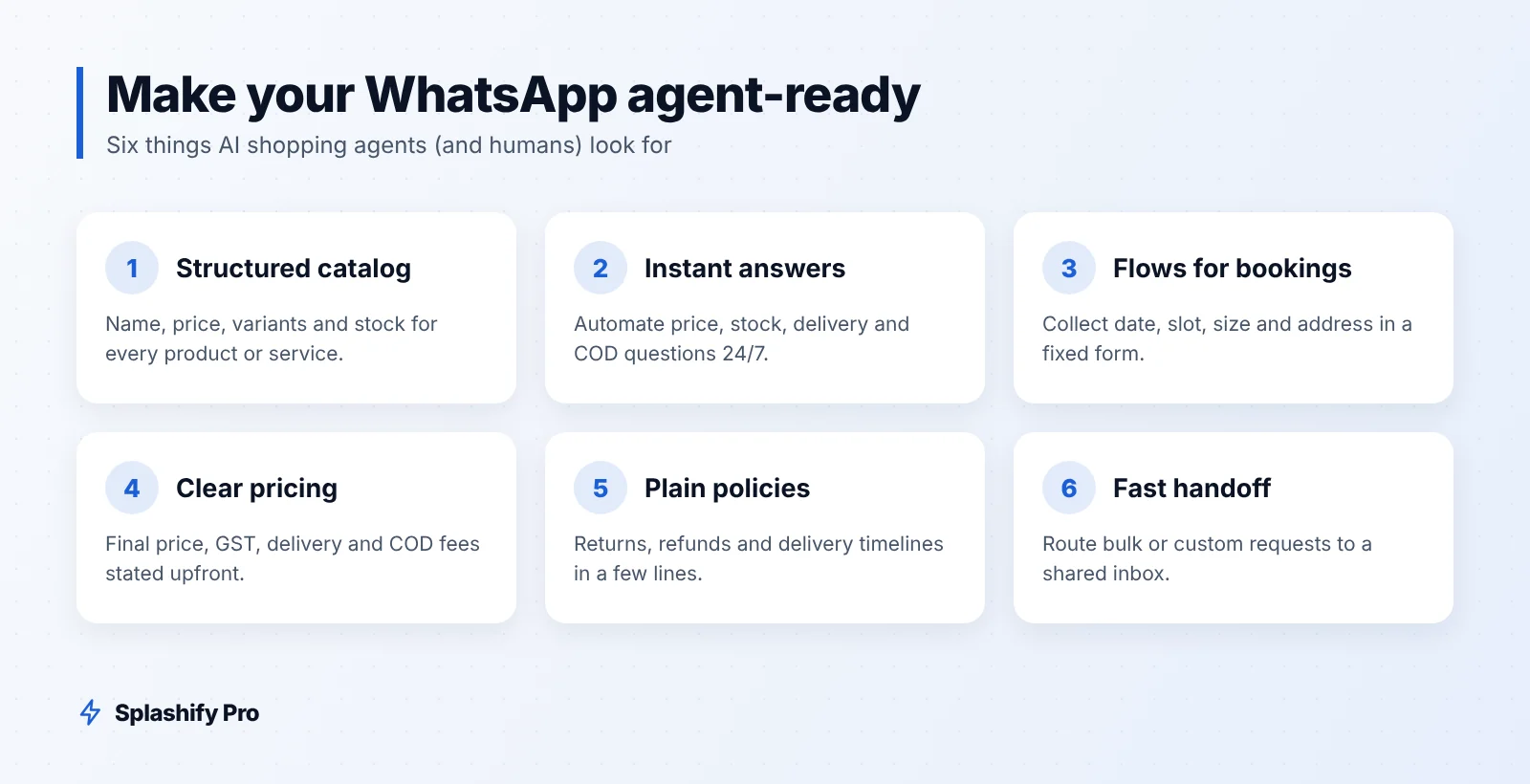
1. Build a structured, complete catalog
Put every product or service in a catalog with a clear name, price, variants (size, colour, weight), stock status and a short factual description. Avoid "price on request" unless you truly cannot publish it. If you sell on Shopify, syncing it through the Shopify integration keeps prices and stock accurate without manual updates.
2. Answer common questions instantly
Most questions an agent asks will be the same ones humans ask: price, availability, delivery time to a pin code, COD, returns, warranty, store timings. Set up an AI chat agent or no-code chatbot that answers these immediately, any time of day, using your actual policies. Our guide to WhatsApp AI agents walks through the setup.
3. Use WhatsApp Flows for bookings and orders
WhatsApp Flows let you collect information in a structured form inside the chat: pick a date, choose a slot, select a size, enter an address. That is exactly the kind of fixed, predictable process an agent can complete without confusion. Read our WhatsApp Flows guide for examples.
4. Make pricing clear and consistent
Show the final price, including GST, or say clearly that GST is extra.
State delivery charges and any COD fee upfront.
Keep the price on WhatsApp the same as on your website and marketplaces.
Write offers with exact terms: "10% off orders above ₹1,999 until 30 November", not "great discounts".
5. Publish your policies in plain language
Returns, exchanges, refunds, delivery timelines, cancellation and service areas. Keep each policy to a few short lines that a bot (or a person) can quote exactly.
6. Have a fast, clear human handoff
Some requests will need a person: bulk orders, custom work, complaints. Route these to a shared team inbox with the conversation context, and set a reply-time target during business hours. If callers phone you instead, a voice AI agent can apply the same rules on calls.
7. Keep your business profile complete
Business name, category, description, address, hours, website and email. An agent deciding which business to contact will look for these basics.
Readiness checklist
Area | Not ready | Ready |
|---|---|---|
Catalog | Photos in Status, prices on request | Structured catalog with price, variants and stock |
Reply time | Hours, only in office time | Instant answers 24/7 for common questions |
Bookings | Back-and-forth chat | WhatsApp Flow with date, slot and details |
Pricing | "DM for best price" | Final price, GST, delivery and COD fees stated |
Policies | Explained differently each time | Short, written and consistent |
Handoff | Lost in personal phones | Shared inbox with context and owners |
A hypothetical example
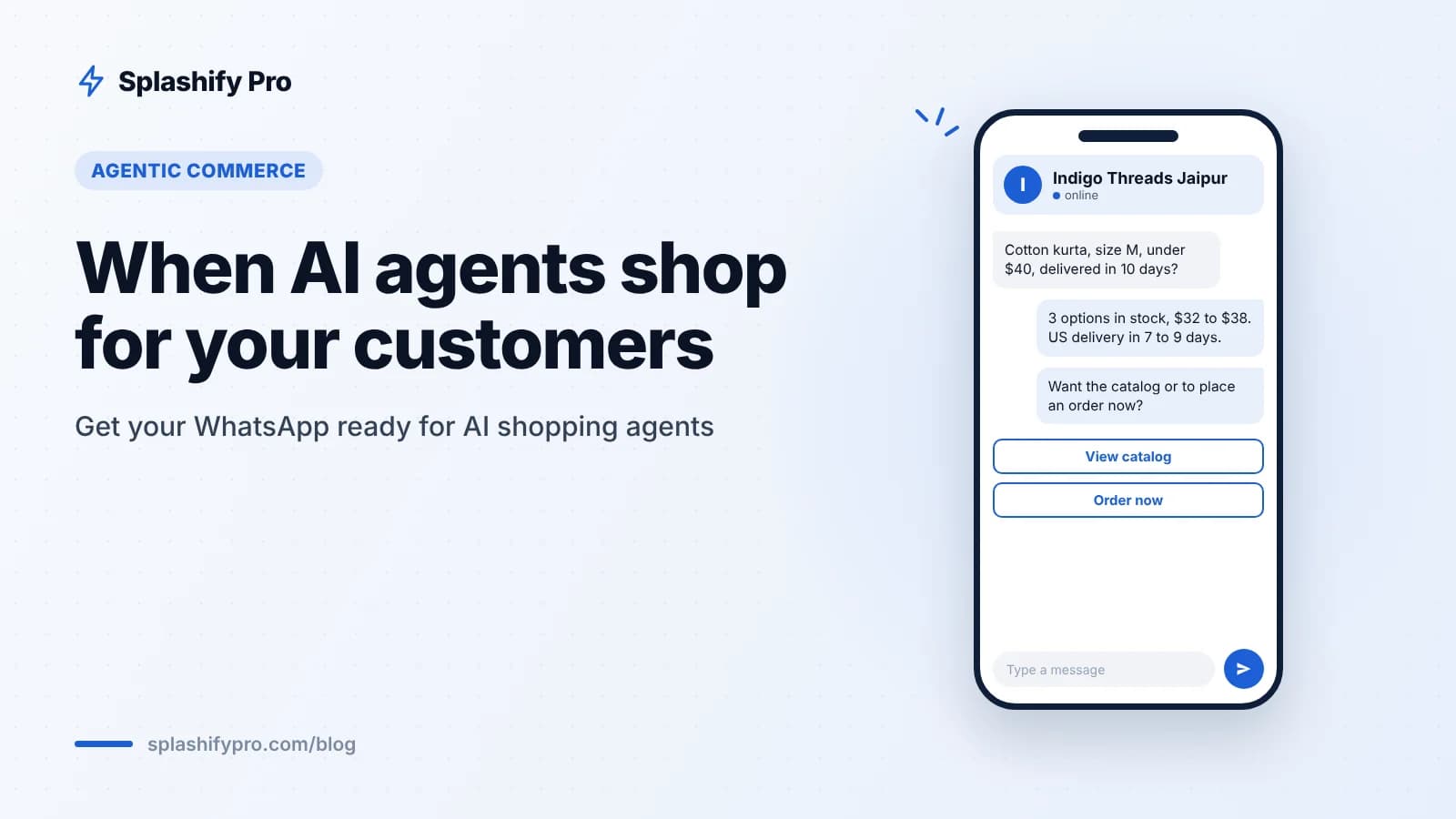
Imagine a Jaipur block-print brand that also ships to the US. A US customer asks her assistant to find "a cotton block-print kurta in size M, under $40, delivered within ten days". The assistant messages several sellers. The Jaipur brand's WhatsApp replies within seconds with three matching kurtas, prices in dollars, the international delivery estimate and a link to order. Another seller replies the next morning with "please share your requirement". The first business is the one the assistant reports back.
Nothing in that example needs futuristic technology. It needs a good catalog, an automated first response and clear facts.
What about costs?
When a customer, or an agent acting for one, messages you first, your replies within 24 hours are service messages. From 1 October 2026, the first 1,000 service messages per business phone number per month are free, then ₹0.115 each (plus 18% GST) in India. If the conversation starts from a Click-to-WhatsApp ad or Facebook Page button, the entry point stays free for 72 hours. Note that if you use Meta's own Business Agent, it is billed by tokens (around 4 to 5 US cents for a typical message, from 1 August 2026), even inside free windows. See our WhatsApp API pricing guide for the full rate card.
Frequently asked questions
Is Muse available in India?
Not as of October 2026. Meta launched Muse in the US on 8 September 2026. Indian brands selling to US customers are the first who may see it.
Do I need special technology to talk to AI agents?
No. An AI agent messaging you looks like any other WhatsApp conversation. What matters is how complete and fast your answers are.
Should I block AI agents?
Generally no. An agent is usually acting for a real customer who is ready to buy. Treat it like a well-informed, impatient shopper.
Will my existing chatbot work?
If it answers common questions accurately and hands off cleanly, yes. Review its answers on price, stock and delivery to make sure they are specific.
The bottom line
AI shopping agents reward businesses that are easy to understand and quick to respond. Get your catalog structured, automate answers to common questions, use Flows for bookings and orders, and publish clear pricing and policies. You will serve human customers better today and be ready when their assistants start knocking. Splashify Pro gives you the WhatsApp API, AI agents, Flows, Shopify sync and a shared inbox, with plans from ₹999/month + GST. Start your 7-day free trial or book a demo.
- #agentic commerce
- #ai shopping agents
- #conversational commerce
- #meta muse
- #whatsapp catalog