Sometimes you want to read messages, check a group or reply to one person without the whole world seeing that you are “online”. WhatsApp lets you hide your last seen, your online status and your blue ticks — but the settings are split across a few menus and come with trade-offs most people don't know about.
Here's exactly how to do it on Android, iPhone, WhatsApp Web and the WhatsApp Business app.
Last seen vs online: what's the difference?
- Last seen is the timestamp under your name (“last seen today at 9:42 pm”) showing when you last opened WhatsApp.
- Online appears while you have WhatsApp open in the foreground.
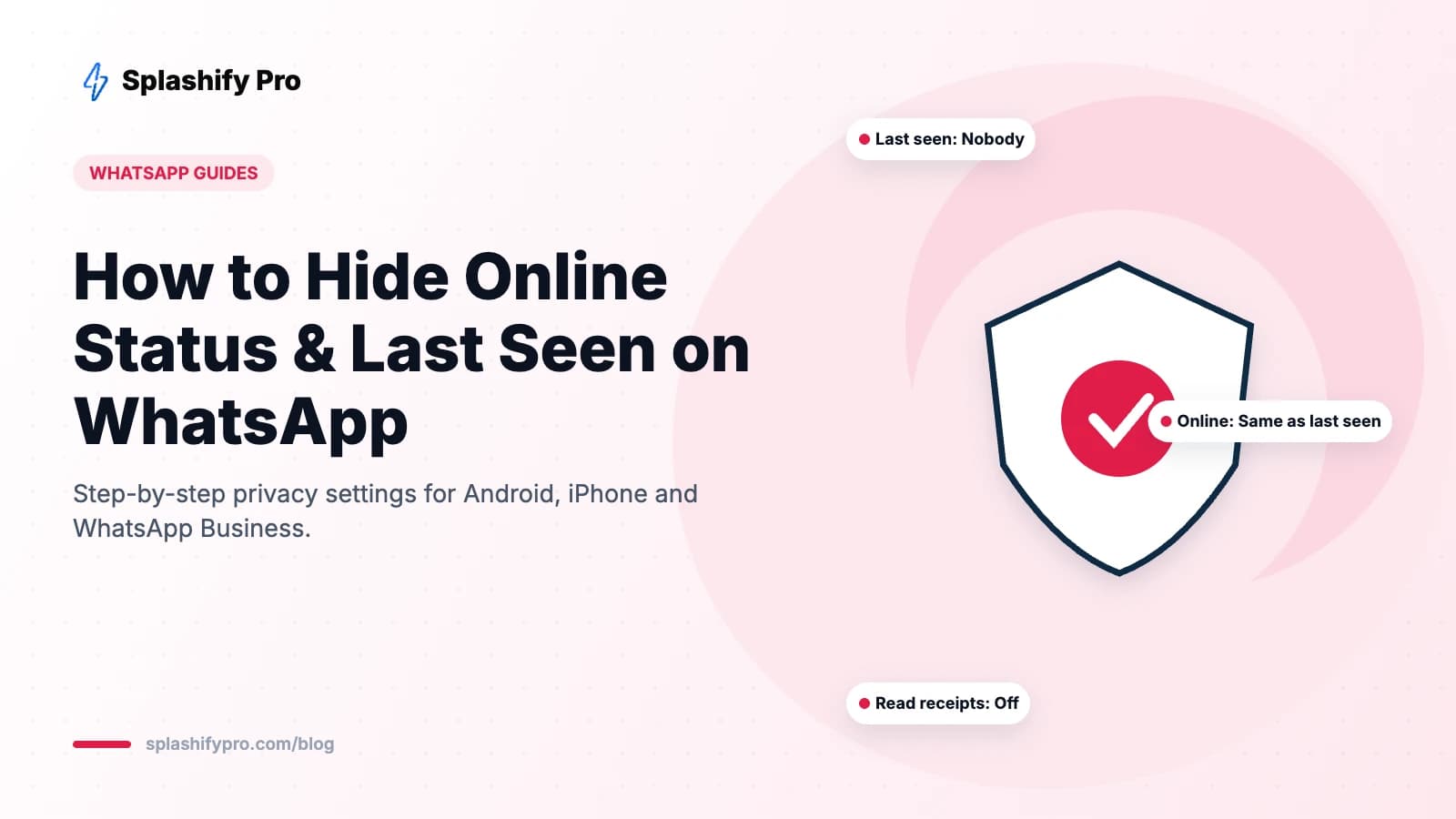
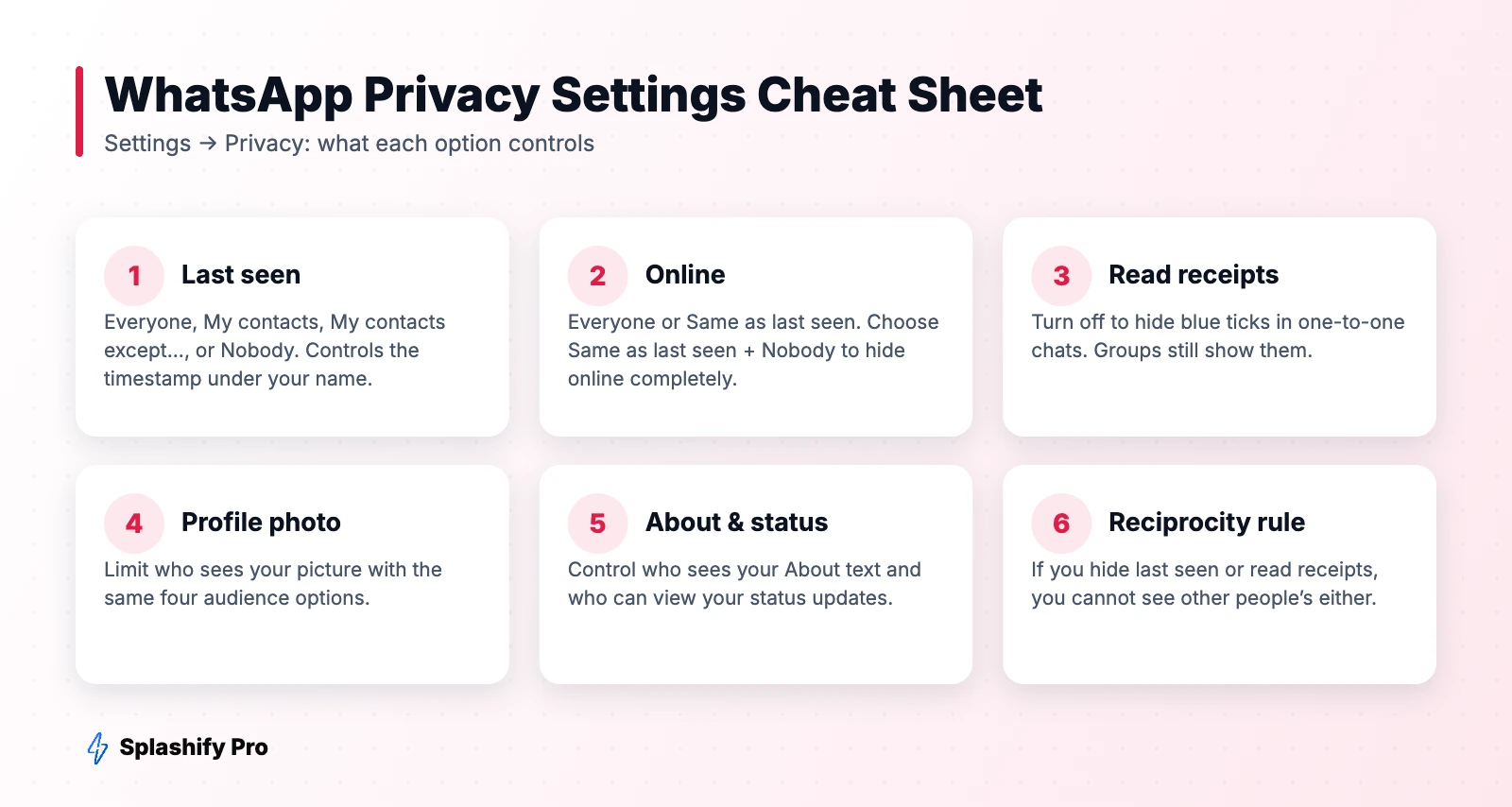
For years you could hide last seen but not online. WhatsApp now lets you control both: the online setting can be set to Everyone or Same as last seen. To be fully invisible, set last seen to Nobody and online to Same as last seen.
How to hide online status and last seen on Android
- Open WhatsApp and tap the three dots (top right) → Settings.
- Tap Privacy → Last seen and online.
- Under Who can see my last seen, choose Nobody (or My contacts / My contacts except...).
- Under Who can see when I'm online, choose Same as last seen.
How to hide online status and last seen on iPhone
- Open WhatsApp and tap Settings (bottom right).
- Tap Privacy → Last seen & online.
- Set Who can see my last seen to Nobody.
- Set Who can see when I'm online to Same as last seen.
On WhatsApp Web and Desktop
Click the menu or Settings icon → Privacy → Last seen and online, and pick the same options. Privacy settings sync across your linked devices, so changing them on your phone also applies on WhatsApp Web.
How to hide blue ticks (read receipts)
Go to Settings → Privacy and turn off Read receipts. People will see two grey ticks instead of blue when you read their messages. Two exceptions: read receipts are always sent in group chats, and voice notes still show as played.
The trade-offs you should know
- It works both ways. If you hide your last seen from someone, you can't see theirs. Same for online status and read receipts.
- Typing still shows. “typing...” and “recording audio...” are visible while you're in a chat.
- Replies give you away. If you reply instantly, people will know you're active.
- Status views are separate. Turning off read receipts also hides who has viewed your status, and hides your views of others' statuses.
Read messages without opening the chat
A few practical tricks:
- Read the message preview in the notification or by long-pressing it on iPhone.
- Use a home-screen widget on Android or iPhone to see recent messages.
- Archive or mute busy chats so you can check them on your own schedule without opening WhatsApp repeatedly.
For businesses: should you hide online status?
On the WhatsApp Business app the same privacy settings apply, but hiding your status can make customers think nobody is available. A better approach is to keep last seen visible during business hours and use an away message after hours.
If your team is overwhelmed by chats, the real fix is a shared inbox and automation on the WhatsApp Business API. With Splashify Pro, several agents can answer from one number, chatbots handle common questions instantly, and nobody's personal phone is tied to the business account.
Frequently asked questions
Can someone see I'm online if I hide my last seen?
Only if your online setting is still “Everyone”. Change it to “Same as last seen” to hide online too.
Can I hide my online status from just one person?
Yes. Set last seen to My contacts except..., pick that person, then set online to Same as last seen.
Why can't I see someone's last seen?
Either they've hidden it, you've hidden yours (the rule is reciprocal), or they've blocked you.
Does hiding last seen hide it in groups?
Yes, your last seen and online status follow your privacy settings everywhere, including groups. Typing indicators still appear while you type.
The bottom line
To be invisible on WhatsApp, go to Settings → Privacy → Last seen and online, set last seen to Nobody and online to Same as last seen, and turn off read receipts if you want to hide blue ticks too. Just remember the reciprocity rule — you'll lose the same visibility on others.
- #hide last seen whatsapp
- #hide online on whatsapp
- #whatsapp last seen
- #whatsapp privacy settings