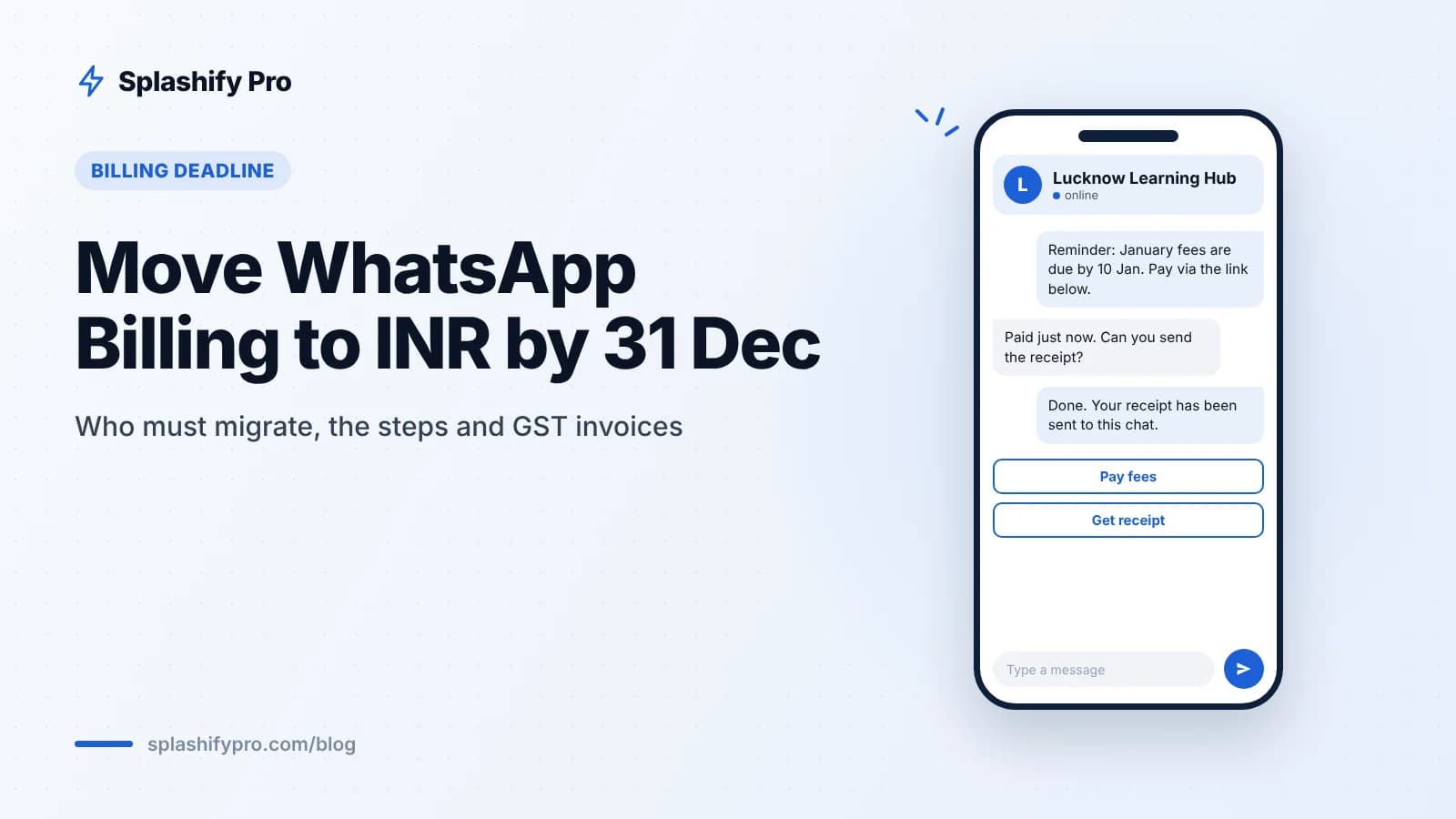
If your WhatsApp Business Account is billed by Meta in US dollars or any currency other than rupees, you have until 31 December 2026 to switch to INR. Miss it and your messages stop delivering from 1 January 2027. Here is who needs to act, the steps, what to check on GST, and what happens on New Year's Day.
What is changing?
Meta launched INR billing for WhatsApp Business messaging in India on 1 January 2026. Since then, Indian businesses have been able to pay for WhatsApp messages in rupees instead of dollars.
Now it is becoming a requirement. Non-INR WABAs billed by Meta in India must migrate to INR by 31 December 2026. If they do not, delivery stops from 1 January 2027.
The rates themselves are already listed in rupees. Before 18% GST, India's current WhatsApp rates are:
Message type | Rate per message (before GST) |
|---|---|
Marketing | ₹0.8631 per delivered message |
Utility | ₹0.115 |
Authentication | ₹0.115 |
Service (after 1,000 free per number per month) | ₹0.115 |
For the full breakdown, read our WhatsApp API pricing guide for India.
Who must migrate?
You need to act if all three of these are true:
Your business is in India.
Meta bills your WhatsApp Business Account directly, for example to a card or payment method you added in Meta's billing settings.
That billing is in a currency other than INR, most commonly USD.
Who probably does not need to act
Accounts already billed in INR. Check once to confirm, then you are done.
Accounts paid through a provider's credit line. If your WhatsApp charges are billed to your provider and passed on to you, the provider handles the Meta side. Confirm with them in writing anyway.
The free WhatsApp Business app. It is not charged, so there is nothing to migrate.
If you are not sure which group you fall into, that is the first thing to find out this week.
Step-by-step migration
Meta's screens can change, so follow its in-product prompts. The overall process looks like this:
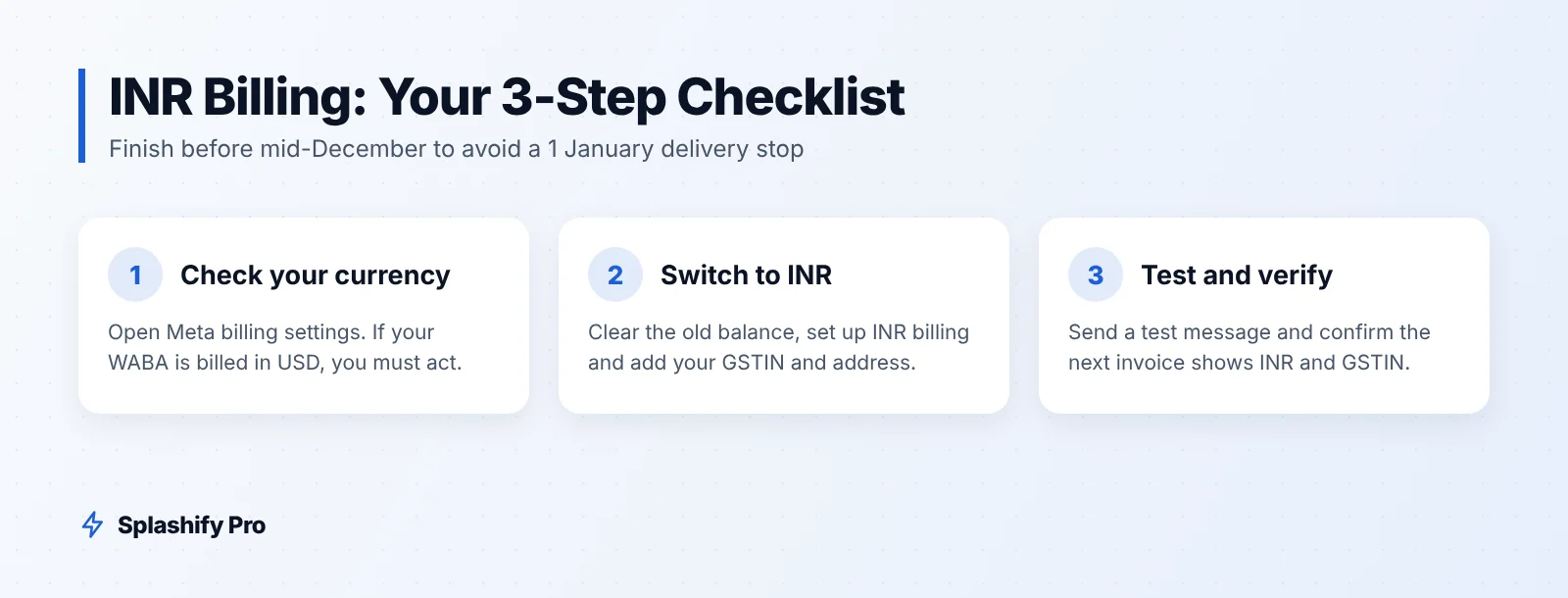
Find who pays. In Meta Business Suite, open Business settings and go to billing and payments, or check payment settings in WhatsApp Manager. Note the currency shown for your WhatsApp Business Account.
Check with your provider. If the account is on your provider's credit line, ask them to confirm the currency and their migration plan.
Clear any outstanding balance. Settle what you owe in the old currency so nothing is stuck between the two setups.
Set up INR billing. Follow Meta's migration prompt or set up INR payment settings, and add an Indian payment method.
Add your GST details. Enter your GSTIN, legal business name and registered address exactly as they appear on your GST registration.
Send a test message. Confirm that templates and replies deliver normally after the switch.
Check the next invoice. Make sure it shows INR, your GSTIN and the correct business details.
Update your books. Tell your accountant the billing currency has changed so expense entries and forex lines are handled correctly.
Give yourself time
Do not leave this for the last week of December. Card verification, GST detail mismatches and approval from your finance team can each take days, and the holiday season slows everything down. Aim to finish by mid-December.
GST invoices: what to check
WhatsApp charges in India attract 18% GST. When you are billed in INR with correct GST details, your invoices are easier to reconcile and use for input tax credit.
GSTIN must match. A typo in the GSTIN or a legal name that differs from your registration can make an invoice harder to use for input tax credit.
Right state. Use the address linked to the GSTIN you want the invoice raised against, especially if you have registrations in more than one state.
Keep monthly records. Download invoices every month and file them with your other vendor bills.
Ask your CA. Rules on credit and place of supply depend on your business. This article is general information, not tax advice.
A side benefit: paying in rupees means no currency conversion on your card and no dollar-rupee swings in your monthly bill. Budgeting with our pricing calculator becomes simpler.
What happens on 1 January 2027?
If you migrated
Nothing changes in day-to-day use. Messages keep flowing and you are billed in rupees.
If you did not migrate
Message delivery stops for non-INR WABAs billed by Meta in India. For a business that relies on WhatsApp for OTPs, order updates or payment reminders, that can mean failed logins, confused customers and missed collections on the first working day of the year.
Rates may also change
1 January 2027 is also the next date on which Meta can change its rate card. Check the rates in early January and update your Q1 budgets.
A hypothetical example
A Lucknow coaching institute set up its WhatsApp Business Account in 2024 with a company credit card, billed in USD. It sends fee reminders and class updates as utility templates. In November its admin finds the USD billing, clears the balance, sets up INR billing, adds the institute's GSTIN, sends a test reminder and checks the December invoice. On 1 January 2027 its reminders go out as usual. Without those steps, the first fee reminders of the year would not have been delivered.
Frequently asked questions
What is the WhatsApp INR billing deadline?
31 December 2026. Non-INR WABAs billed by Meta in India must migrate to INR by then, or delivery stops from 1 January 2027.
Will my message rates change when I switch to INR?
The India rate card is already in rupees: ₹0.8631 for marketing and ₹0.115 for utility, authentication and service messages beyond the free 1,000, all before GST. Meta can next change rates on 1 January 2027.
I use a WhatsApp API provider. Do I need to do anything?
If your provider pays Meta through its own credit line, it handles the Meta-side billing. Ask your provider to confirm in writing so you are not caught out.
Can I get a GST invoice for WhatsApp charges?
Add your GSTIN and legal details when you set up INR billing so invoices carry them. Check with your CA on claiming input tax credit.
Does the free WhatsApp Business app need to migrate?
No. The free app is not charged, so there is no billing to migrate.
The bottom line
Check your billing currency this week. If Meta bills your WABA in anything other than rupees, clear the balance, move to INR, add your GSTIN and test before mid-December. For the other 2026 changes, see our November 2026 updates roundup. Splashify Pro passes Meta's charges through at Meta's rate card, does not charge for failed messages, and our team can help you review your setup at [email protected]. Start a 7-day free trial, no credit card needed, or book a demo.
- #meta inr migration
- #whatsapp api deadline
- #whatsapp billing india
- #whatsapp gst invoice
- #whatsapp inr billing