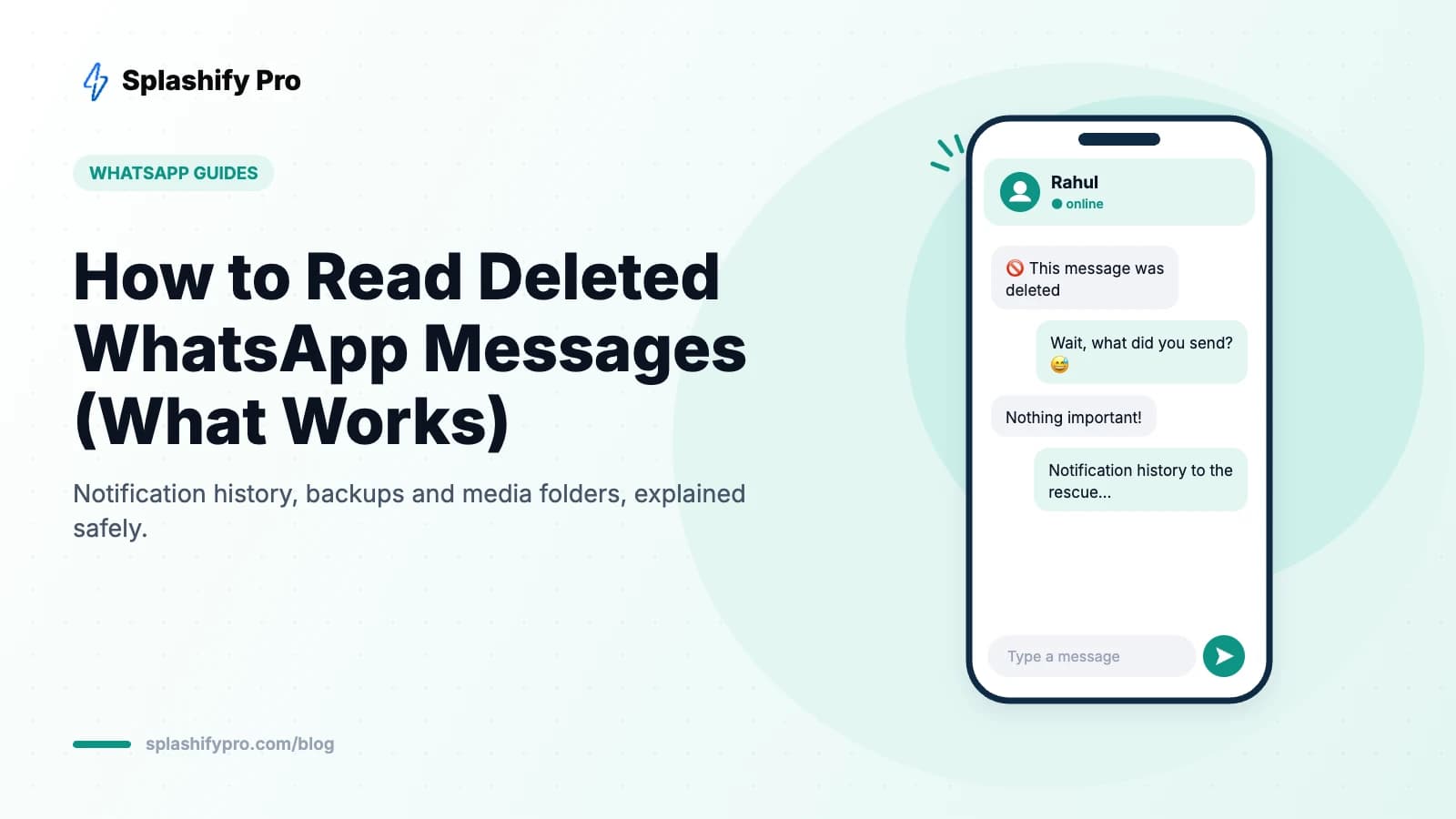
Few things on WhatsApp are as frustrating as “🚫 This message was deleted”. Whether it was a typo, an accidental send or something the sender regretted, the message is gone from the chat — or is it?
Here's an honest guide to what actually works in 2026 for reading deleted WhatsApp messages on Android and iPhone, what doesn't, and the privacy risks you should know about.
How “Delete for everyone” works
When someone uses Delete for everyone (available for roughly two days after sending), WhatsApp removes the message from both phones and leaves the placeholder “This message was deleted”. WhatsApp itself keeps no readable copy — messages are end-to-end encrypted. So any recovery method relies on a copy that existed on your device before deletion.
Method 1: Android notification history (best option)
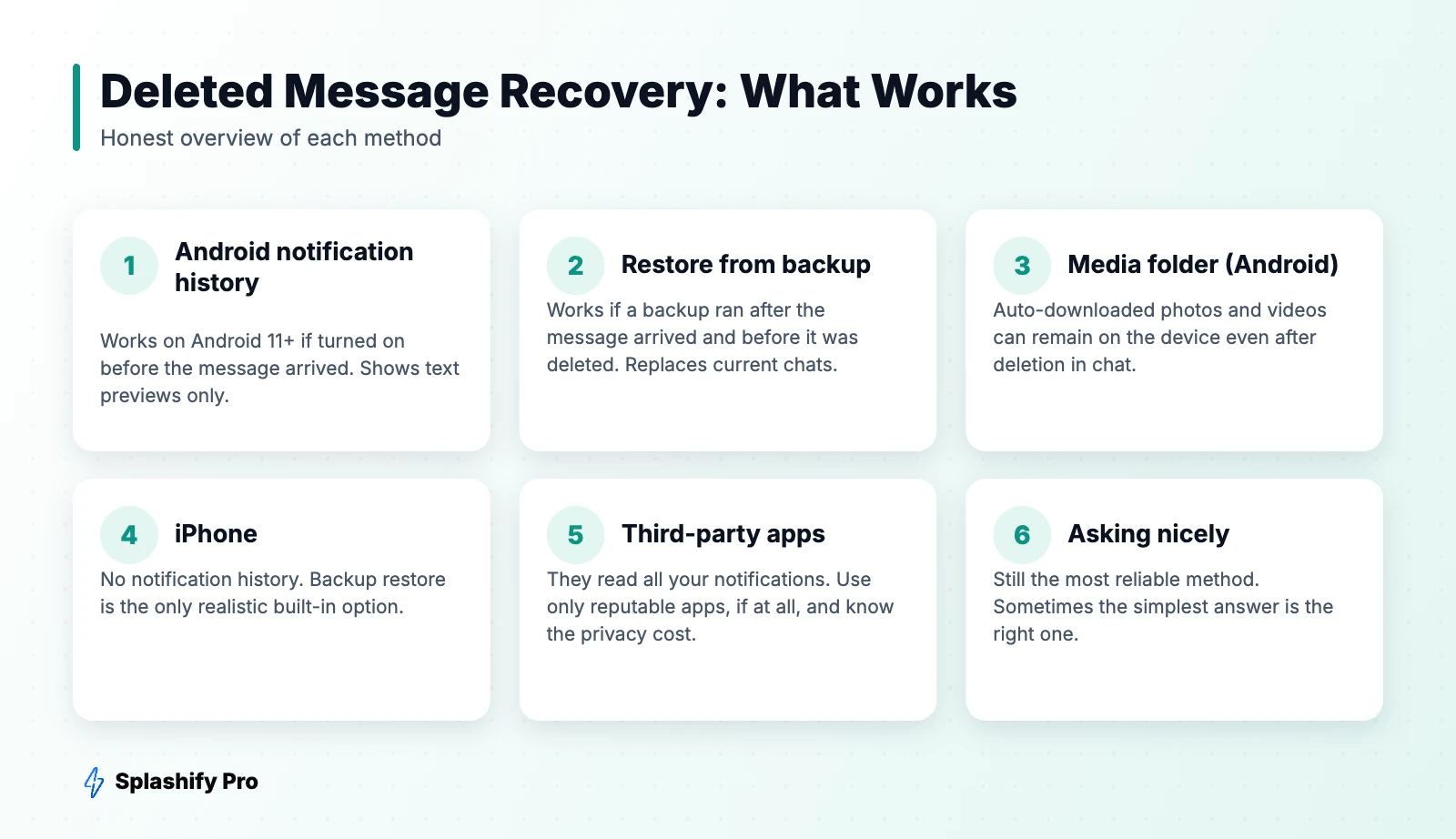
On Android 11 and later, your phone can keep a log of every notification from the last 24 hours, including WhatsApp message previews.
- Open Settings → Notifications (on some phones: Settings → Apps & notifications → Notifications).
- Tap Notification history (sometimes under Advanced settings).
- Turn it on.
From now on, when someone deletes a message, open Notification history and look under WhatsApp. You'll see the text preview of what was sent.
Limitations: it only works if notification history was turned on before the message arrived, it shows text (not media), it won't capture messages from muted chats or chats you had open at the time, and long messages may be cut off.
Method 2: Restore from a chat backup
If your daily backup ran after the message arrived but before it was deleted, the backup contains it. To recover it you'd reinstall WhatsApp and restore from Google Drive (Android) or iCloud (iPhone).
Warning: restoring replaces your current chat history with the backup, so you'll lose messages received since the backup. Most people should only do this if the deleted message really matters. See our backup and restore guide first.
Method 3: Check your media folder (Android)
If a deleted message was a photo, video or document and media auto-download was on, the file may still be on your phone. Use the Files app and look in Android → media → com.whatsapp → WhatsApp → Media. Recent Android versions keep this folder, though WhatsApp may remove the file when the sender deletes it if you haven't opened it. Results vary by device and version.
What about iPhone?
iOS doesn't have a notification history log, so there's no built-in way to view deleted messages on iPhone apart from restoring an iCloud backup taken before the deletion. If you saw the notification banner before the message was deleted, that's the only preview you'll get.
Should you use “deleted message recovery” apps?
Play Store apps that promise to show deleted WhatsApp messages work the same way as notification history: they request notification access and save every notification they see. That means they can read messages from every app — banking OTPs, work chats, personal conversations. Some also show heavy ads or upload data to their servers.
Our recommendation: use Android's built-in notification history instead. It does the same job without giving a third party access to everything you receive. If you do try an app, choose one with a clear privacy policy and offline storage, and remove notification access when you're done.
Methods that don't work
- Asking WhatsApp support — WhatsApp can't see or recover message content.
- “Hacking” tools or websites — these are scams and often malware.
- Restoring an old backup taken before the message was sent — the message won't be there.
For businesses: keeping records of customer chats
On the WhatsApp Business app, deleted messages work the same way — and your chat history lives on one phone. Businesses that need reliable records of customer conversations (for orders, disputes or compliance) should use the WhatsApp Business API with a platform like Splashify Pro, where every conversation is stored in a shared, searchable inbox accessible to your whole team. Read WhatsApp vs WhatsApp Business to understand the difference.
Frequently asked questions
Can I see a deleted WhatsApp message without any app?
Yes, on Android 11+ using Notification history — but only if it was switched on before the message arrived.
Does the sender know if I read a deleted message?
No. Notification history and backups are local to your phone, and nothing is sent to the other person.
Can I recover messages I deleted myself?
Only from a backup taken before you deleted them. Deleted messages are not stored anywhere else.
How long does someone have to delete a message for everyone?
About two days after sending. After that, they can only delete it for themselves.
The bottom line
Turn on Android's notification history today so you're ready next time. For anything older, a backup restore is the only reliable route — and it has trade-offs. Skip sketchy apps that read every notification on your phone.
- #read deleted whatsapp messages
- #recover deleted whatsapp messages
- #this message was deleted
- #whatsapp deleted messages